Step 1: Connect your stack
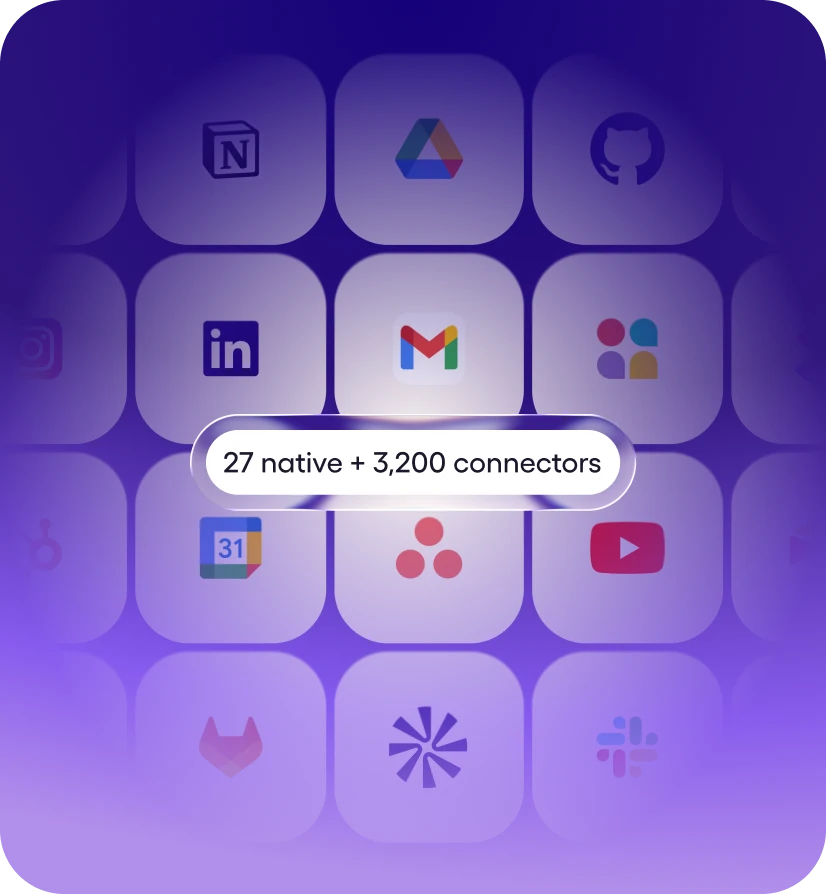
27+ native integrations plus 9,800+ tools via managed connectors. Mostly one-click OAuth, a few API keys. No webhooks, no Zapier zaps.

Viktor works in Bing Webmaster Tools for you. Ask in Slack or Microsoft Teams.
Viktor is an AI employee that connects to Bing Webmaster Tools and helps you track search performance, check crawl and index status, and submit URLs for your sites on Microsoft Bing, running 13 Bing Webmaster Tools actions for you like List sites, Submit URL, and Get URL info. Ask in plain English from your workspace; Viktor does the work in Bing Webmaster Tools and reports back. Viktor connects with an API key.
Viktor connects to your Bing Webmaster Tools account and completes work in it. He doesn't just answer questions about Bing Webmaster Tools, he takes the actions on your behalf and delivers the finished result to your workspace.
Unlike workflow builders such as Zapier or Make, there is nothing to configure - no triggers to map, no workflows to maintain. You describe the outcome in plain English, and Viktor picks the right Bing Webmaster Tools actions, chains them with the other 9,800+ tools he connects to, and, by default, asks for approval before anything sensitive runs.
About Bing Webmaster Tools
Search performance, crawl and index data, and URL submission for your verified sites on Microsoft Bing.
Message Viktor in a Slack channel, a Microsoft Teams chat or a direct message. He opens Bing Webmaster Tools, does the work and posts the result in the same thread, so nobody has to switch tabs.
He can also run Bing Webmaster Tools work on a schedule, like a weekly Bing Webmaster Tools summary posted to your team's channel. By default, anything sensitive waits for your approval before it runs.

You ask in your workspace
Describe what you need in plain English

Viktor picks the actions
Selects from 13 Bing Webmaster Tools actions, chains them together
Runs in Bing Webmaster Tools
Helps you track search performance, check crawl and index status, and submit URLs for your sites on Microsoft Bing - your real data.
Reports back
Delivers the finished result to your workspace
Messages you'd actually send. Paste one into your workspace, swap in your specifics, and Viktor takes it from there.
“Every Monday, pull last week's top queries and pages for our site from Bing Webmaster Tools and post what moved to #seo.”
— you, to @Viktor
“Check Bing Webmaster Tools for crawl issues on our site and list the affected URLs with their HTTP codes.”
— you, to @Viktor
“Look up our pricing page in Bing Webmaster Tools and tell me when it was last crawled.”
— you, to @Viktor
“Submit these five new blog URLs through Bing Webmaster Tools, after checking how much of today's quota is left.”
— you, to @Viktor
27+ native integrations plus 9,800+ tools via managed connectors. Mostly one-click OAuth, a few API keys. No webhooks, no Zapier zaps.
Example conversation
Message Viktor like you'd message a teammate. "Every Monday, pull last week's top queries and pages for our site from Bing Webmaster Tools and post what moved to #seo." "Check Bing Webmaster Tools for crawl issues on our site and list the affected URLs with their HTTP codes." Plain English, any tool.
Example conversation
Viktor opens Bing Webmaster Tools, runs the work, and posts back what changed. By default, sensitive actions wait for your approval. Everything is logged. You stop doing the work and start reviewing it.
Ask in plain English from your workspace. Viktor picks the right Bing Webmaster Tools actions, runs the work, and reports back. No workflows to build.
List the sites in your Bing Webmaster Tools account and whether each one is verified.
Daily impressions and clicks for a site over the last six months.
A site's top search queries with impressions, clicks and average positions, per week.
For one search query, the site's pages that showed for it, with impressions, clicks and average positions.
A site's top pages with impressions, clicks and average positions, per week.
For one page, the search queries it showed for, with impressions, clicks and average positions.
Weekly search-impression history for any keyword, by country and language.
Daily crawl statistics for the last six months: pages crawled, crawl errors, pages in the index, pages blocked by robots.txt and HTTP status counts.
URLs of a site that have crawl issues, each with its issue flags, HTTP code and inbound link count.
Ask for outcomes that span tools - Viktor pulls from Bing Webmaster Tools, cross-references the rest of your stack, and delivers one finished result.
Viktor connects to 9,800+ tools and works across them in a single run.
Yes. Bing Webmaster Tools is one of the 9,800+ tools Viktor connects to, as one of Viktor's native, deepest integrations. Once connected, anyone on your team can put Viktor to work in Bing Webmaster Tools from their workspace - no workflow builder, no code.
Ask Viktor in your workspace to connect Bing Webmaster Tools, then paste an API key from your Bing Webmaster Tools account when prompted. Viktor stores the key encrypted, uses it only for the actions you ask for, and you can revoke it at any time. Setup takes about two minutes.
Get your Bing Webmaster Tools API keyViktor can run 13 Bing Webmaster Tools actions, including List sites, Submit URL, and Get URL info - and chain them with other tools in a single request. In practice that means Viktor helps you track search performance, check crawl and index status, and submit URLs for your sites on Microsoft Bing. If a task spans several actions, Viktor plans the sequence itself and reports back when the work is done. You connect Bing Webmaster Tools by pasting your own Bing Webmaster Tools API key: sign in at bing.com/webmasters with the account that has your sites verified, open Settings > API Access, accept the terms the first time, choose API Key > Generate API Key and paste the key into Viktor. One key covers every site you have verified, and deleting or regenerating it in Bing Webmaster Tools disconnects Viktor until you paste the new one. Viktor has 15 tools for Bing Webmaster Tools: 13 named tools that list your sites, read rank and traffic, query, page and keyword stats, crawl stats and crawl issues, URL index details and the URL submission quota, and submit single URLs or batches, plus 2 that call other methods of the Bing Webmaster Tools API directly (GET and POST). He can also start work when a new crawl issue shows up on one of your sites, checked every six hours. Submitted URLs count against the site's daily quota, and a site that is not verified in your account is refused. Microsoft and Bing are trademarks of the Microsoft group of companies. Viktor is not affiliated with or endorsed by Microsoft.
No. Viktor isn't a workflow builder - there are no triggers to map and nothing to maintain. You ask for the outcome in plain English in your workspace, and Viktor decides which Bing Webmaster Tools actions to take, runs them, and reports back.
Start free. Viktor delivers.
Start for free today. No credit card required.