
Superhuman Go and Viktor. Choose how the work gets done.
Proactive assistant across your writing surfaces, with custom agents, an agent store, and a Slack mode. Compare that with Viktor, an AI employee for shared work in Slack and Microsoft Teams.


Used by 79,000+ teams


You don't open Viktor. You hand him the work.
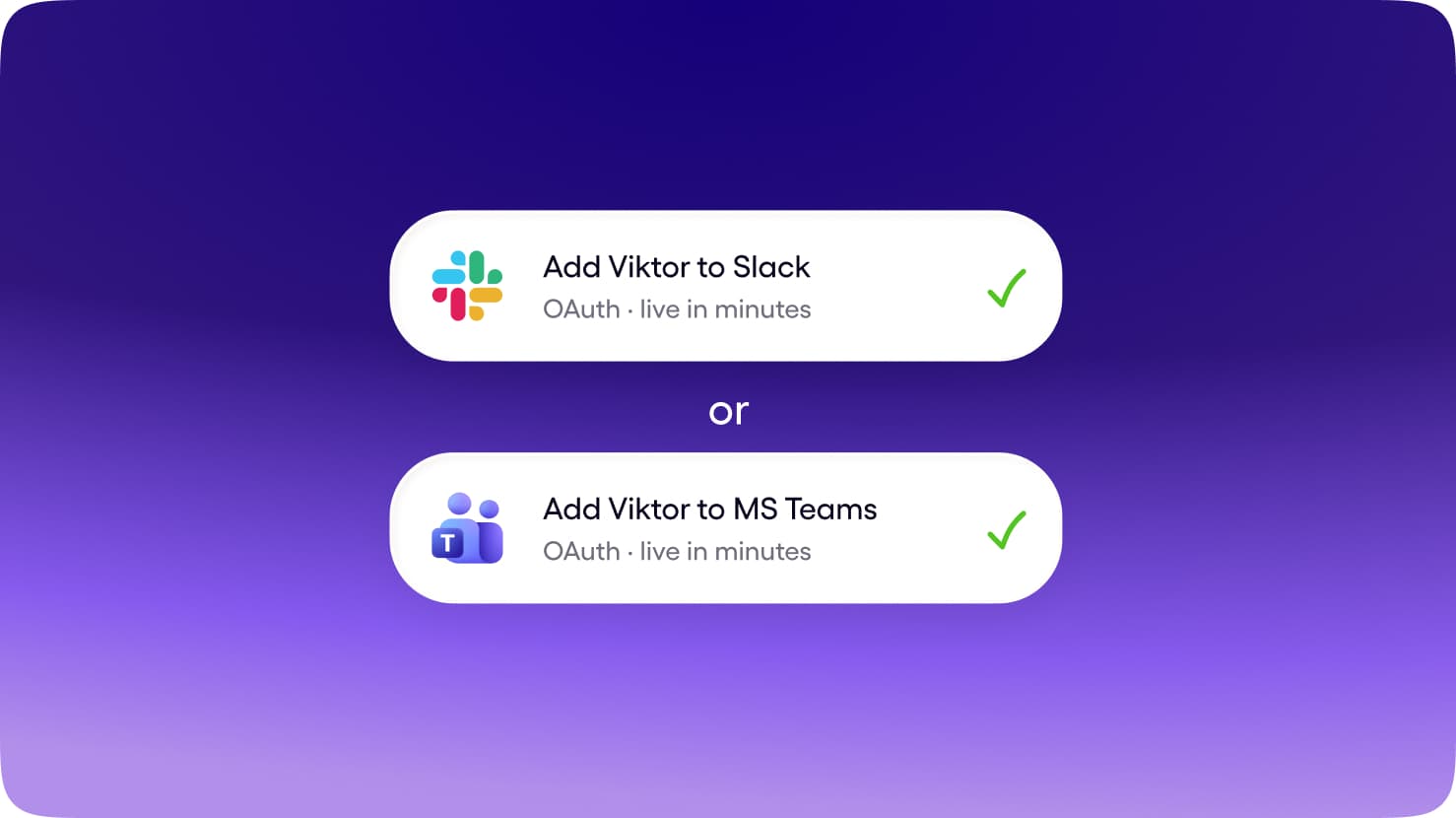
Slack and Microsoft Teams, in the same thread where the work already gets discussed. No new app for the team to adopt, no context living on one person's laptop.
Get Started for FreeAnyone can tag Viktor. He shares context across the workspace, so what one person teaches him helps the whole team.
Get Started for FreeBrief him once. He uses your tools, builds the report, deck, or app, and brings the finished work back to the thread.
Get Started for FreeViktor and Superhuman Go: how the work happens.
Start with the working environment, the people using it, and the responsibility you want to hand over.

Viktor
AI EmployeeSlack and Microsoft Teams, in the channel where the work is already discussed.
The whole team. Anyone can tag Viktor; context belongs to the workspace.
Reads the request, uses connected tools, produces the deliverable, and reports back in the thread.
Shared workspace context. What one person teaches Viktor can help the team.
9,800+ integrations, browser access, code execution, and published docs and apps.

Superhuman Go
AgentThe Go app, browser and desktop experiences, and supported Slack integrations.
One person per seat. Agents run on the individual's credentials and preferences; sharing = publishing an agent to a company directory, not a team-owned worker.
Suggests, drafts, sorts, briefs, answers. Custom agents also run on a schedule or after an email, Slack message or meeting, and can send email or update calendar invites. Nothing happens without approval.
Per-user preference learning. No workspace memory a teammate can inherit.
Connectors (pre-built + custom MCP), tier-gated: Slack+email on Pro, Jira/Linear/Zendesk on Business, Salesforce/HubSpot on Enterprise. SDK lineage = Coda Packs.
Two questions decide the whole category.
See where Superhuman Go and Viktor fit: where each one works, and how much of the job it takes on.
Scroll horizontally to explore the map. Tap a product to read its comparison.

Viktor vs Superhuman Go
Scroll horizontally to explore all the content. You can also use the left and right arrow keys when this region is focused.
| ViktorAI Employee | Superhuman Go | |
|---|---|---|
| Surface | Slack and Microsoft Teams, in the channel where the work is already discussed. | The Go app, browser and desktop experiences, and supported Slack integrations. |
| Works for | The whole team. Anyone can tag Viktor; context belongs to the workspace. | One person per seat. Agents run on the individual's credentials and preferences; sharing = publishing an agent to a company directory, not a team-owned worker. |
| Who owns the job | Reads the request, uses connected tools, produces the deliverable, and reports back in the thread. | Suggests, drafts, sorts, briefs, answers. Custom agents also run on a schedule or after an email, Slack message or meeting, and can send email or update calendar invites. Nothing happens without approval. |
| Memory | Shared workspace context. What one person teaches Viktor can help the team. | Per-user preference learning. No workspace memory a teammate can inherit. |
| Tools | 9,800+ integrations, browser access, code execution, and published docs and apps. | Connectors (pre-built + custom MCP), tier-gated: Slack+email on Pro, Jira/Linear/Zendesk on Business, Salesforce/HubSpot on Enterprise. SDK lineage = Coda Packs. |
| Price shape | Shared workspace credits from $100/month, without a subscription for each teammate. | Check Superhuman Go's current plans for pricing, included usage, and availability. |
| Best for | Ongoing team work across your connected tools. | You want assistance connected to your writing, communication, and Superhuman suite workflows. |
Product information: Superhuman Go website ↗. Check the provider for current plans and availability.

One employee for your team's work.
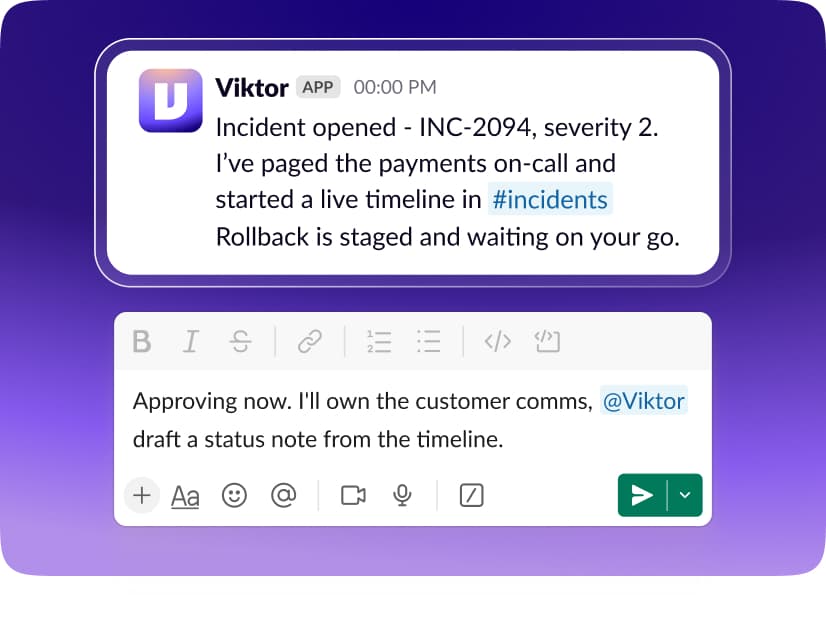
1Team-native by default
Brief Viktor in Slack or Microsoft Teams. The request, the work, and the result stay connected to the conversation your team can follow.
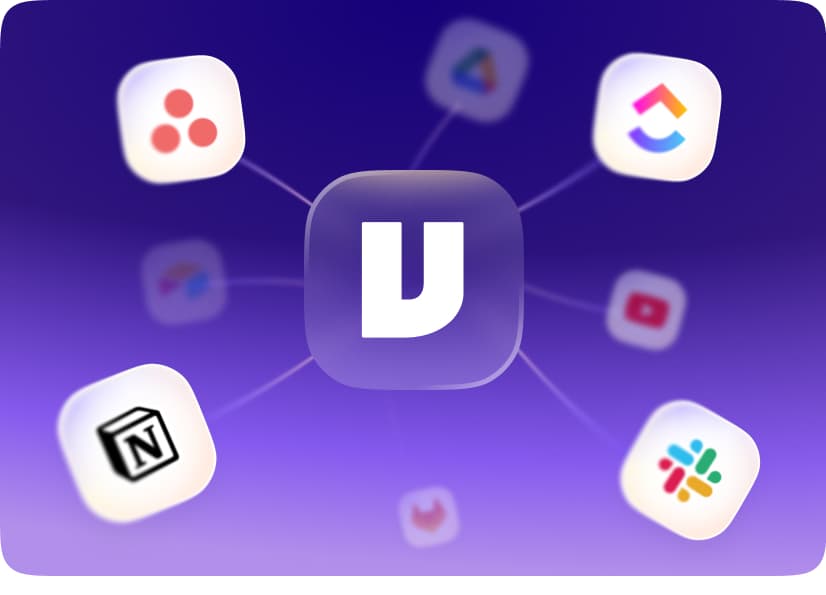
2Breadth of the whole stack
Connect 9,800+ tools, use a real browser, and run code. Viktor can bring information together and deliver reports, documents, and apps.
1 teammate
One pool
10 teammates
One pool
3A price that fits a team
Your workspace shares one credit pool, starting at $100/month. Add teammates without adding a per-person subscription.
When to choose Viktor vs Superhuman Go


You want to delegate work in Slack or Microsoft Teams.
Your team needs shared context rather than isolated individual conversations.
Your work spans several business tools and needs a finished deliverable.
You prefer a managed employee with a shared workspace credit pool.

You want assistance connected to your writing, communication, and Superhuman suite workflows.
Proactive assistant across your writing surfaces, with custom agents, an agent store, and a Slack mode.
FAQ
Proactive assistant across your writing surfaces, with custom agents, an agent store, and a Slack mode.
The Go app, browser and desktop experiences, and supported Slack integrations. Suggests, drafts, sorts, briefs, answers. Custom agents also run on a schedule or after an email, Slack message or meeting, and can send email or update calendar invites. Nothing happens without approval. Viktor takes requests in Slack and Microsoft Teams and works across the team's connected tools.
You want assistance connected to your writing, communication, and Superhuman suite workflows. Proactive assistant across your writing surfaces, with custom agents, an agent store, and a Slack mode.
Superhuman Go belongs to Superhuman Go in this catalog. Its tool type is Agent. The family groups related products; the tool type describes what this product does.
Start free. Pay only when you're ready.
Every feature. Every integration. Up to $100 in credits on the house. No credit card, no sales call, no catch. When you need more, it starts $100/month.
Up to $100 in free credits
Every feature, every integration. When you need more, it starts $100/month.
- 9,800+ integrations
- Slack and Teams
- Reports, dashboards, apps
- Code and PR reviews
- SOC 2 compliant