


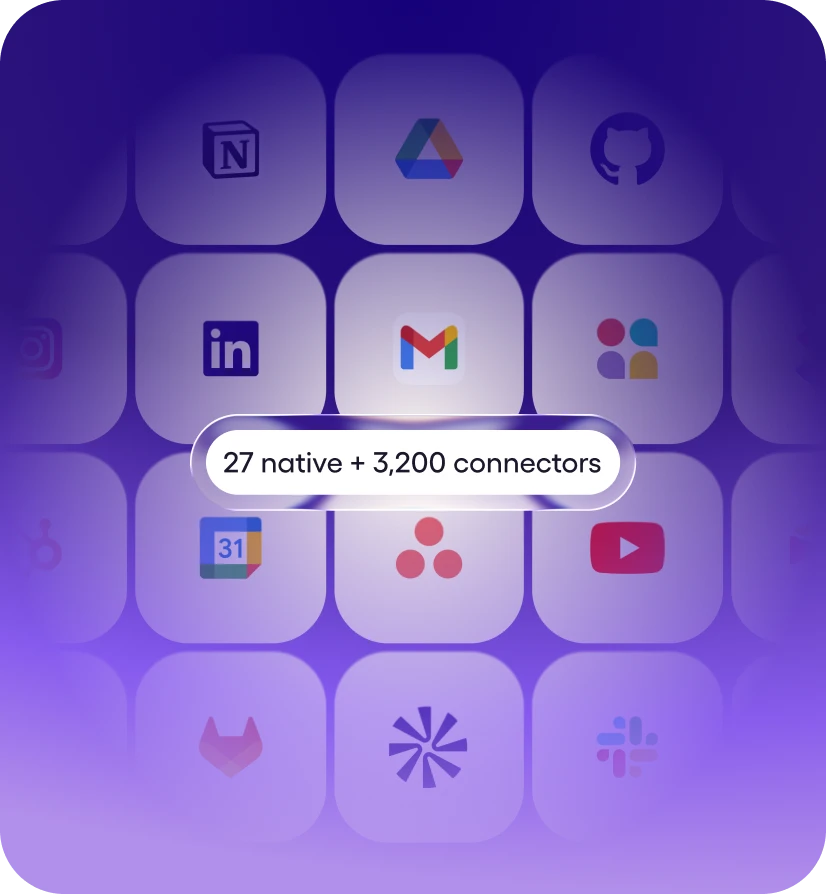
Step 1: Connect your stack
27+ native integrations plus 9,800+ tools via managed connectors. Mostly one-click OAuth, a few API keys. No webhooks, no Zapier zaps.
Solutions · Customer Success
Viktor works in Slack and Teams and runs the prep behind your CS team: triaging tickets, building QBR decks, and flagging renewal risk across your stack. Your CSMs stop preparing for customers and start talking to them.
Get Started for Free27+ native integrations plus 9,800+ tools via managed connectors. Mostly one-click OAuth, a few API keys. No webhooks, no Zapier zaps.
Message Viktor like a teammate: "Pull this week's MRR from Stripe." "Triage new Linear bugs." "Pause Meta ads over $40 CPA." Any tool.
Viktor opens the tools, runs the work, and posts back exactly what changed. Sensitive actions wait for your approval. It’s all logged.
For your support queue
Most of a CSM's day is tickets. Most of that time is gathering context across HubSpot, Zendesk, Linear, and Stripe before they can even start replying. Viktor reverses that.
Viktor pulls the customer's last 60 days into one Slack response: previous tickets, NPS history, contract details, related engineering fixes, and last-touch history. Your CSMs stop swivel-chairing across five tools to figure out who they're talking to.
Viktor sorting the overnight queue, drafting replies, routing bugs to engineering, and flagging only what needs a human.
One Slack message turns an account into a finished QBR deck. Viktor pulls adoption, ticket history, billing, and the last call quotes, then saves it to Drive ready to present.
Every Monday, Viktor scans your book and posts only the accounts that need you. Healthy accounts stay quiet, so your team works the three that matter this week.


and 9800+ more
No, by default. Every customer-facing email or ticket reply is drafted, not sent. Gmail drafts, Zendesk macros saved under your name. You hit send. Internal actions (Slack messages to your own team, sheet updates, Linear tickets) can run autonomously if you want, but anything customer-facing defaults to draft + approval.
We use Anthropic and OpenAI under enterprise zero-data-retention terms. They don't train on your data. We don't either. We store the agent thread log so you can audit what Viktor did, encrypted connector tokens, and any artifacts we created (sheets, drafts). We don't keep a parallel copy of your CRM or ticket DB. We're SOC 2 Type 1 compliant. Trust center: trust.zetalabs.ai.
Three things: every number in a draft comes from a live API call at the moment of drafting (we pull, we don't recall). Drafts are not sends, you review every customer-facing artifact. And Viktor flags inferred fields ("champion likely left, based on LinkedIn") as inference, not fact. Hallucination on hard numbers (ARR, ticket counts, dates) is rare. On interpretation, you keep a human in the loop.
Viktor asks for the minimum OAuth scopes needed for the workflows you turn on. If you only want triage and drafts, we ask for read and draft scopes, not send. By default, Viktor doesn't delete CRM records, contacts, or tickets without an explicit human action. Per-CSM scoping inherits your tool's permission model: if your CSM can only see their own book in HubSpot, Viktor connected as that CSM sees the same.
Different layer. CS platforms are systems of record and alert engines, they tell you Acme's health dropped. Viktor is the AI employee that does the work the alert triggers: pulls Acme's last 90 days, drafts the email, books the call, creates the HubSpot task. Most serious CS orgs run both. Viktor sits next to your CS platform and removes the prep tax that lives between an alert and an action.
Setup takes ten minutes. Your first renewal scan usually takes less.


