Step 1: Connect your stack
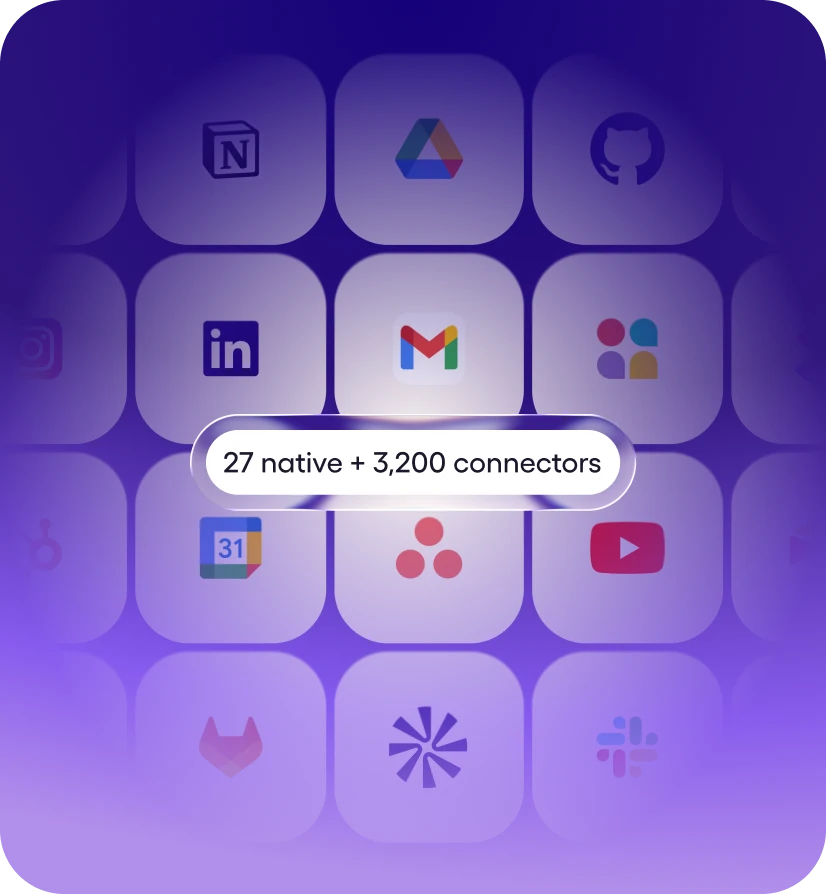
27+ native integrations plus 9,800+ tools via managed connectors. Mostly one-click OAuth, a few API keys. No webhooks, no Zapier zaps.


Viktor works in Google Ads for you. Ask in Slack or Microsoft Teams.
Viktor is an AI employee that connects to Google Ads and helps you manage Google Ads campaigns, ad groups, keywords, budgets and assets, and report on performance, running 83 Google Ads actions for you like Get ad, List ads, and Get asset. Ask in plain English from your workspace; Viktor does the work in Google Ads and reports back. Viktor connects with Sign in with Google.
Viktor connects to your Google Ads account and completes work in it. He doesn't just answer questions about Google Ads, he takes the actions on your behalf and delivers the finished result to your workspace.
Unlike workflow builders such as Zapier or Make, there is nothing to configure - no triggers to map, no workflows to maintain. You describe the outcome in plain English, and Viktor picks the right Google Ads actions, chains them with the other 9,800+ tools he connects to, and asks for approval before anything sensitive runs.
About Google Ads
Manage Google Ads campaigns, ad groups, keywords, and reporting
Message Viktor in a Slack channel, a Microsoft Teams chat or a direct message. He opens Google Ads, does the work and posts the result in the same thread, so nobody has to switch tabs.
He can also run Google Ads work on a schedule, like a weekly Google Ads summary posted to your team's channel. Anything sensitive waits for your approval before it runs.

You ask in your workspace
Describe what you need in plain English

Viktor picks the actions
Selects from 83 Google Ads actions, chains them together

Runs in Google Ads
Helps you manage Google Ads campaigns, ad groups, keywords, budgets and assets, and report on performance - your real data.
Reports back
Delivers the finished result to your workspace
Messages you'd actually send. Paste one into your workspace, swap in your specifics, and Viktor takes it from there.
“Pull yesterday's spend and conversions from Google Ads and flag anything off target.”
— you, to @Viktor
“Add these five negative keywords to the brand campaign in Google Ads, after I approve the change.”
— you, to @Viktor
“Post a summary of this week's Google Ads campaign performance to #marketing every Monday.”
— you, to @Viktor
“Which search terms in Google Ads spent the most last week without a conversion?”
— you, to @Viktor
27+ native integrations plus 9,800+ tools via managed connectors. Mostly one-click OAuth, a few API keys. No webhooks, no Zapier zaps.
Message Viktor like a teammate: "Pull this week's MRR from Stripe." "Triage new Linear bugs." "Pause Meta ads over $40 CPA." Any tool.
Viktor opens the tools, runs the work, and posts back exactly what changed. Sensitive actions wait for your approval. It’s all logged.
Ask in plain English from your workspace. Viktor picks the right Google Ads actions, runs the work, and reports back. No workflows to build.
Ask for outcomes that span tools - Viktor pulls from Google Ads, cross-references the rest of your stack, and delivers one finished result.
Viktor connects to 9,800+ tools and works across them in a single run.
Yes. Google Ads is one of the 9,800+ tools Viktor connects to, as one of Viktor's native, deepest integrations. Once connected, anyone on your team can put Viktor to work in Google Ads from their workspace - no workflow builder, no code.
Ask Viktor in your workspace to connect Google Ads, then pick your Google account in the Sign in with Google prompt and approve access. Viktor never sees your password, handles authentication itself, and starts working right away. Setup takes about two minutes, and you can revoke access at any time from your Google account.
Viktor can run 83 Google Ads actions, including Get ad, List ads, and Get asset - and chain them with other tools in a single request. In practice that means Viktor helps you manage Google Ads campaigns, ad groups, keywords, budgets and assets, and report on performance. If a task spans several actions, Viktor plans the sequence itself and reports back when the work is done. You connect it with Sign in with Google. Viktor reads accounts, campaigns, ad groups, ads, keywords, assets, budgets and performance reports, and creates, changes, pauses or removes anything only after you approve each change. Viktor is not affiliated with or endorsed by Google.
No. Viktor isn't a workflow builder - there are no triggers to map and nothing to maintain. You ask for the outcome in plain English in your workspace, and Viktor decides which Google Ads actions to take, runs them, and reports back.
Start free. Viktor delivers.
Start for free today. No credit card required.