NewYour AI employee is one email away →

Oct 26 to Nov 1

180 changes24 headlines99 features57 small

Headlines 24

Integrations

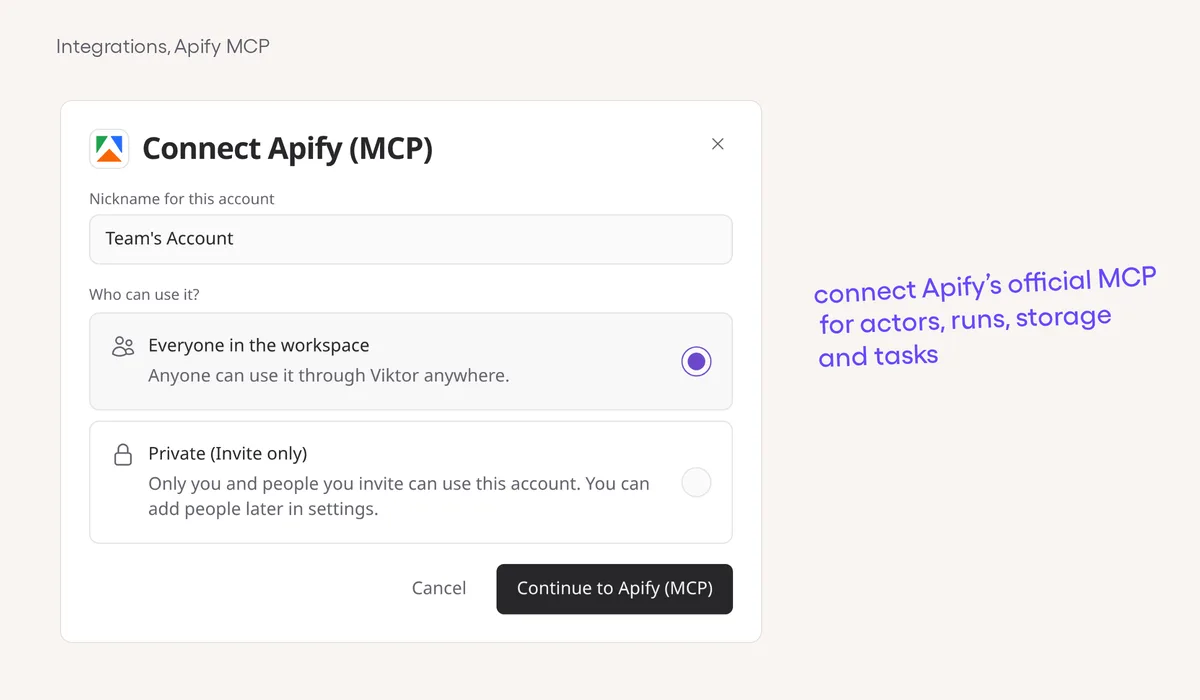
Connect Apify through its official MCPConnect Apify (MCP) with your API token to use Apify's official hosted tools.

Viktor app

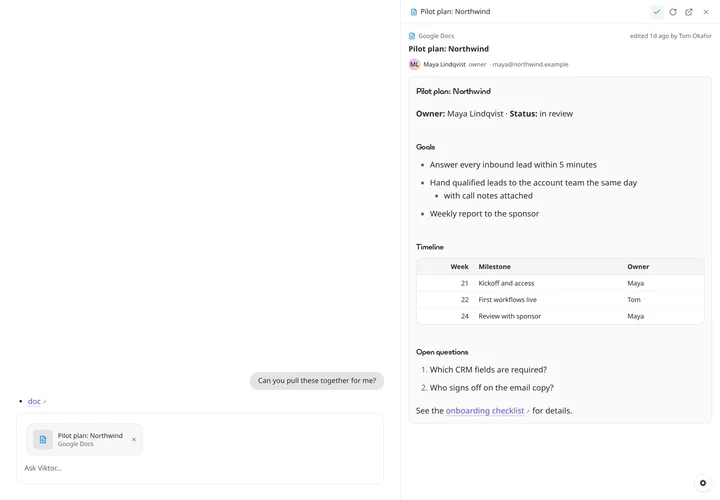
Links open right beside your chatGitHub PRs, Google files, Gmail threads and Slack messages now preview in the side pane, so you can check a link without losing your place.

Integrations

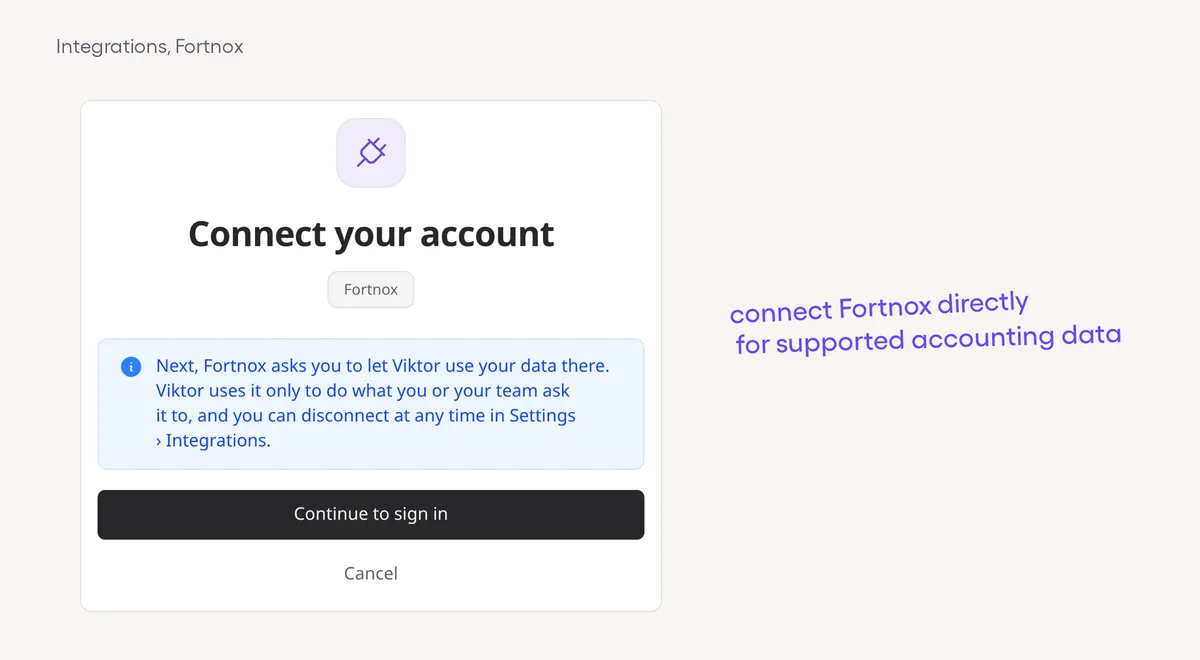
Connect Fortnox directly to ViktorConnect your company through Fortnox OAuth instead of the older third-party connection route.

Integrations

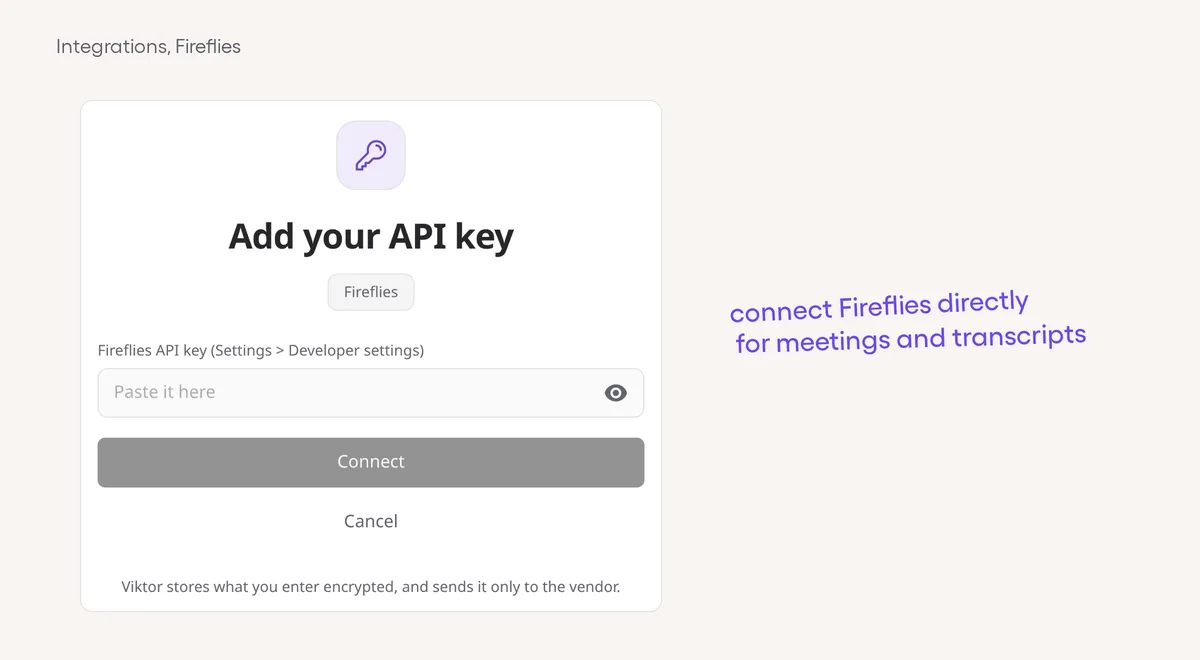
Connect Fireflies directly for meeting workConnect directly to work with supported meetings, transcripts and clips.

Viktor app

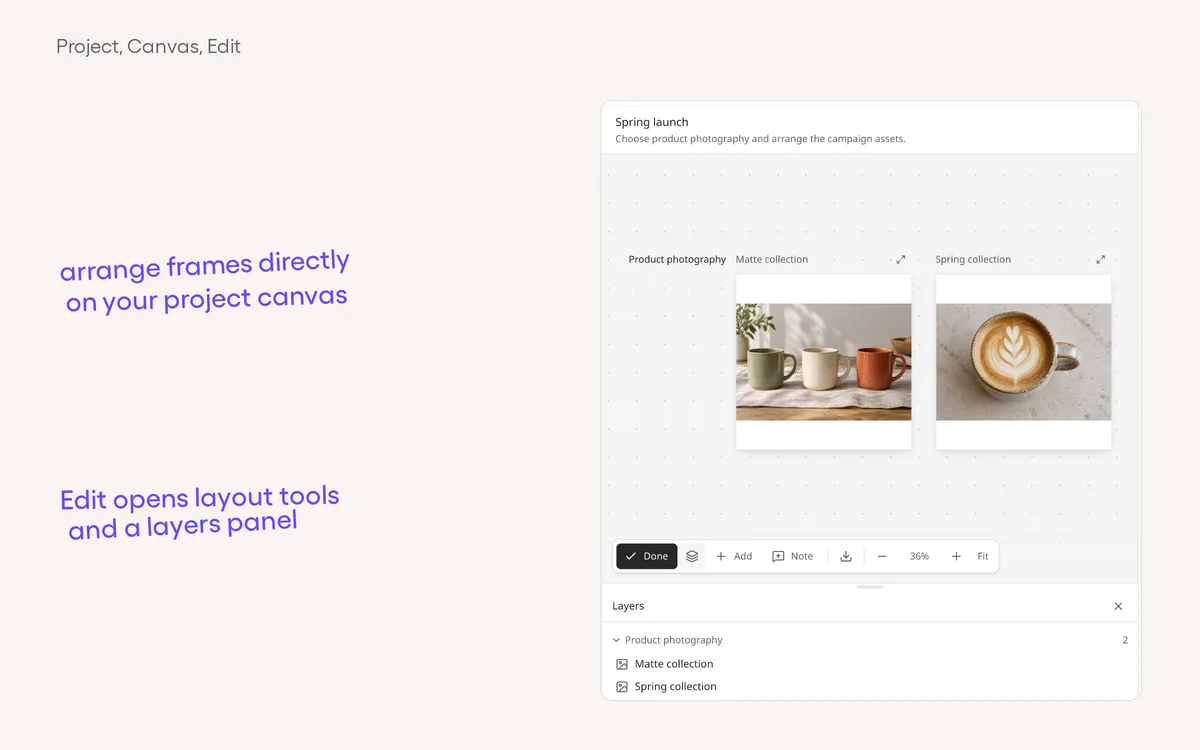
Edit, arrange and share your project canvasTurn on Edit to update a page, move or resize frames, and arrange the work side by side.

Integrations

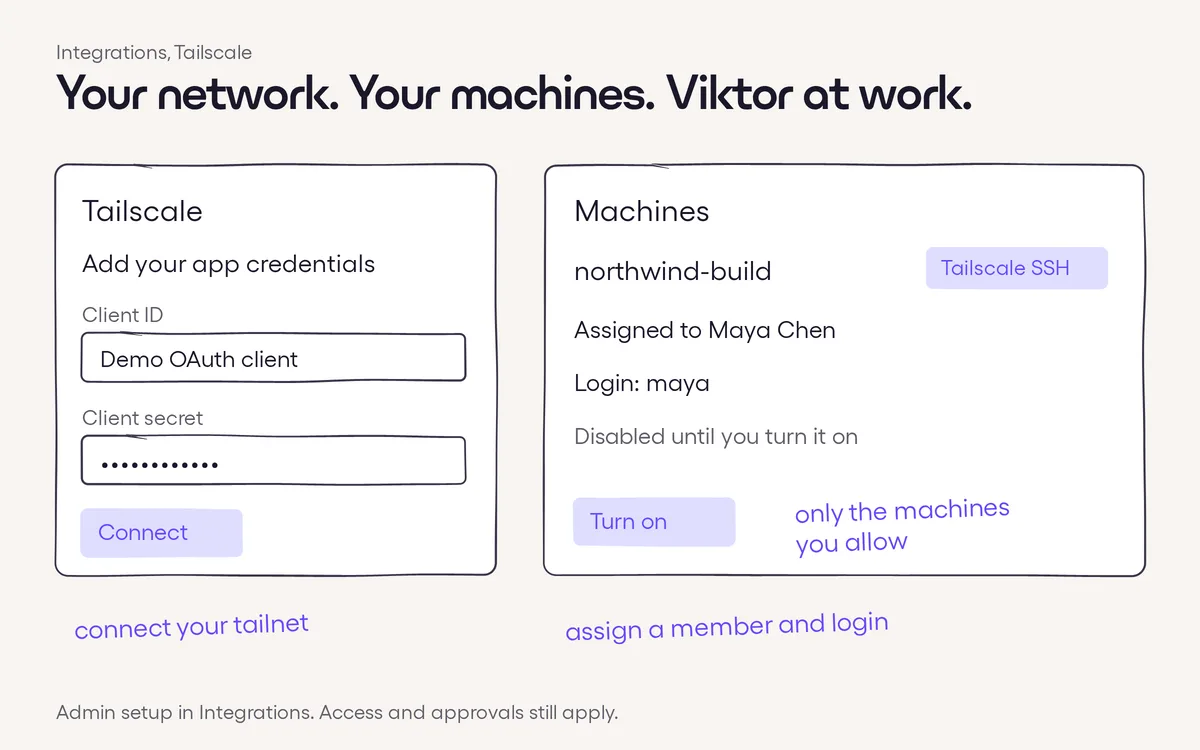
Put your Tailscale machines to workConnect your Tailscale network so Viktor can work on the developer machines you choose.

Voice

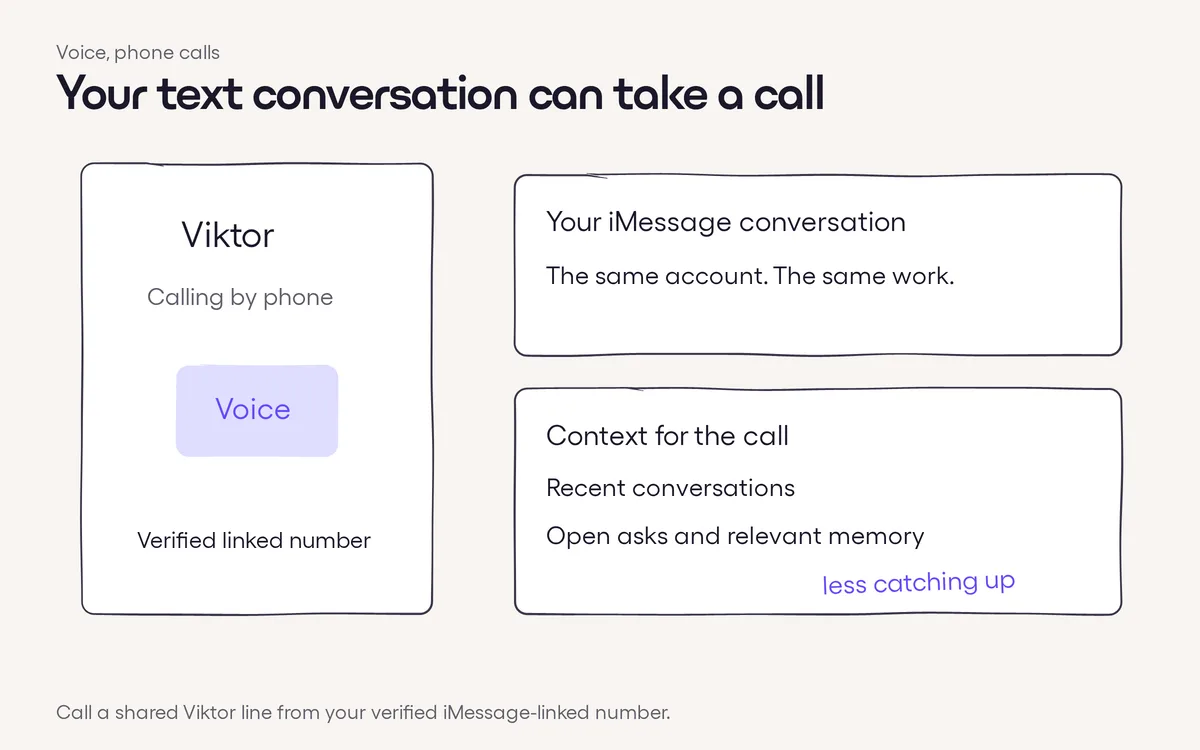
Call the Viktor number you textCall a shared Viktor messaging number from your verified, linked phone number to talk by voice.

Agent smarts

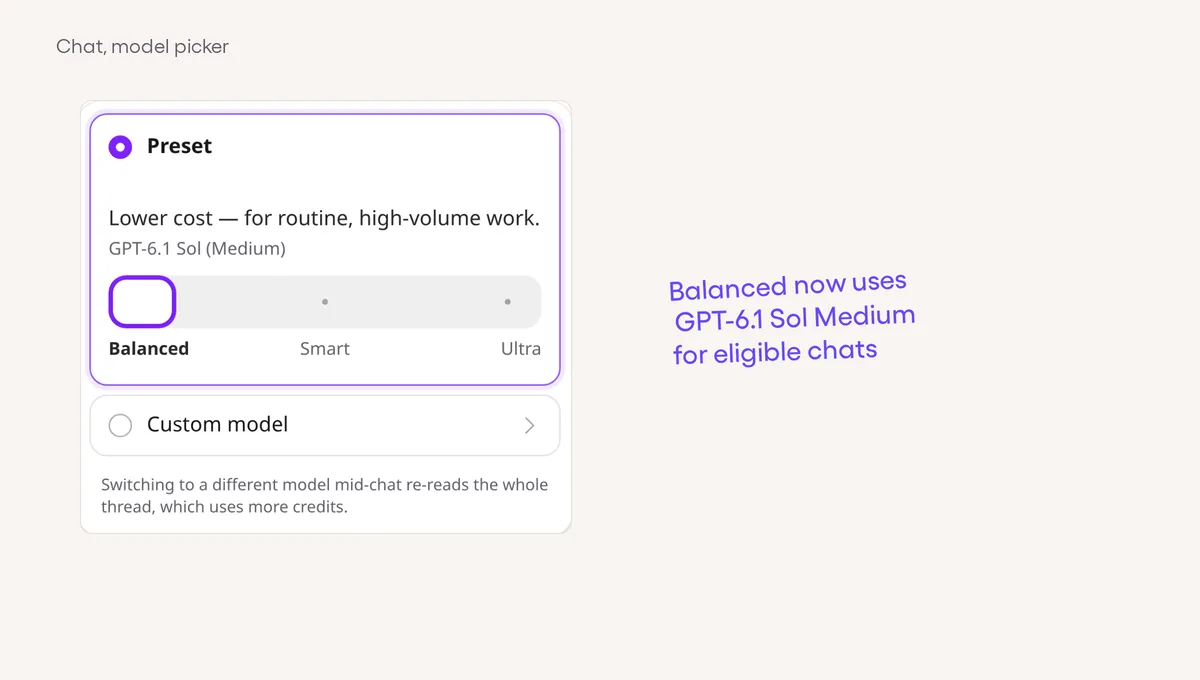
Balanced now uses GPT-6.1 Sol MediumEligible Balanced chats now use GPT-6.1 Sol with medium reasoning, without a manual model change.

Integrations

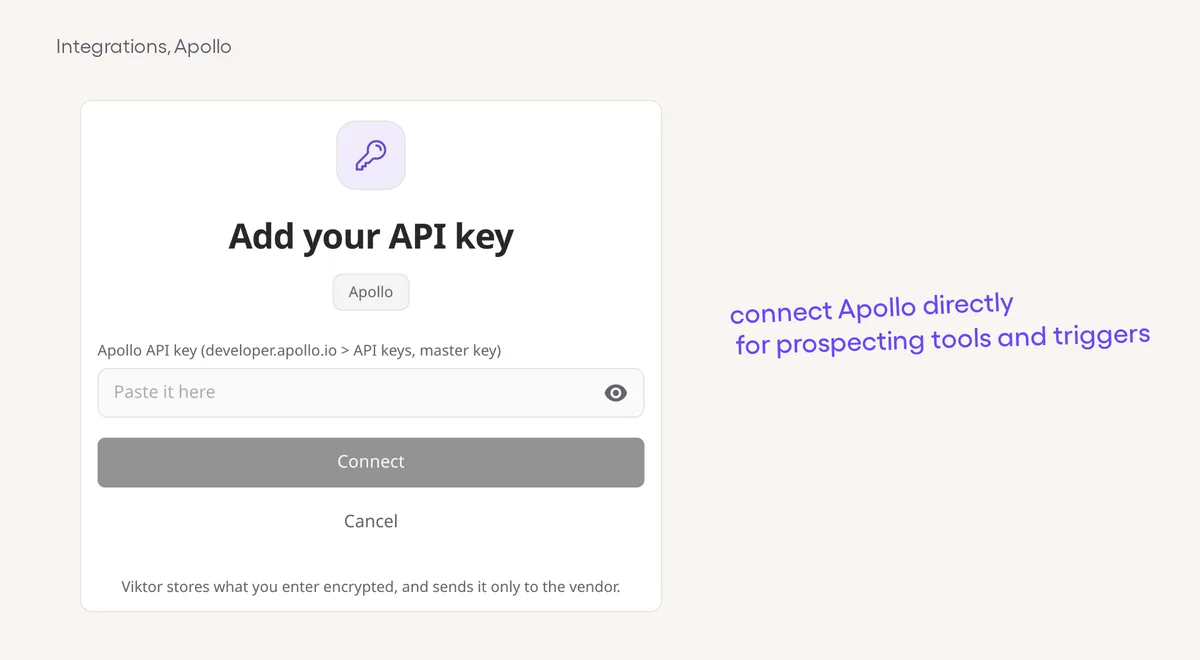
Use Apollo through a direct connectionViktor now offers a direct Apollo connection for supported prospecting, enrichment and CRM actions.

Viktor app

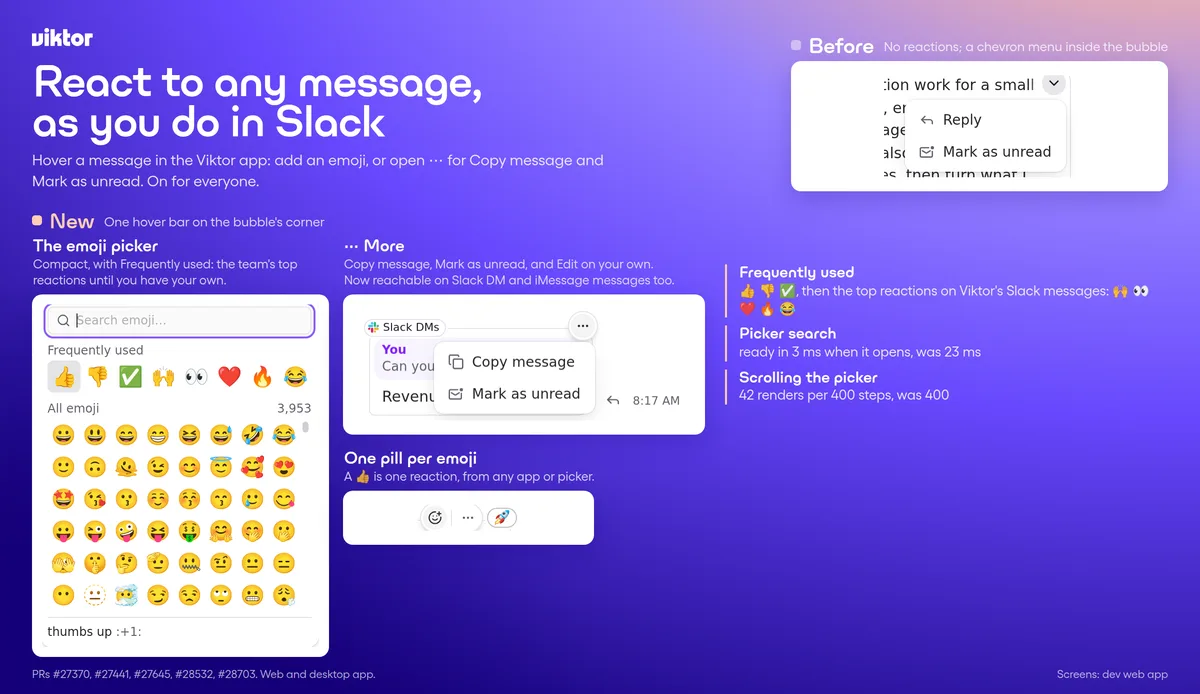
React to messages, and watch videos inlineHover any message in Viktor chat to add an emoji, and videos Viktor shares now play right in the reply.

Viktor app

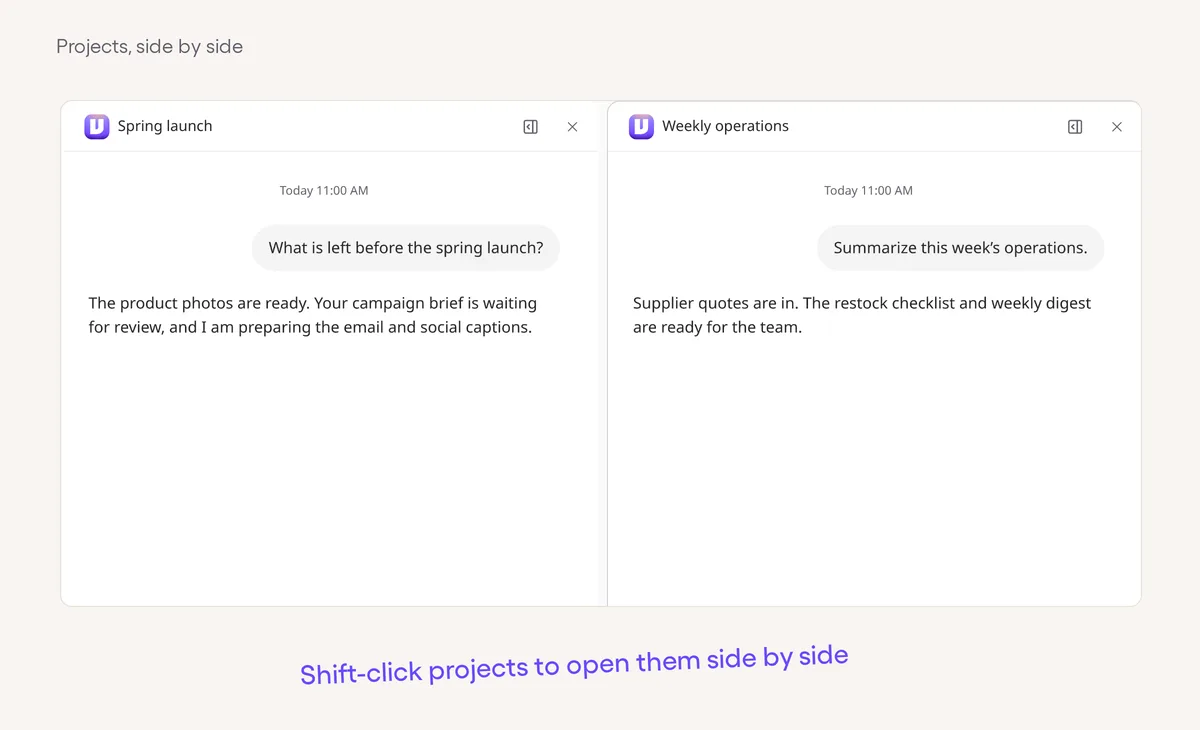
Open projects side by sideHold Shift and click a project in the sidebar to open it beside the one you are reading, on web and desktop.

Integrations

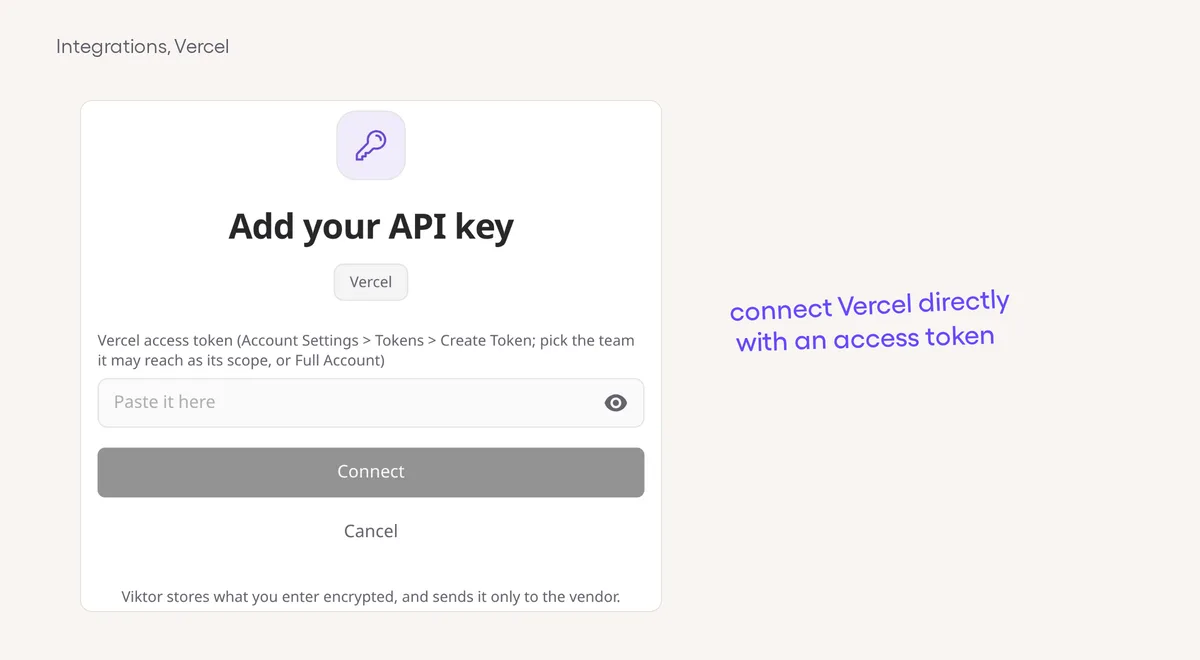
A direct Vercel connectionConnect Vercel with an access token to work with deployments and projects through Viktor’s own connector.

Integrations

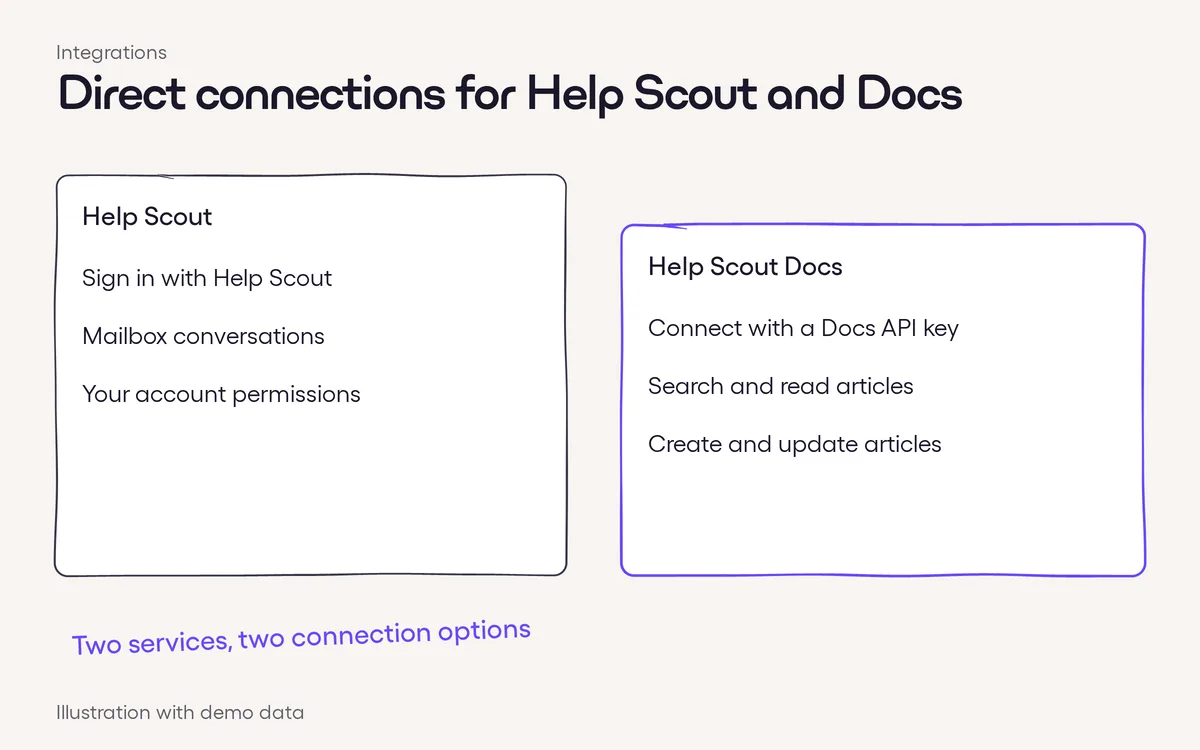
Direct connections for Help Scout and DocsSign in to Help Scout for mailbox work through Viktor’s own connector, alongside the existing connection options.

Integrations

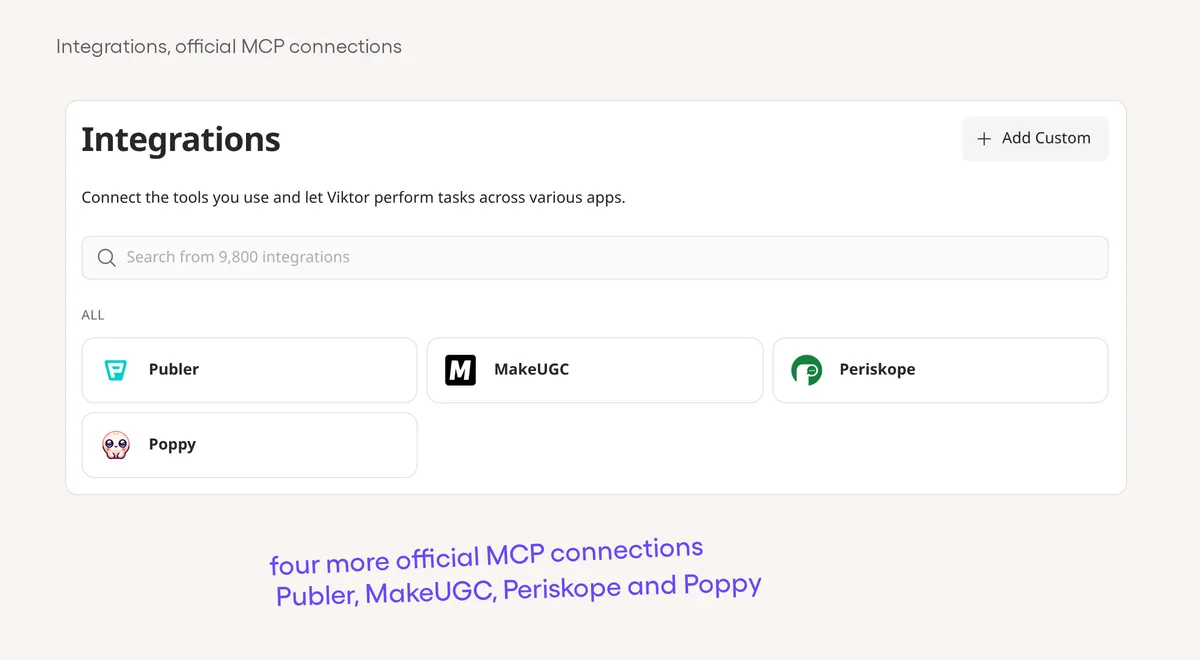
Connect Publer, MakeUGC, Periskope and PoppyConnect Publer, MakeUGC, Periskope and Poppy through their official MCP connections.

Integrations

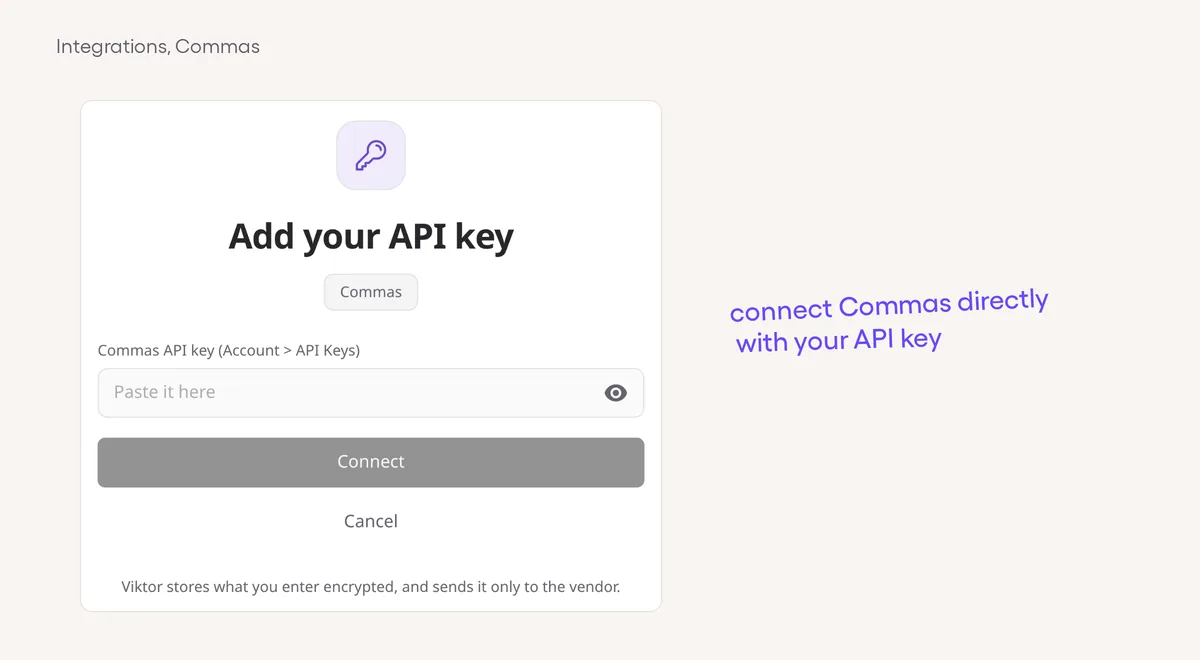
Connect Commas without a custom API setupConnect with your API key instead of building a custom connection for Commas, formerly FanBasis.

Agent smarts

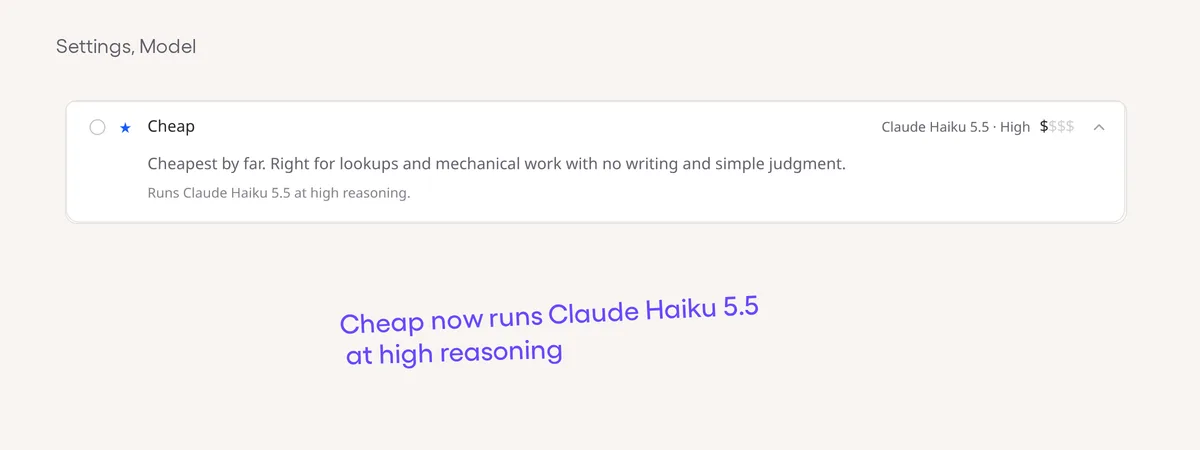
Claude Haiku 5.5 in the Cheap presetThe Cheap preset now uses Claude Haiku 5.5 with high reasoning for eligible chats.

Viktor app

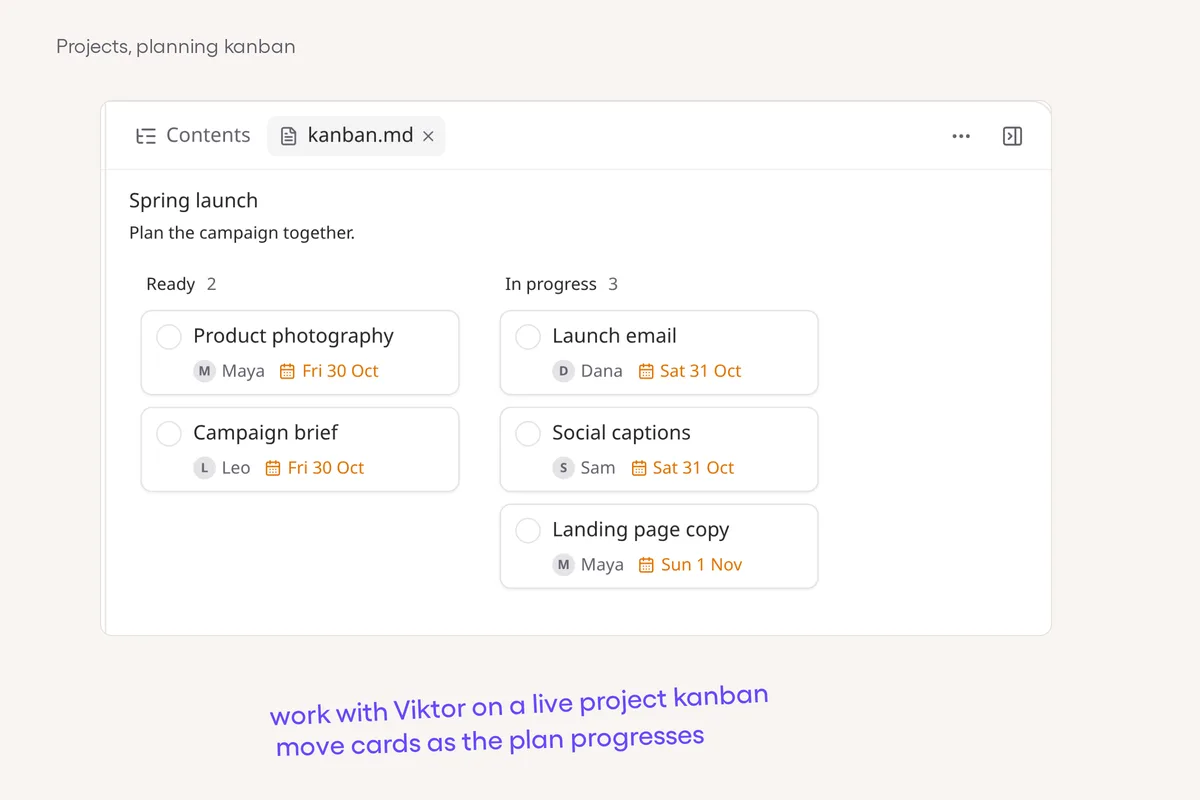
Plan projects on a canvas, kanban or timelineCompare designs on a live canvas, move tasks through a kanban and review dated plans on a timeline beside your project chat.

Viktor app

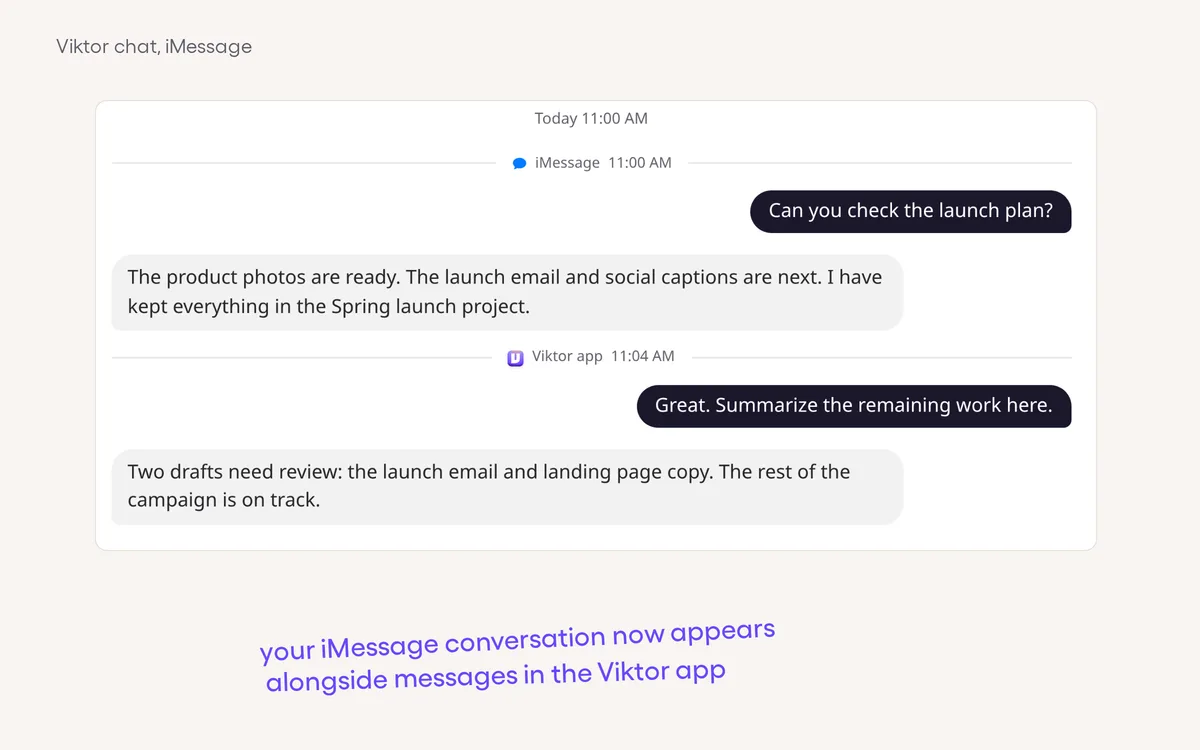
Your iMessage conversation, inside Viktor chatRead iMessage alongside your app conversation, and use channel pills to focus on iMessage or Slack DMs.

Slack, Teams & email

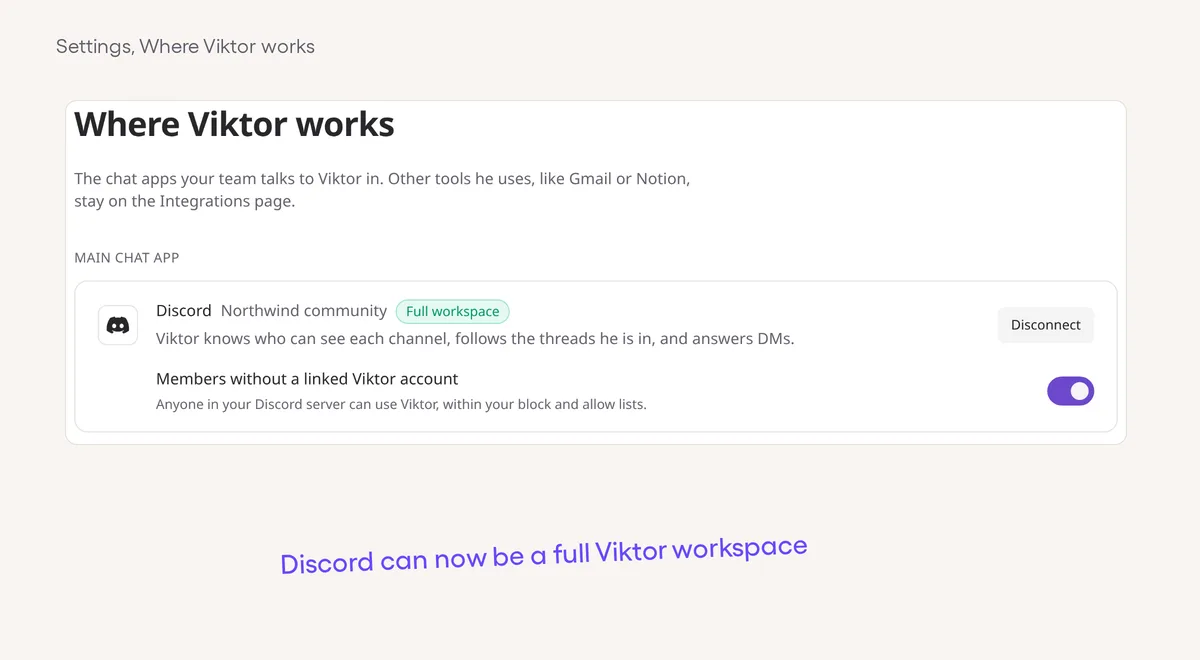
Make Discord your full Viktor workspaceConnect Discord as a full workspace for ongoing conversations, scheduled reports and workflow discovery.

Viktor app

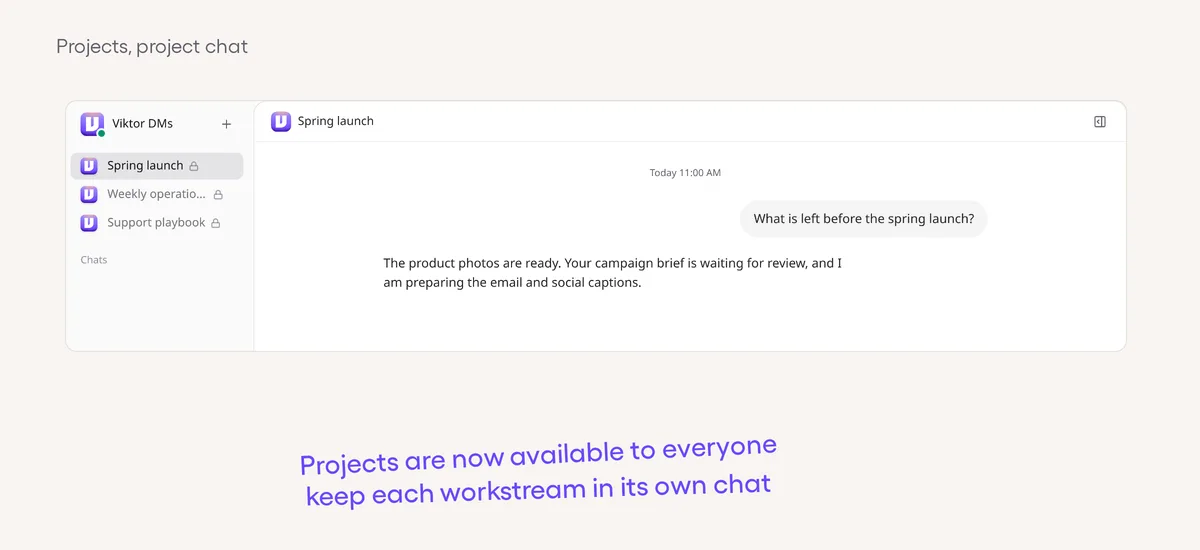
Projects are now available to everyoneCreate a project to keep its conversation and working context together, separate from your everyday chat with Viktor.

Agent smarts

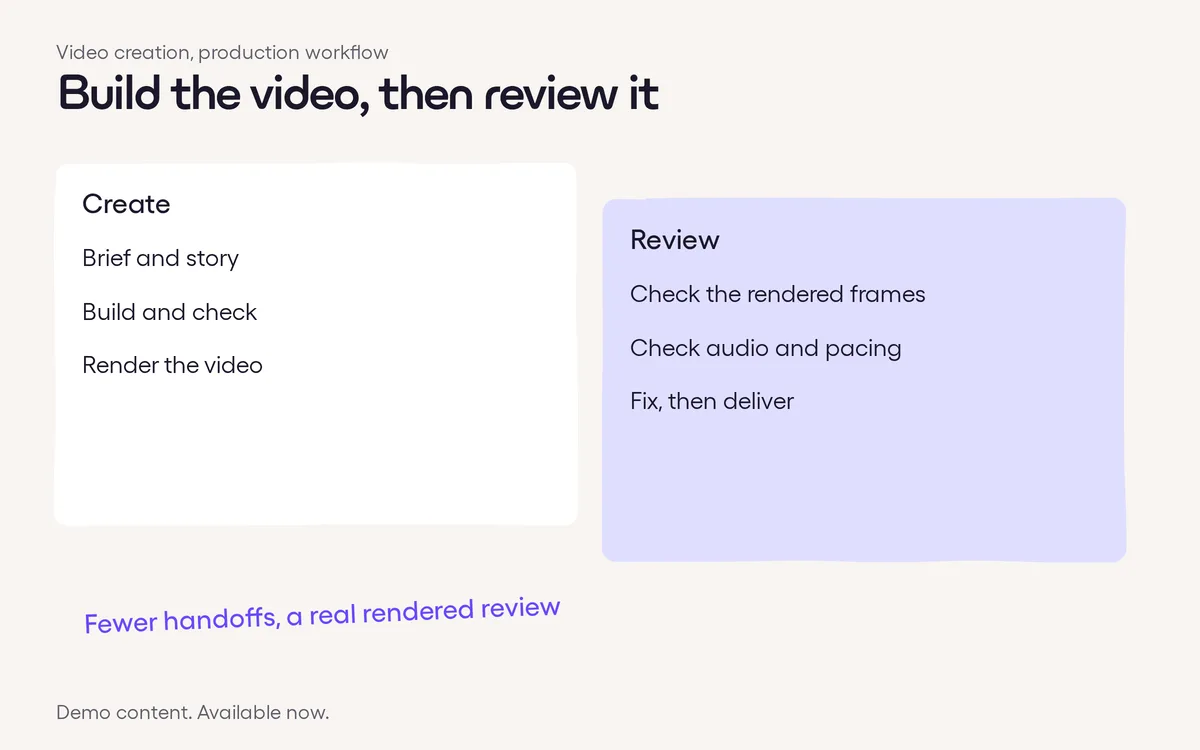
Video creation takes a more direct routeViktor uses a simpler workflow to plan, build and render videos instead of handing every stage through a large chain of agents.

Viktor app

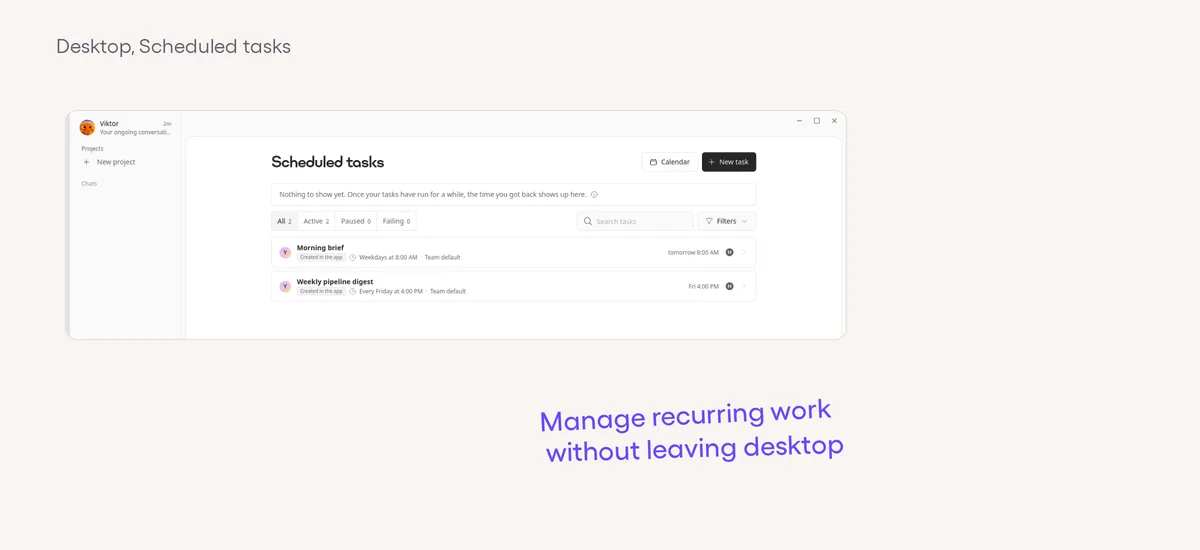
More of your workspace stays in the desktop appBrowse Skills, manage scheduled tasks, open your Spaces library and read Docs without switching to a browser.

Agent smarts

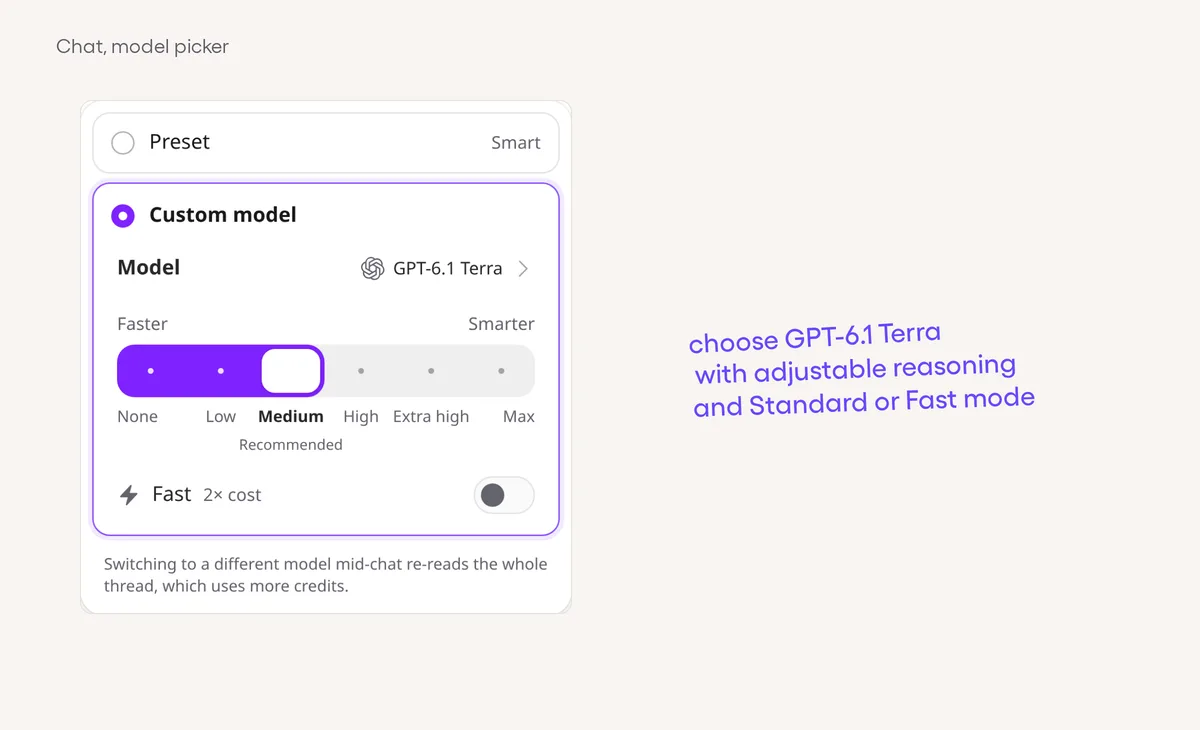
GPT-6.1 Terra is ready to chooseChoose GPT-6.1 Terra for a conversation without changing your workspace default or existing presets.
Features 99

Viktor app34 features
Integrations23 features
57 small improvementsOne line each, from the daily roundups
Integrations
  • Instantly connects directly. New connections use the direct integration, while existing connections retain their calls, triggers and reconnect support.
  • A clearer Airtable choice. New Airtable connection choices favor Viktor's native connector while existing connections keep working.
  • Short Meta Ads limits, handled. Supported Meta Ads reads can wait out brief rate limits automatically, including comment and video-status checks.
  • Better Salesforce query recovery. Common query errors give Viktor targeted guidance to check real field names and correct the query.
  • Lean results, complete lists. Viktor can request only the fields he needs and page through supported large integration results without hand-wiring each page.
  • Faster tool hand-backs. Supported MCP calls can return their result without waiting for slow session cleanup.
  • Connections get ready sooner. Refreshing integration tools does less repeated work before your connected workspace is ready.
  • Read-only Axiom research. Viktor can delegate Axiom log queries to read-only research workers without giving them permission to make outside changes.
  • Find the right action. Viktor can look up integration actions and their documentation directly, without searching the whole tool catalog.
  • A second try for Close. Short Close rate limits can be retried automatically rather than ending the call straight away.
  • Better custom API paging. Viktor can read more paging and rate-limit information from custom APIs to plan the next request.
  • Connect Housecall Pro in chat. Viktor can offer a direct Housecall Pro connection card in the conversation.
  • More choices in HIPAA workspaces. HIPAA workspaces can connect HubSpot, Asana, Miro and YouTube through Pipedream; Asana is also available again in the catalog.
  • Current Square connections. New Square connections use the vendor’s current MCP endpoint and stay grouped under the Square catalog card.
  • Shared vendor limits. Supported Airtable and Quo connections coordinate requests against their shared vendor limits instead of each spending the same allowance separately.
  • A Square reminder before expiry. Viktor can send the connecting user a Slack reminder to reconnect Square before its grant expires.
  • Straight to vendor sign-in. Supported integration install links can open the vendor’s authorization flow without an extra choice of connection method.
  • Retry reads, not writes. Supported direct integrations can retry a short read throttle without resending writes that might duplicate a message or record.
  • BigQuery setup, explained. Look for Google Cloud & BigQuery (Service Account) and follow the IAM setup instructions instead of the Google sign-in route.
  • Airtable bases get their own room. Requests to separate Airtable bases no longer share one small limit, and rate-limited calls wait before retrying.
  • Access instead of a manual step. When an app connection or saved site login would let Viktor handle a step for you, he can offer it in your project chat.
  • Asana sign-in. Choose the personal access token connection option alongside OAuth.
  • Freshdesk in chat. Start connecting directly from the card Viktor offers in a conversation.
  • New ClickUp checklists. Ask Viktor to create a checklist on a task before adding its items.
Agent
  • Clearer before and after. Coding pull requests can show a headline, explanatory captions and highlighted changes in their comparison visuals.
  • More complete lists. Built-in paging now covers OpenPhone, Fathom and Linear MCP, so Viktor can keep reading beyond the first results page.
  • Questions in plain language. Viktor gets feedback on unexplained jargon and unsourced dates in project questions, helping make them easier to answer.
  • Less waiting on memory updates. Viktor's memory uses a newer embedding model without waiting for a second, older copy on every update.
  • A useful hint on old scripts. Certain scheduled-script failures now explain that you can ask Viktor to rewrite the script using the newer integration SDK.
  • Less rescanning in large repositories. Viktor can reuse an unchanged repository skill catalog and keep large skill scans from crowding out interactive work.
  • A closer look at workflow runs. While working in your repository, Viktor can inspect the GitHub Actions runs for a specific workflow.
  • Progress in plain English. Command steps can say what Viktor is doing instead of only showing Running a command.
  • Delegated work returns sooner. A finished helper can return its result without an extra model turn that adds no work.
Web app
  • Know what a drop will do. A label follows your drag to preview actions such as grouping or pinning, or explain why a drop is not allowed.
  • Buttons answer your click. Answer buttons show your choice immediately and keep the chosen answer in place when Viktor replies, on web and desktop.
  • Answer with an image. Paste or drop a picture into a question's Something else answer instead of sending it through the main composer.
  • Scheduled tasks in Contents. A project's Contents now lists its scheduled tasks with their rhythm, paused state and a link to the task details.
  • Your frequent reactions first. The emoji picker opens with useful Frequently used reactions and stays smoother while you search or scroll.
  • Quicker project notices. Project-sharing and archive confirmations arrive directly, without waiting for a generated reply.
  • New chat in the sidebar. Start a separate conversation from the Chats section’s plus button or New chat row on web and desktop.
  • Paste it inline. Paste the same long text a second time, before typing or editing, to turn the paste card into normal message text on web and desktop.
  • Right arrow works too. Press the right arrow key, as well as Tab, to accept a suggested message when the composer is empty.
  • One place for app status. Reconnecting, Back online and new-version notices share a compact status message on web and desktop.
  • Projects load sooner. The project list starts loading earlier when you open the web or desktop app.
  • A quieter Viktor row. The pinned row shows when Viktor is working or waiting on you, with Search close at hand on web and desktop.
  • Messages stay readable. Older project messages keep their normal text contrast on web, desktop and Android.
  • Rewards in reach. Find Rewards in the sidebar and the Creator Program under Usage in your account menu on web and desktop.
  • Clearer project files. Files in the side pane give sections and lists more room, with standalone bold labels treated as section labels in the reader and editor.
  • Easier project creation. New projects appear at the bottom of your list, the New project row sits above Shared, and a quick + stays available when that row is out of view.
Mobile
  • Channel filters in the title. In the Android app, tap the Viktor chat title to choose All messages or a linked channel instead of using a separate row of filter chips.
Admin and billing
  • Choose who gets an answer. Workspace admins can decide whether Viktor answers Google Chat members who have not linked their Viktor account.
  • Choose who gets Zoom replies. Workspace admins can decide whether Viktor answers Zoom members who have not linked a Viktor account.
Slack and Teams
  • Project invites reach you. When someone adds you to a shared project, Viktor can let you know in your Slack DM, then Teams or app chat if Slack isn't available.
Spaces
  • Calmer new Hubs. Newly built project Hubs start with a simple card layout and neutral graphite dark mode. Existing deployed Hubs do not change.
  • Less deployment waiting. Updating a Space no longer waits on an unnecessary step before switching traffic to the new deployment.
  • Quicker initial setup. Matching dependencies can be reused without checking every Space folder in the workspace.
Desktop
  • The same project improvements. The stable desktop app includes the clearer project-file layout and sidebar creation controls.
Get Started for Free