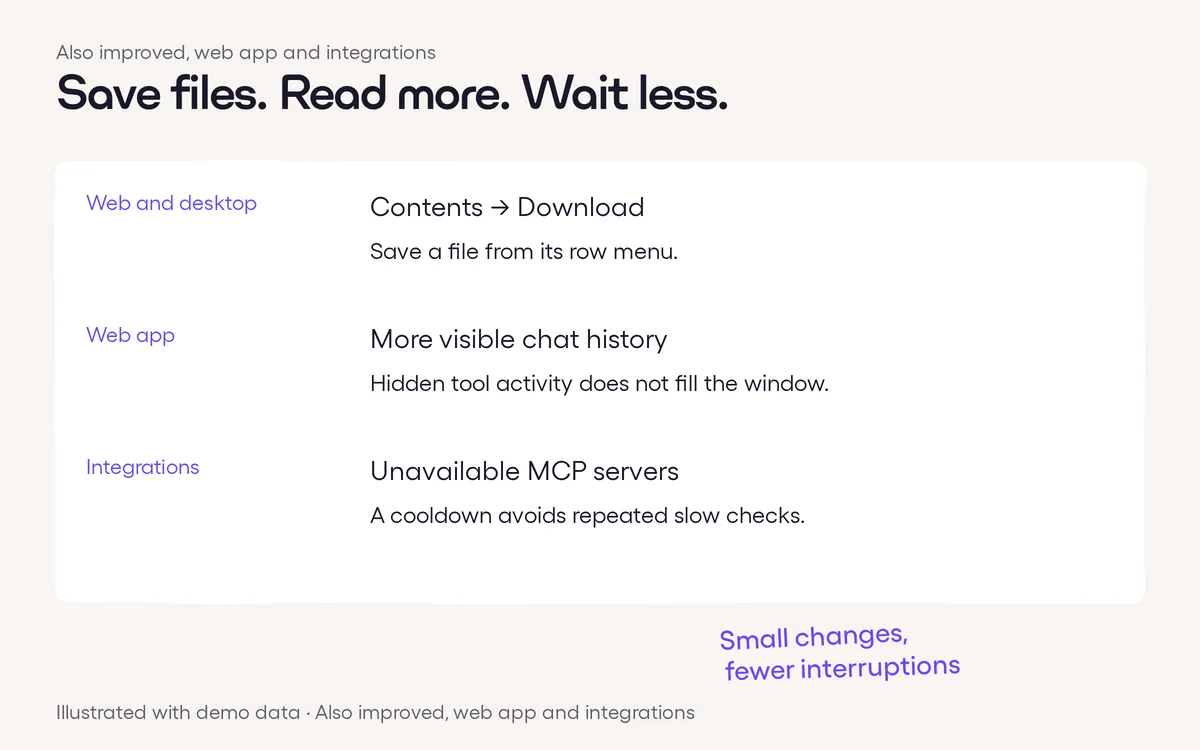
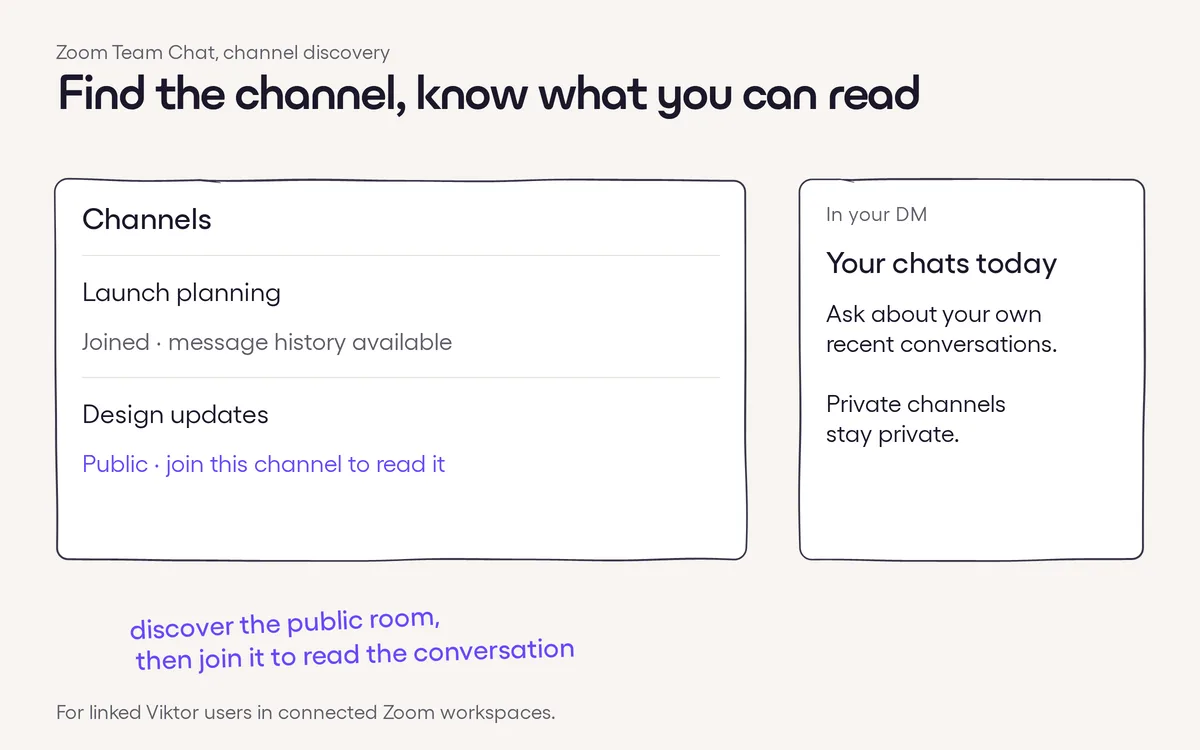
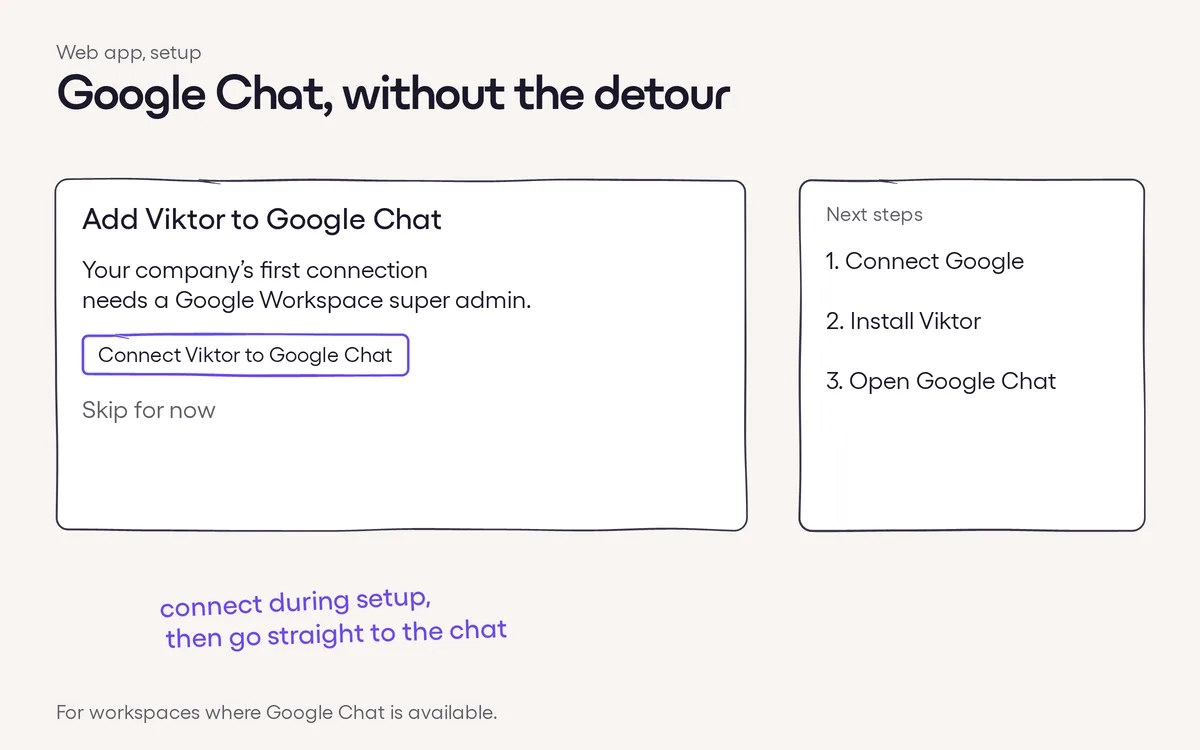
Click to zoomConnect your Dropbox. Authorize Dropbox directly to let Viktor work with your files, folders and shared links.Reconnect when needed. If you remove Viktor in Dropbox's connected apps, you can reconnect from Viktor and authorize access again.←Previous · #092Directly shared projects open straight awayNext · #094→Clearer project files, easier creation and moreMore in Integrations#435 · Nov 14Contents downloads, fuller chat history and more#432 · Nov 13Find more of your Zoom Team Chat context#419 · Nov 13Connect Google Chat right from setup