
MausBot and Viktor. Choose how the work gets done.
Your own team of AI bots, in a chat app. Compare that with Viktor, an AI employee for shared work in Slack and Microsoft Teams.

Used by 83,000+ teams


You don't open Viktor. You hand him the work.
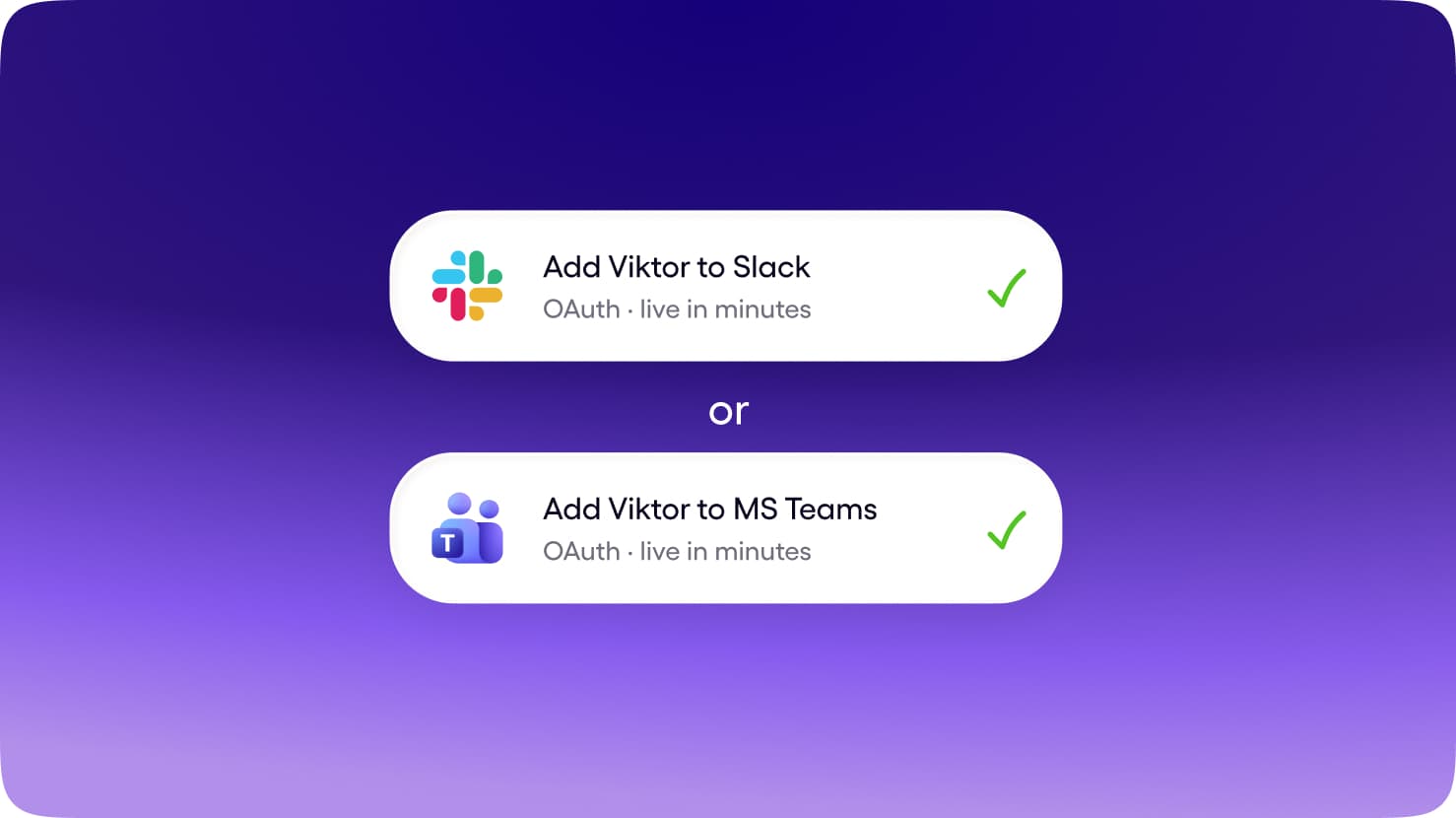
Slack and Microsoft Teams, in the same thread where the work already gets discussed. No new app for the team to adopt, no context living on one person's laptop.
Get Started for FreeAnyone can tag Viktor. He shares context across the workspace, so what one person teaches him helps the whole team.
Get Started for FreeBrief him once. He uses your tools, builds the report, deck, or app, and brings the finished work back to the thread.
Get Started for FreeViktor and MausBot: how the work happens.
Start with the working environment, the people using it, and the responsibility you want to hand over.

Viktor
AI EmployeeSlack and Microsoft Teams, in the channel where the work is already discussed.
The whole team. Anyone can tag Viktor; context belongs to the workspace.
Reads the request, uses connected tools, produces the deliverable, and reports back in the thread.
Shared workspace context. What one person teaches Viktor can help the team.
9,800+ integrations, browser access, code execution, and published docs and apps.
MausBot
Self-hostedMausBot's pricing page, read 27 Nov 2026, lists "Apps for Mac, Windows, Linux, iPhone and Android"; on Team, "Then people mention @MausBot in a channel, or message it directly." People "join in the browser, with nothing to install".
MausBot's pricing page, read 27 Nov 2026, says "A team's bots live once, on the team's Cloud" and "everyone it is shared with works with that same bot".
MausBot's documentation, read 27 Nov 2026, says "On a team's Cloud, every bot reports to one person: whoever created it, unless someone chose another." and "Everyone can still chat with every shared bot."
MausBot's pricing page, read 27 Nov 2026, says "Save to team memory adds a message to what the bot remembers for the whole team."
MausBot's home page, read 27 Nov 2026, says "Gmail, Slack, GitHub, Notion, Linear and hundreds more over Composio. OAuth once, every bot can use them."
Two questions decide the whole category.
See where MausBot and Viktor fit: where each one works, and how much of the job it takes on.
Viktor vs MausBot
Scroll horizontally to explore all the content. You can also use the left and right arrow keys when this region is focused.
| ViktorAI Employee | MausBot | |
|---|---|---|
| Surface | Slack and Microsoft Teams, in the channel where the work is already discussed. | MausBot's pricing page, read 27 Nov 2026, lists "Apps for Mac, Windows, Linux, iPhone and Android"; on Team, "Then people mention @MausBot in a channel, or message it directly." People "join in the browser, with nothing to install". |
| Works for | The whole team. Anyone can tag Viktor; context belongs to the workspace. | MausBot's pricing page, read 27 Nov 2026, says "A team's bots live once, on the team's Cloud" and "everyone it is shared with works with that same bot". |
| Who owns the job | Reads the request, uses connected tools, produces the deliverable, and reports back in the thread. | MausBot's documentation, read 27 Nov 2026, says "On a team's Cloud, every bot reports to one person: whoever created it, unless someone chose another." and "Everyone can still chat with every shared bot." |
| Memory | Shared workspace context. What one person teaches Viktor can help the team. | MausBot's pricing page, read 27 Nov 2026, says "Save to team memory adds a message to what the bot remembers for the whole team." |
| Tools | 9,800+ integrations, browser access, code execution, and published docs and apps. | MausBot's home page, read 27 Nov 2026, says "Gmail, Slack, GitHub, Notion, Linear and hundreds more over Composio. OAuth once, every bot can use them." |
| Price shape | Shared workspace credits from $100/month. | Check MausBot's current plans for pricing, included usage, and availability. |
| Best for | Ongoing team work across your connected tools. | You want your own team of AI bots in a chat app, running on your own machine. |
Product information:
- MausBot ↗, checked
- MausBot pricing ↗, checked
- MausBot documentation ↗, checked
Check the provider for current plans and availability.

One employee for your team's work.
1Team-native by default
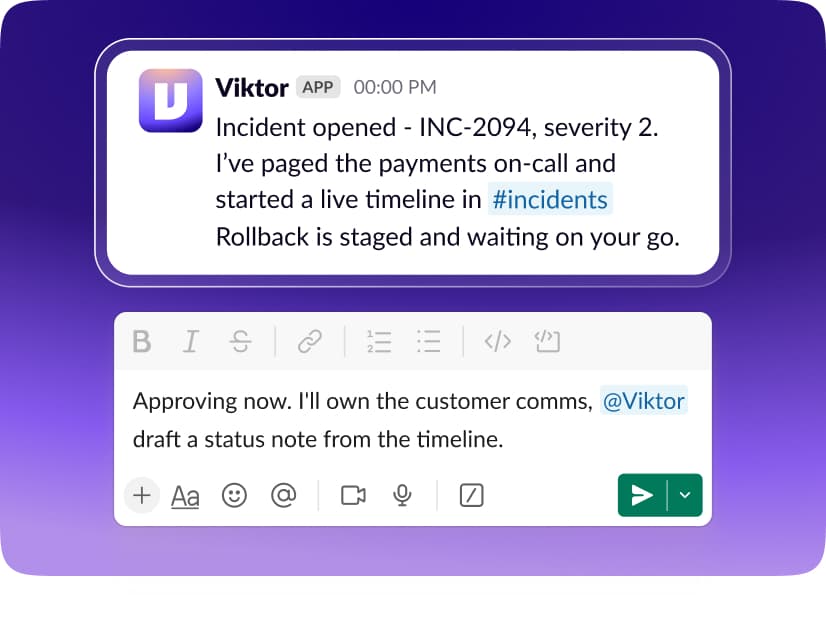
Brief Viktor in Slack or Microsoft Teams. The request, the work, and the result stay connected to the conversation your team can follow.

2Breadth of the whole stack
Connect 9,800+ tools, use a real browser, and run code. Viktor can bring information together and deliver reports, documents, and apps.
1 teammate
One pool
10 teammates
One pool
3A price that fits a team
Viktor is priced per workspace, starting at $100/month.
When to choose Viktor vs MausBot


Your team needs shared context.
Your work spans several business tools and needs a finished deliverable.
You prefer a managed employee with a shared workspace credit pool.

You want your own team of AI bots in a chat app, running on your own machine.
Your own team of AI bots, in a chat app.
More from Open source

OpenClaw
Self-hosted
An open-source, self-hosted AI assistant that plugs into Slack, WhatsApp, and Telegram.
Centaur 2.0
Self-hosted
Self-hosted, Slack-native agent runtime that runs real work in an isolated sandbox and replies in thread.
Hermes Agent
Self-hosted
Open-source self-improving agent with persistent memory and one gateway that fronts 25+ chat surfaces.
Diana
Clone
A managed, governed OpenClaw that gives every workspace member their own AI employee in Slack.
FAQ
Your own team of AI bots, in a chat app.
MausBot's pricing page, read 27 Nov 2026, lists "Apps for Mac, Windows, Linux, iPhone and Android"; on Team, "Then people mention @MausBot in a channel, or message it directly." People "join in the browser, with nothing to install". MausBot's documentation, read 27 Nov 2026, says "On a team's Cloud, every bot reports to one person: whoever created it, unless someone chose another." and "Everyone can still chat with every shared bot." Viktor takes requests in Slack and Microsoft Teams and works across the team's connected tools.
MausBot's pricing page, read 27 Nov 2026, says "One shared bot." and "Each person's own chats with it stay private: no teammate and no admin can read them."
MausBot's pricing page, read 27 Nov 2026, lists on each Cloud plan "Always on: automations run around the clock, even with your laptop off".
Start free. Pay only when you're ready.
Every feature. Every integration. Up to $100 in credits on the house. No credit card, no sales call, no catch. When you need more, it starts $100/month.
Up to $100 in free credits
Every feature, every integration. When you need more, it starts $100/month.
- 9,800+ integrations
- Slack and Teams
- Reports, dashboards, apps
- Code and PR reviews
- SOC 2 compliant