
Choose your stack. Own the setup. Viktor is one AI employee.
OpenClaw, Centaur 2.0, Hermes Agent, and Diana offer different balances of control and convenience. This group includes open-source tools and managed offerings built around them.

Used by 72,000+ teams


You don't open Viktor. You hand him the work.
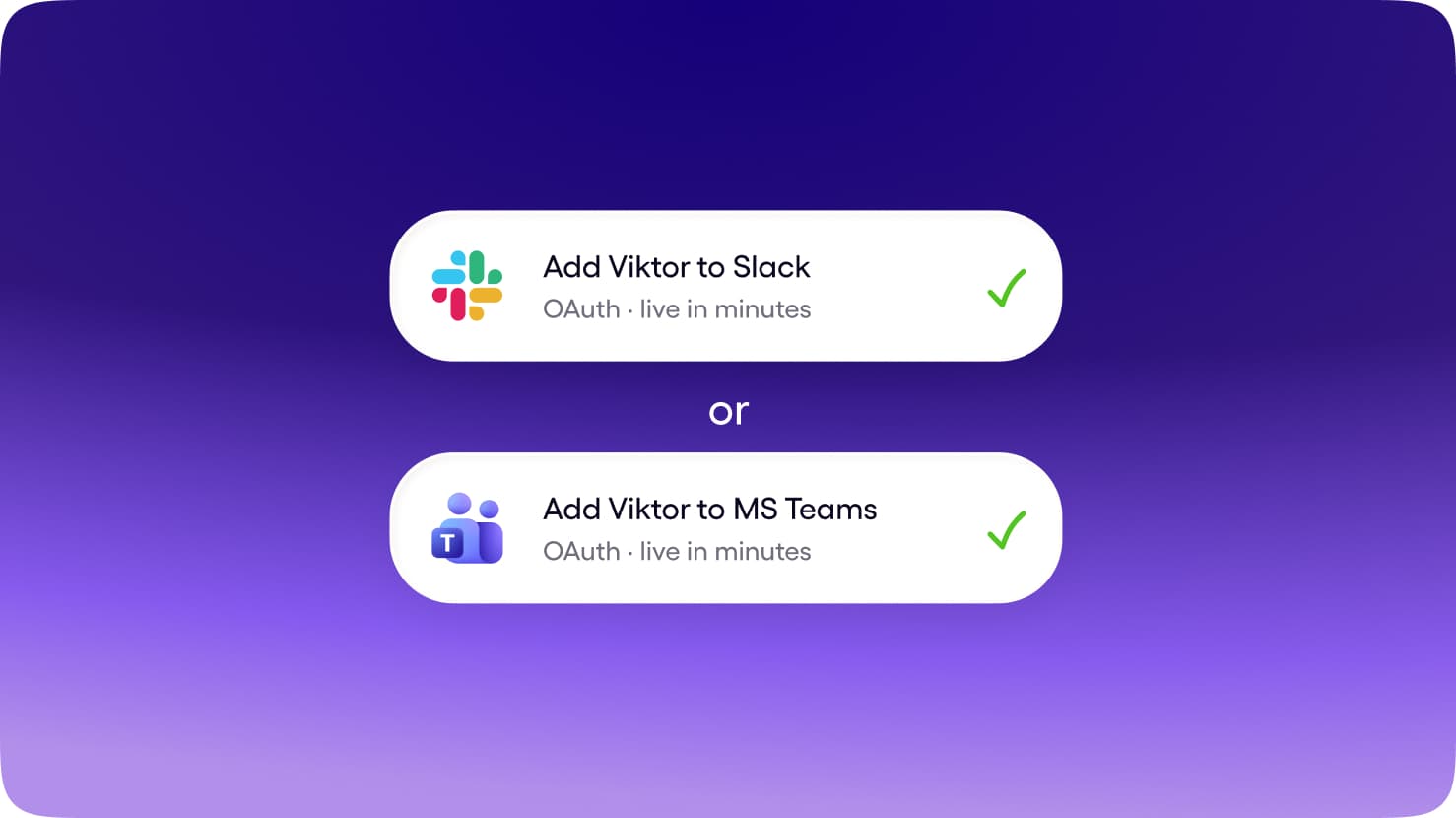
Slack and Microsoft Teams, in the same thread where the work already gets discussed. No new app for the team to adopt, no context living on one person's laptop.
Get Started for FreeAnyone can tag Viktor. He shares context across the workspace, so what one person teaches him helps the whole team.
Get Started for FreeBrief him once. He uses your tools, builds the report, deck, or app, and brings the finished work back to the thread.
Get Started for FreeTwo questions decide the whole category.
Where does the work happen, and how much of the job does the tool own? Explore the 4 products in this group alongside Viktor.


OpenClaw
Self-hosted
An open-source, self-hosted AI assistant that plugs into Slack, WhatsApp, and Telegram.
Centaur 2.0
Self-hosted
Self-hosted, Slack-native agent runtime that runs real work in an isolated sandbox and replies in thread.
Hermes Agent
Self-hosted
Open-source self-improving agent with persistent memory and one gateway that fronts 25+ chat surfaces.
Diana
Clone
A managed, governed OpenClaw that gives every workspace member their own AI employee in Slack.
Viktor vs Open source
Scroll horizontally to explore all the content. You can also use the left and right arrow keys when this region is focused.
 ViktorAI Employee ViktorAI Employee | Open source | |
|---|---|---|
| Surface | Slack and Microsoft Teams, in the channel where the work is already discussed. | Local or hosted environments, often connected to messaging channels. Managed offerings provide a different operating model from self-hosting. |
| Works for | The whole team. Anyone can tag Viktor; context belongs to the workspace. | Technical users and teams who value control over deployment, models, or configuration. |
| Who owns the job | Reads the request, uses connected tools, produces the deliverable, and reports back in the thread. | Agents can perform tasks, while responsibility for hosting, maintenance, and configuration depends on the deployment. |
| Memory | Shared workspace context. What one person teaches Viktor can help the team. | Local, hosted, or workspace context; storage and sharing are implementation-specific. |
| Tools | 9,800+ integrations, browser access, code execution, and published pages and apps. | Model providers, plugins, gateways, and connectors selected by the operator or managed provider. |
| Price shape | Shared workspace credits from $100/month, without a subscription for each teammate. | Check Open source's current plans for pricing, included usage, and availability. |
| Best for | Ongoing team work across your connected tools. | You want control over models, deployment, and configuration. |

One employee for your team's work.
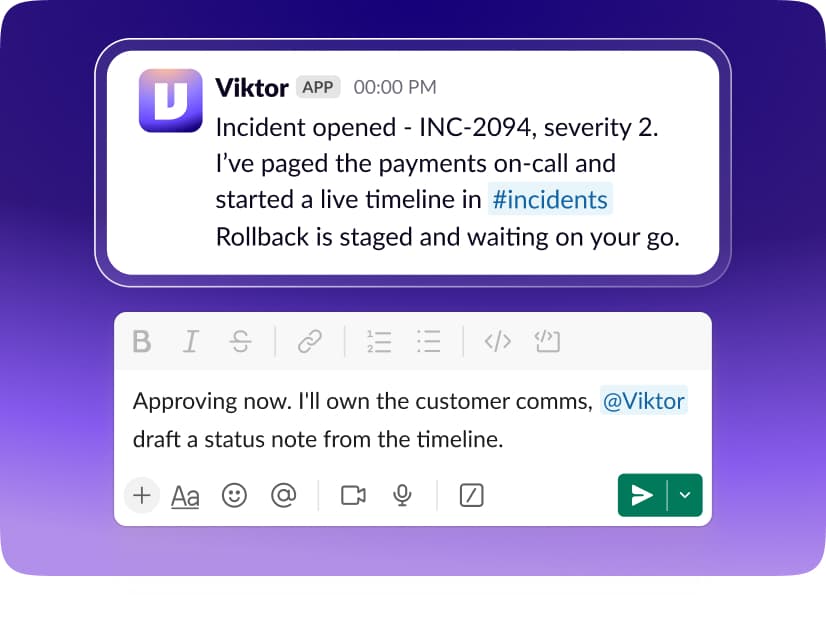
1Team-native by default
Brief Viktor in Slack or Microsoft Teams. The request, the work, and the result stay connected to the conversation your team can follow.
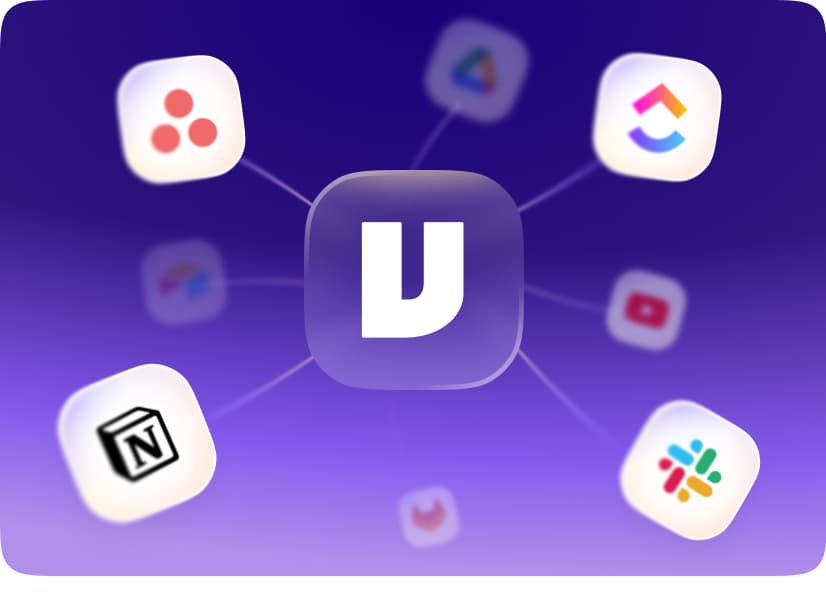
2Breadth of the whole stack
Connect 9,800+ tools, use a real browser, and run code. Viktor can bring information together and deliver reports, documents, and apps.
1 teammate
One pool
10 teammates
One pool
3A price that fits a team
Your workspace shares one credit pool, starting at $100/month. Add teammates without adding a per-person subscription.
When to choose Viktor vs Open source


You want to delegate work in Slack or Microsoft Teams.
Your team needs shared context rather than isolated individual conversations.
Your work spans several business tools and needs a finished deliverable.
You prefer a managed employee with a shared workspace credit pool.

You want control over models, deployment, and configuration.
Your team can maintain the infrastructure and connected credentials.
You prefer a managed offering from this ecosystem over a fully self-hosted stack.
FAQ
This group includes OpenClaw, Centaur 2.0, Hermes Agent, Diana. Each product has its own comparison, with its working environment, context, and connected tools.
You want control over models, deployment, and configuration. Your team can maintain the infrastructure and connected credentials. You prefer a managed offering from this ecosystem over a fully self-hosted stack. Choose Viktor when you want a managed AI employee working across your tools in Slack or Microsoft Teams.
No. Agents can perform tasks, while responsibility for hosting, maintenance, and configuration depends on the deployment. Open an individual comparison for the product you are considering.
Yes. Start with free credits, connect the tools you want Viktor to use, and give him a task in Slack or Microsoft Teams. No credit card is required to start.
Start free. Pay only when you're ready.
Every feature. Every integration. $100 in credits on the house. No credit card, no sales call, no catch. When you need more, it starts $100/month.
Up to $100 in free credits
Every feature, every integration. When you need more, it starts $100/month.
- 9,800+ integrations
- Slack and Teams
- Reports, dashboards, apps
- Code and PR reviews
- SOC 2 compliant