
Kōhai and Viktor. Choose how the work gets done.
A multiplayer AI workspace where a Chief of Staff splits a brief into tasks for AI teammates and finished work lands in an Inbox. Compare that with Viktor, an AI employee for shared work in Slack and Microsoft Teams.

Used by 83,000+ teams


Kōhai's home page, read 26 Nov 2026, describes a multiplayer AI workspace where a Chief of Staff splits a goal into tasks for AI teammates; docs, decks, spreadsheets and PDFs land in an Inbox, and anything irreversible waits at an approval gate. Kōhai's help center lists a Slack app for DMs and channel mentions, email, voice calls, meeting summaries and signed webhooks as ways work reaches Kōhai. Kōhai's home page, read 26 Nov 2026, says its AI teammates "plug into over 3,000 apps", with tool scoping for each AI teammate; Viktor has 9,800+ integrations.
You don't open Viktor. You hand him the work.
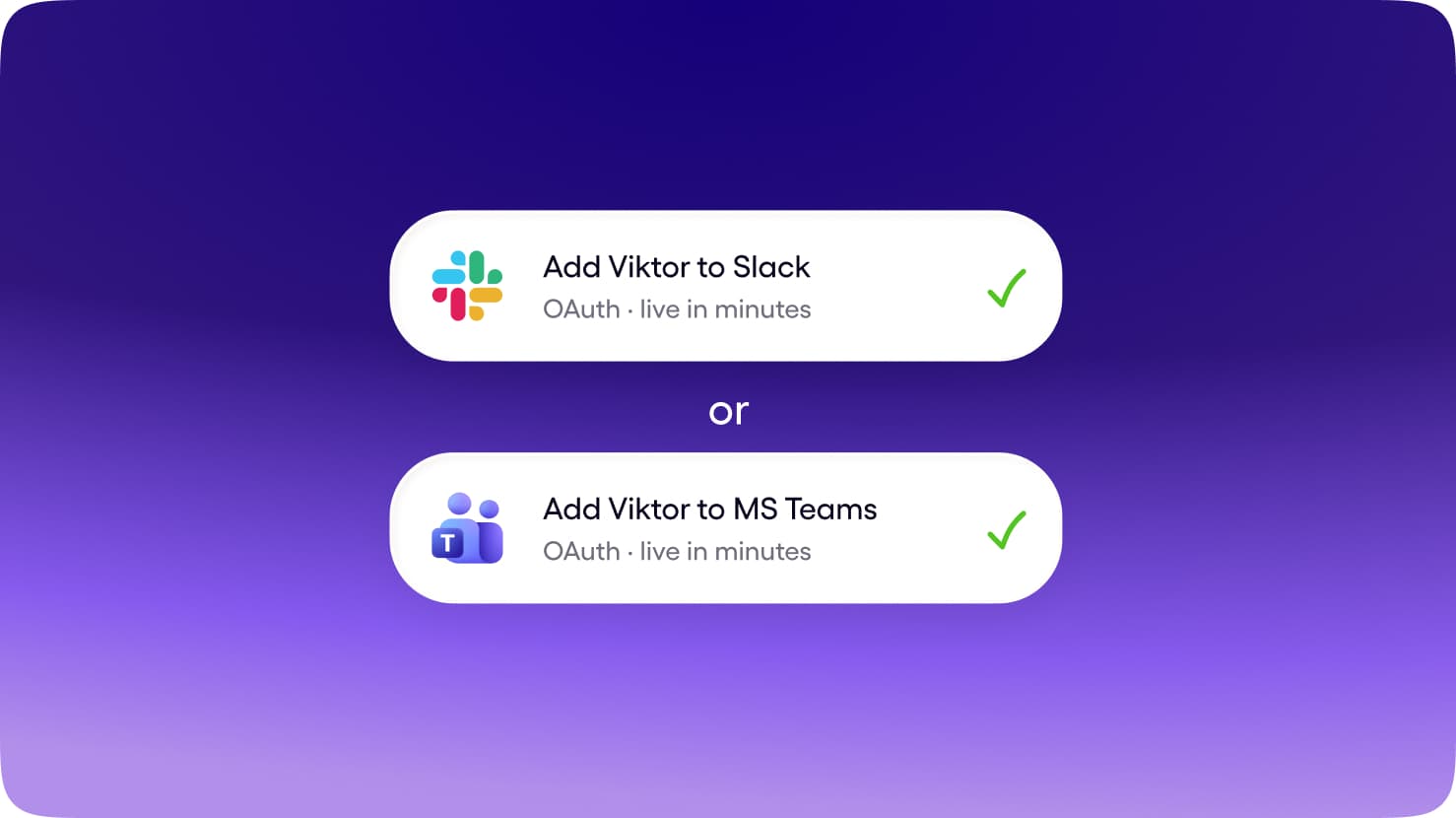
Slack and Microsoft Teams, in the same thread where the work already gets discussed. No new app for the team to adopt, no context living on one person's laptop.
Get Started for FreeAnyone can tag Viktor. He shares context across the workspace, so what one person teaches him helps the whole team.
Get Started for FreeBrief him once. He uses your tools, builds the report, deck, or app, and brings the finished work back to the thread.
Get Started for FreeViktor and Kōhai: how the work happens.
Start with the working environment, the people using it, and the responsibility you want to hand over.

Viktor
AI EmployeeSlack and Microsoft Teams, in the channel where the work is already discussed.
The whole team. Anyone can tag Viktor; context belongs to the workspace.
Reads the request, uses connected tools, produces the deliverable, and reports back in the thread.
Shared workspace context. What one person teaches Viktor can help the team.
9,800+ integrations, browser access, code execution, and published docs and apps.
Kōhai
Work OSKōhai's help center, read 26 Nov 2026, lists a Slack app for DMs and channel mentions, email, live voice calls, meeting notetaker summaries and signed webhooks as the ways work reaches Kōhai from outside its own workspace.
The whole team in one shared workspace: Kōhai's help center says its workspace Slack app "lets anyone in your Slack send requests to Kōhai", and its home page names solopreneurs, small businesses, agencies, professional services and SaaS among its audiences.
A Chief of Staff splits each brief into tasks for AI teammates; Kōhai's help center says anything irreversible waits at an approval gate unless someone allowed that action or an automation runs on Auto, though code merges, pushes and deployments "still ask every time".
Kōhai's help center says memory is kept in personal, task, channel, group chat and company scopes and "follows the audience of the place you save it"; its home page lists "persistent business memory".
Kōhai's home page says its AI teammates "plug into over 3,000 apps", with tool scoping for each AI teammate, and that Kōhai runs on open-weight models; the page shows DeepSeek, Kimi and GLM.
Two questions decide the whole category.
See where Kōhai and Viktor fit: where each one works, and how much of the job it takes on.
Viktor vs Kōhai
Scroll horizontally to explore all the content. You can also use the left and right arrow keys when this region is focused.
| ViktorAI Employee | Kōhai | |
|---|---|---|
| Surface | Slack and Microsoft Teams, in the channel where the work is already discussed. | Kōhai's help center, read 26 Nov 2026, lists a Slack app for DMs and channel mentions, email, live voice calls, meeting notetaker summaries and signed webhooks as the ways work reaches Kōhai from outside its own workspace. |
| Works for | The whole team. Anyone can tag Viktor; context belongs to the workspace. | The whole team in one shared workspace: Kōhai's help center says its workspace Slack app "lets anyone in your Slack send requests to Kōhai", and its home page names solopreneurs, small businesses, agencies, professional services and SaaS among its audiences. |
| Who owns the job | Reads the request, uses connected tools, produces the deliverable, and reports back in the thread. | A Chief of Staff splits each brief into tasks for AI teammates; Kōhai's help center says anything irreversible waits at an approval gate unless someone allowed that action or an automation runs on Auto, though code merges, pushes and deployments "still ask every time". |
| Memory | Shared workspace context. What one person teaches Viktor can help the team. | Kōhai's help center says memory is kept in personal, task, channel, group chat and company scopes and "follows the audience of the place you save it"; its home page lists "persistent business memory". |
| Tools | 9,800+ integrations, browser access, code execution, and published docs and apps. | Kōhai's home page says its AI teammates "plug into over 3,000 apps", with tool scoping for each AI teammate, and that Kōhai runs on open-weight models; the page shows DeepSeek, Kimi and GLM. |
| Price shape | Shared workspace credits from $100/month. | Check Kōhai's current plans for pricing, included usage, and availability. |
| Best for | Ongoing team work across your connected tools. | You want a workspace where a Chief of Staff hands a brief to AI teammates and finished docs, decks and sheets land in one Inbox. |
Product information:
- Kōhai ↗, checked
- Kōhai help: workspace channels and Slack ↗, checked
- Kōhai help: Kōhai Free ↗, checked
- Kōhai help: approvals ↗, checked
- Kōhai help: memory ↗, checked
- Kōhai help: how Kōhai protects your data ↗, checked
- Kōhai post: how we protect your data (10 Nov 2026) ↗, checked
Check the provider for current plans and availability.

One employee for your team's work.
1Team-native by default
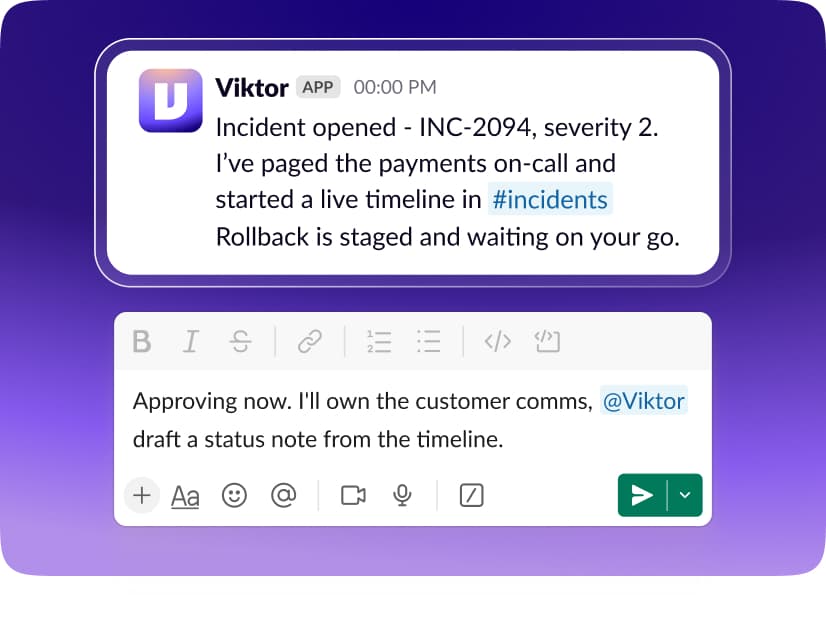
Brief Viktor in Slack or Microsoft Teams. The request, the work, and the result stay connected to the conversation your team can follow.

2Breadth of the whole stack
Connect 9,800+ tools, use a real browser, and run code. Viktor can bring information together and deliver reports, documents, and apps.
1 teammate
One pool
10 teammates
One pool
3A price that fits a team
Viktor is priced per workspace, starting at $100/month.
When to choose Viktor vs Kōhai


Kōhai's home page, read 26 Nov 2026, says its AI teammates "plug into over 3,000 apps", with tool scoping for each AI teammate; Viktor has 9,800+ integrations.
Kōhai's help center, read 26 Nov 2026, says Kōhai "doesn't hold SOC 2, ISO 27001 or similar certifications yet"; Viktor is SOC 2 Type 1, with Type 2 in progress.

You want a workspace where a Chief of Staff hands a brief to AI teammates and finished docs, decks and sheets land in one Inbox.
A multiplayer AI workspace where a Chief of Staff splits a brief into tasks for AI teammates and finished work lands in an Inbox.
More from The clone cohort
@Every
Clone
A company agent in Slack, preloaded with Every's own skills and apps, where you correct work in the thread and save a repeatable workflow as a skill the team can use again.
coworker.ai
Clone
An enterprise context layer with its own Work, Code, Agents and Meet apps, plus MCP access from other AI clients.
Energy
Clone
An AI assistant for each employee that completes cross-tool workflows in a browser signed in as that person.
Dash (Process Street)
Clone
Dash is an AI teammate you tag in Slack or Microsoft Teams, built by Process Street; by default it asks before it sends, posts, writes or spends.
FAQ
A multiplayer AI workspace where a Chief of Staff splits a brief into tasks for AI teammates and finished work lands in an Inbox.
Kōhai's help center, read 26 Nov 2026, lists a Slack app for DMs and channel mentions, email, live voice calls, meeting notetaker summaries and signed webhooks as the ways work reaches Kōhai from outside its own workspace. A Chief of Staff splits each brief into tasks for AI teammates; Kōhai's help center says anything irreversible waits at an approval gate unless someone allowed that action or an automation runs on Auto, though code merges, pushes and deployments "still ask every time". Viktor takes requests in Slack and Microsoft Teams and works across the team's connected tools.
Kōhai's security post of 10 Nov 2026 says its primary database runs in Europe, uploaded files are stored under European Union jurisdiction, and live session state and memory stay in the EU, with some providers for AI inference, payments and integrations processing data outside Europe.
Kōhai's security post of 10 Nov 2026 says personal app connections are not shared across the workspace and tasks use the requester's accounts.
Start free. Pay only when you're ready.
Every feature. Every integration. Up to $100 in credits on the house. No credit card, no sales call, no catch. When you need more, it starts $100/month.
Up to $100 in free credits
Every feature, every integration. When you need more, it starts $100/month.
- 9,800+ integrations
- Slack and Teams
- Reports, dashboards, apps
- Code and PR reviews
- SOC 2 compliant