
Many AI teammates. Different ways to work. Viktor is one AI employee.
These products share the idea of delegating work to AI, but differ in channels, specialties, setup, and context. Compare the actual working model before choosing a teammate.

Used by 72,000+ teams


You don't open Viktor. You hand him the work.
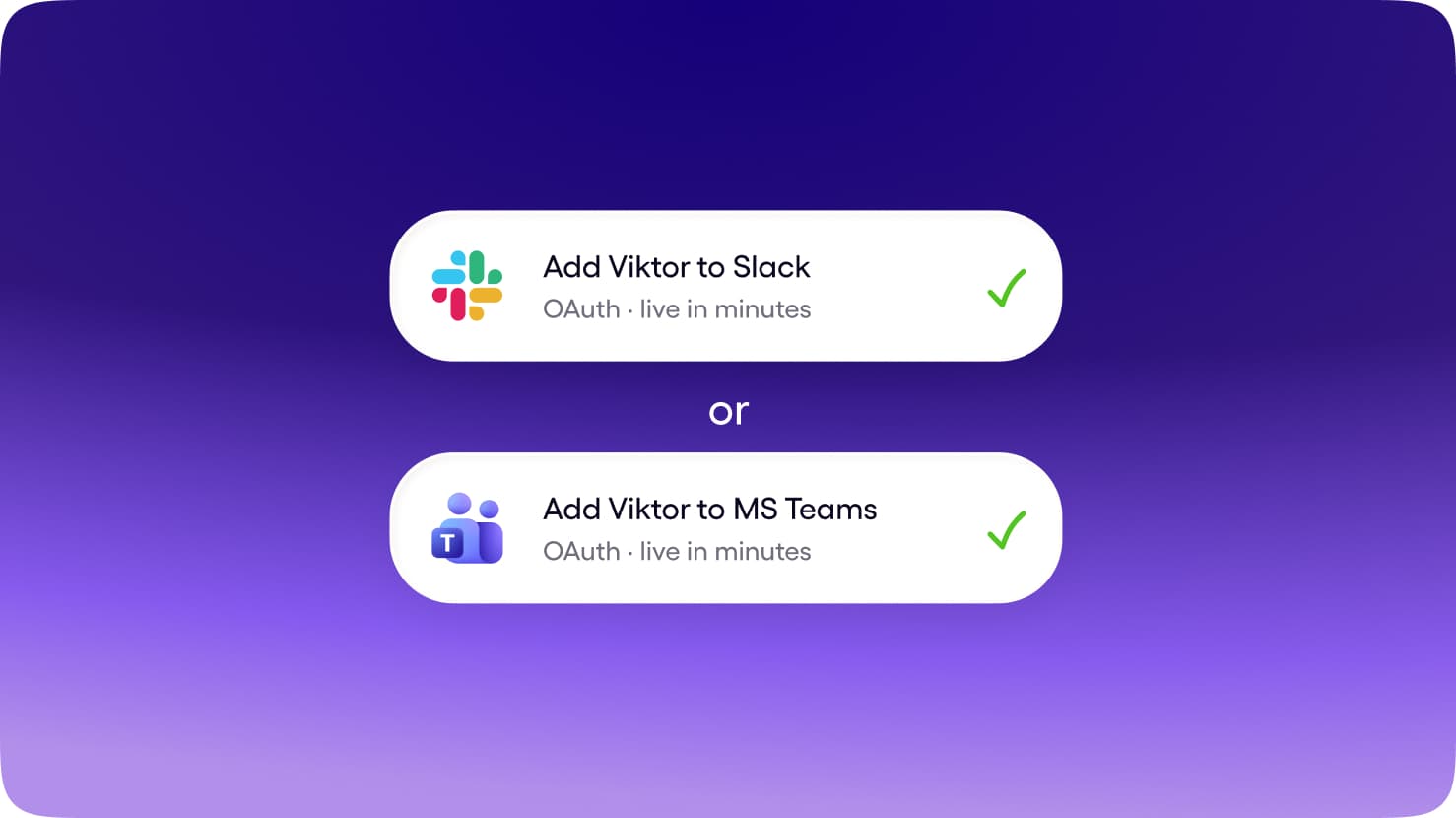
Slack and Microsoft Teams, in the same thread where the work already gets discussed. No new app for the team to adopt, no context living on one person's laptop.
Get Started for FreeAnyone can tag Viktor. He shares context across the workspace, so what one person teaches him helps the whole team.
Get Started for FreeBrief him once. He uses your tools, builds the report, deck, or app, and brings the finished work back to the thread.
Get Started for FreeTwo questions decide the whole category.
Where does the work happen, and how much of the job does the tool own? Explore the 22 products in this group alongside Viktor.
@Every
Clone
A hosted OpenClaw that lives in your Slack, preloaded with Every's skills and connected to 1,000+ tools.
coworker.ai
Clone
An AI coworker that joins your Slack and handles tasks for the team.
Energy
Clone
A Slack-native AI worker that takes on team tasks in your channels.
Luffy
Clone
An AI employee in Slack that connects your tools, builds company memory, and ships reports on a schedule.
Skydive
Clone
Build a custom AI agent in seconds; each gets its own cloud computer, memory, and identity.
Ace
Clone
An AI coworker you hire: a dedicated Mac, its own email and phone number, working across chat, email, and calls.
Cy
Clone
One AI coworker across Slack, Teams, email, Discord, and iMessage, with shared memory and a browser.
Sintra
Clone
Packaged AI employees by role for small business.
Teammates.ai
Clone
Autonomous AI teammates by function, with a heavy voice focus.
Junior
Clone
A Slack-native AI junior employee that picks up team tasks in your channels.
Chorus
Clone
Role agents for founders, each on its own VM with a browser, reached over iMessage, WhatsApp, Slack, or Teams.
OpenTag
Clone
Model-agnostic AI coworker in your team chat that does work in the channel and keeps a company wiki.
Alfera
Clone
An AI employee in Slack, built on OpenClaw, that runs whole jobs end to end with approval gates and logs.
Arlo
Clone
One shared AI colleague across Slack, Teams, iMessage, and live phone calls, with layered company memory.
Almanac
Clone
An always-on agent with its own computer that works from Slack or iMessage and maintains a self-updating wiki.
FellowHire
Clone
Role-specific AI fellows in Slack or Teams, each built for one job the whole team can use.
Ceven
Clone
Role-specific agents that work across your existing tools and return finished work at a live address.
Twin1
Clone
An encrypted personal Twin per employee that answers on your behalf in Slack and email.
Leme
Clone
An AI employee that joins Slack or Teams with a name and a role, builds reports, and answers in the channel.
Superpal
Clone
An AI coworker with a CV-style role profile that does end-to-end work inside Slack and Discord.
Qualia
Clone
Spin up an AI employee from a plain-English job description, with one memory across Slack, WhatsApp, and Telegram.
NanoClaw
Self-hosted
A smaller, auditable open-source alternative to OpenClaw, plus a commercial tier that runs in your own cloud.
Viktor vs The clone cohort
Scroll horizontally to explore all the content. You can also use the left and right arrow keys when this region is focused.
 ViktorAI Employee ViktorAI Employee | The clone cohort | |
|---|---|---|
| Surface | Slack and Microsoft Teams, in the channel where the work is already discussed. | A mix of dedicated workspaces, channel-based products, and managed agent environments. |
| Works for | The whole team. Anyone can tag Viktor; context belongs to the workspace. | Individuals, small businesses, and teams; the intended audience differs by product. |
| Who owns the job | Reads the request, uses connected tools, produces the deliverable, and reports back in the thread. | Task execution and responsibilities vary. Look at the individual comparison rather than assuming all teammates do the same work. |
| Memory | Shared workspace context. What one person teaches Viktor can help the team. | Personal, role-based, or shared context, depending on how the product is designed. |
| Tools | 9,800+ integrations, browser access, code execution, and published pages and apps. | Product-specific connections, computer access, or specialist tools. Compare the tools your team actually uses. |
| Price shape | Shared workspace credits from $100/month, without a subscription for each teammate. | Check The clone cohort's current plans for pricing, included usage, and availability. |
| Best for | Ongoing team work across your connected tools. | A specific teammate's specialty matches your most important job. |

One employee for your team's work.
1Team-native by default
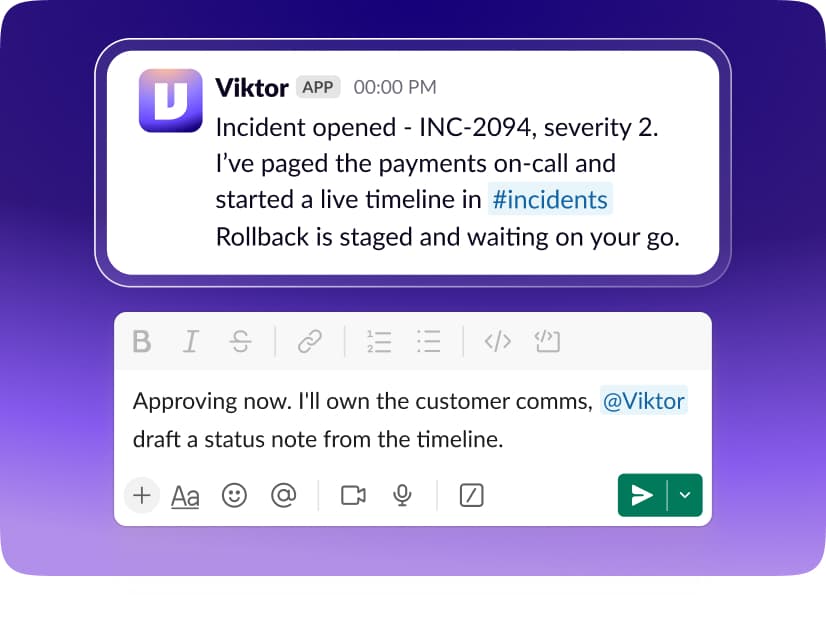
Brief Viktor in Slack or Microsoft Teams. The request, the work, and the result stay connected to the conversation your team can follow.
2Breadth of the whole stack
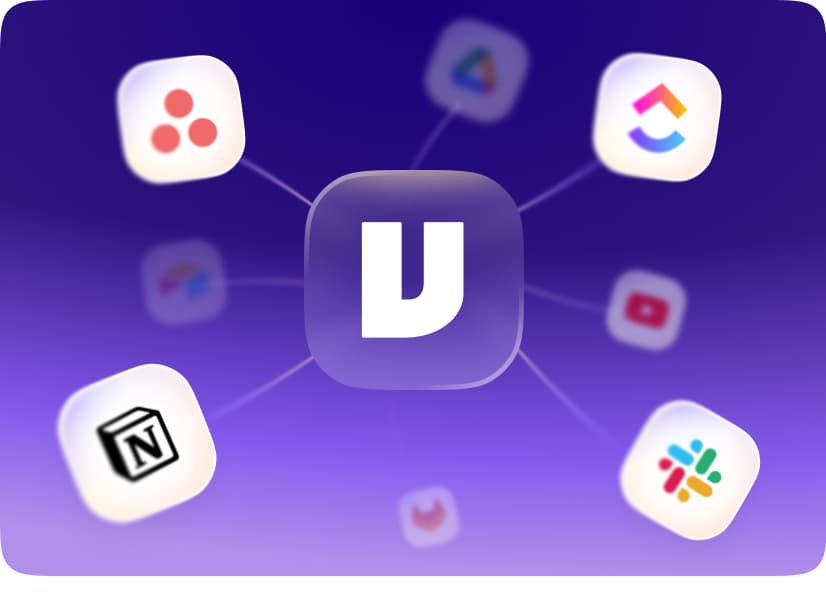
Connect 9,800+ tools, use a real browser, and run code. Viktor can bring information together and deliver reports, documents, and apps.
1 teammate
One pool
10 teammates
One pool
3A price that fits a team
Your workspace shares one credit pool, starting at $100/month. Add teammates without adding a per-person subscription.
When to choose Viktor vs The clone cohort


You want to delegate work in Slack or Microsoft Teams.
Your team needs shared context rather than isolated individual conversations.
Your work spans several business tools and needs a finished deliverable.
You prefer a managed employee with a shared workspace credit pool.

A specific teammate's specialty matches your most important job.
You prefer its working environment and setup model.
Its connected tools and review process suit your team.
FAQ
This group includes @Every, coworker.ai, Energy, Luffy, Skydive, Ace, Cy, Sintra, Teammates.ai, Junior, Chorus, OpenTag, Alfera, Arlo, Almanac, FellowHire, Ceven, Twin1, Leme, Superpal, Qualia, NanoClaw. Each product has its own comparison, with its working environment, context, and connected tools.
A specific teammate's specialty matches your most important job. You prefer its working environment and setup model. Its connected tools and review process suit your team. Choose Viktor when you want a managed AI employee working across your tools in Slack or Microsoft Teams.
No. Task execution and responsibilities vary. Look at the individual comparison rather than assuming all teammates do the same work. Open an individual comparison for the product you are considering.
Yes. Start with free credits, connect the tools you want Viktor to use, and give him a task in Slack or Microsoft Teams. No credit card is required to start.
Start free. Pay only when you're ready.
Every feature. Every integration. $100 in credits on the house. No credit card, no sales call, no catch. When you need more, it starts $100/month.
Up to $100 in free credits
Every feature, every integration. When you need more, it starts $100/month.
- 9,800+ integrations
- Slack and Teams
- Reports, dashboards, apps
- Code and PR reviews
- SOC 2 compliant