
Echo and Viktor. Choose how the work gets done.
An AI employee that lives in Slack, connects to your tools, and comes back with finished work. Compare that with Viktor, an AI employee for shared work in Slack and Microsoft Teams.

Used by 83,000+ teams


Echo's home page, read 26 Nov 2026, calls Echo "an AI employee that lives in Slack and connects to your tools" and says it "hands back finished work". Echo offers a self-serve Slack install, and no page on echobrain.io read on 26 Nov 2026 lists Microsoft Teams as a place to use Echo. Viktor works in Slack and Microsoft Teams, in the channel where the work is already discussed.
You don't open Viktor. You hand him the work.
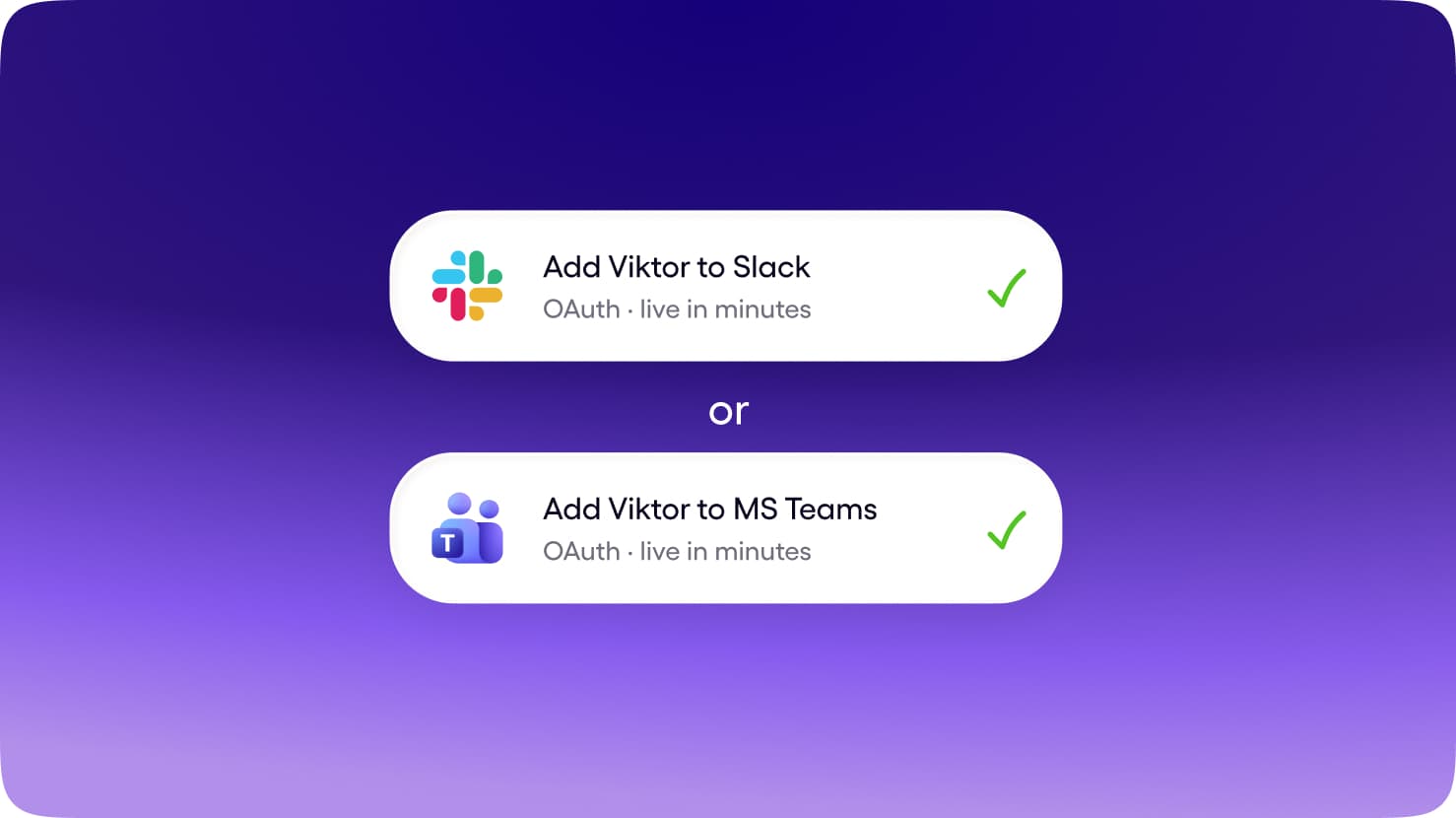
Slack and Microsoft Teams, in the same thread where the work already gets discussed. No new app for the team to adopt, no context living on one person's laptop.
Get Started for FreeAnyone can tag Viktor. He shares context across the workspace, so what one person teaches him helps the whole team.
Get Started for FreeBrief him once. He uses your tools, builds the report, deck, or app, and brings the finished work back to the thread.
Get Started for FreeViktor and Echo: how the work happens.
Start with the working environment, the people using it, and the responsibility you want to hand over.

Viktor
AI EmployeeSlack and Microsoft Teams, in the channel where the work is already discussed.
The whole team. Anyone can tag Viktor; context belongs to the workspace.
Reads the request, uses connected tools, produces the deliverable, and reports back in the thread.
Shared workspace context. What one person teaches Viktor can help the team.
9,800+ integrations, browser access, code execution, and published docs and apps.
Echo
CloneSlack, where Echo "lives" (threads, channels and DMs), per Echo's home and integrations pages; the integrations page also lists Discord, in beta, to "Listen and reply in community servers".
The whole Slack workspace: Echo's pricing page calls it "one teammate the whole company shares", its home page says people ask it "In a channel, in a DM" and names founders, ops, finance, marketing and engineering teams.
Echo's home page says Echo plans the work, uses the right tools, "asks for approval before changing anything external" and posts the finished output; its security page says there is "no implicit consent for write actions".
Echo's privacy policy says Echo builds "a private memory for each workspace" and asks a workspace administrator before storing a named or financial fact; its security page says memories are visible in the dashboard and owners can delete data.
Echo's integrations page lists 38 first-party integrations "available now", "3,000+" long-tail tools "reachable on demand" and your own MCP server "on request".
Two questions decide the whole category.
See where Echo and Viktor fit: where each one works, and how much of the job it takes on.
Viktor vs Echo
Scroll horizontally to explore all the content. You can also use the left and right arrow keys when this region is focused.
| ViktorAI Employee | Echo | |
|---|---|---|
| Surface | Slack and Microsoft Teams, in the channel where the work is already discussed. | Slack, where Echo "lives" (threads, channels and DMs), per Echo's home and integrations pages; the integrations page also lists Discord, in beta, to "Listen and reply in community servers". |
| Works for | The whole team. Anyone can tag Viktor; context belongs to the workspace. | The whole Slack workspace: Echo's pricing page calls it "one teammate the whole company shares", its home page says people ask it "In a channel, in a DM" and names founders, ops, finance, marketing and engineering teams. |
| Who owns the job | Reads the request, uses connected tools, produces the deliverable, and reports back in the thread. | Echo's home page says Echo plans the work, uses the right tools, "asks for approval before changing anything external" and posts the finished output; its security page says there is "no implicit consent for write actions". |
| Memory | Shared workspace context. What one person teaches Viktor can help the team. | Echo's privacy policy says Echo builds "a private memory for each workspace" and asks a workspace administrator before storing a named or financial fact; its security page says memories are visible in the dashboard and owners can delete data. |
| Tools | 9,800+ integrations, browser access, code execution, and published docs and apps. | Echo's integrations page lists 38 first-party integrations "available now", "3,000+" long-tail tools "reachable on demand" and your own MCP server "on request". |
| Price shape | Shared workspace credits from $100/month. | Check Echo's current plans for pricing, included usage, and availability. |
| Best for | Ongoing team work across your connected tools. | You want an AI employee in Slack that hands back finished work and asks before every external write. |
Product information:
- Echo ↗, checked
- Echo security ↗, checked
- Echo integrations ↗, checked
- Echo pricing ↗, checked
- Echo privacy policy ↗, checked
Check the provider for current plans and availability.

One employee for your team's work.
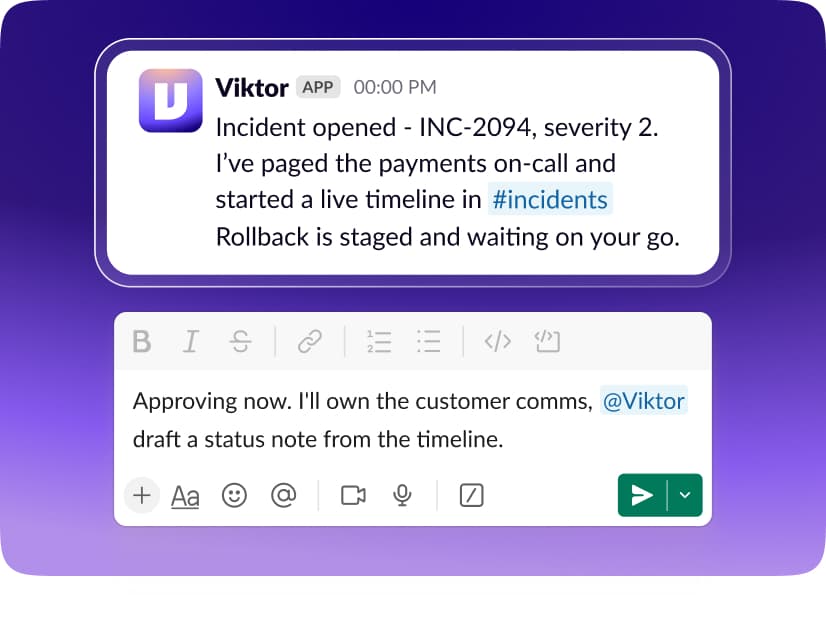
1Team-native by default
Brief Viktor in Slack or Microsoft Teams. The request, the work, and the result stay connected to the conversation your team can follow.

2Breadth of the whole stack
Connect 9,800+ tools, use a real browser, and run code. Viktor can bring information together and deliver reports, documents, and apps.
1 teammate
One pool
10 teammates
One pool
3A price that fits a team
Viktor is priced per workspace, starting at $100/month.
When to choose Viktor vs Echo


You want to delegate work in Slack or Microsoft Teams.
Your team needs shared context.
Your work spans several business tools and needs a finished deliverable.
You prefer a managed employee with a shared workspace credit pool.

You want an AI employee in Slack that hands back finished work and asks before every external write.
An AI employee that lives in Slack, connects to your tools, and comes back with finished work.
More from The clone cohort
@Every
Clone
A company agent in Slack, preloaded with Every's own skills and apps, where you correct work in the thread and save a repeatable workflow as a skill the team can use again.
coworker.ai
Clone
An enterprise context layer with its own Work, Code, Agents and Meet apps, plus MCP access from other AI clients.
Energy
Clone
An AI assistant for each employee that completes cross-tool workflows in a browser signed in as that person.
Dash (Process Street)
Clone
Dash is an AI teammate you tag in Slack or Microsoft Teams, built by Process Street; by default it asks before it sends, posts, writes or spends.
FAQ
An AI employee that lives in Slack, connects to your tools, and comes back with finished work.
Slack, where Echo "lives" (threads, channels and DMs), per Echo's home and integrations pages; the integrations page also lists Discord, in beta, to "Listen and reply in community servers". Echo's home page says Echo plans the work, uses the right tools, "asks for approval before changing anything external" and posts the finished output; its security page says there is "no implicit consent for write actions". Viktor takes requests in Slack and Microsoft Teams and works across the team's connected tools.
Echo's security page, read 26 Nov 2026, lists "SOC 2-aligned controls", GDPR alignment and an available DPA, says Echo never trains on your data, encrypts with TLS 1.2 or higher and AES-256, logs every tool call and asks before every write. Viktor is SOC 2 Type 1, with Type 2 in progress.
Echo's security page, read 26 Nov 2026, says workspace owners can delete data or wipe the workspace at any time, and its privacy policy says workspace administrators can view and delete memories in the dashboard.
Start free. Pay only when you're ready.
Every feature. Every integration. Up to $100 in credits on the house. No credit card, no sales call, no catch. When you need more, it starts $100/month.
Up to $100 in free credits
Every feature, every integration. When you need more, it starts $100/month.
- 9,800+ integrations
- Slack and Teams
- Reports, dashboards, apps
- Code and PR reviews
- SOC 2 compliant