NewYour AI employee is one email away →

Nov 9 to 15

124 changes7 headlines71 features46 small

Features 71

Viktor app28 features
Agent smarts10 features
46 small improvementsOne line each, from the daily roundups
Web app
  • Download from the row. Open a file's Contents menu and choose Download, on web and desktop; ordinary web links do not get a download option.
  • Useful history first. Chat history counts visible messages toward each loaded window, so busy conversations need fewer repeat loads.
  • Answers in one chip. Consecutive button answers fold into one count chip that opens to show the answers.
  • Upload progress. Attachment thumbnails show a progress ring and put retry where a failed upload appeared.
  • More useful suggestions. Composer suggestions focus on useful follow-up thoughts instead of repeating a button or simply saying yes.
  • Notifications in one place. Personal settings has a dedicated Notifications page for this browser, phone push and notification hours.
  • Smaller welcome suggestions. Starter suggestions take less room and can be dismissed with a click or swipe, remembered in that browser.
  • Quieter project lists. Inactive projects fold into a quiet-projects row in the web and desktop sidebar. Open, unread and pinned projects stay out.
  • A simpler project dialog. Copy the project link from the header and find handover and deletion in its actions menu.
  • A clearer case study form. Add optional colleague quotes with their agreement, then upload logos, headshots and screenshots in clearly labeled sections.
  • Faster sends. Sending messages and multiple attachments in the app does fewer checks one after another.
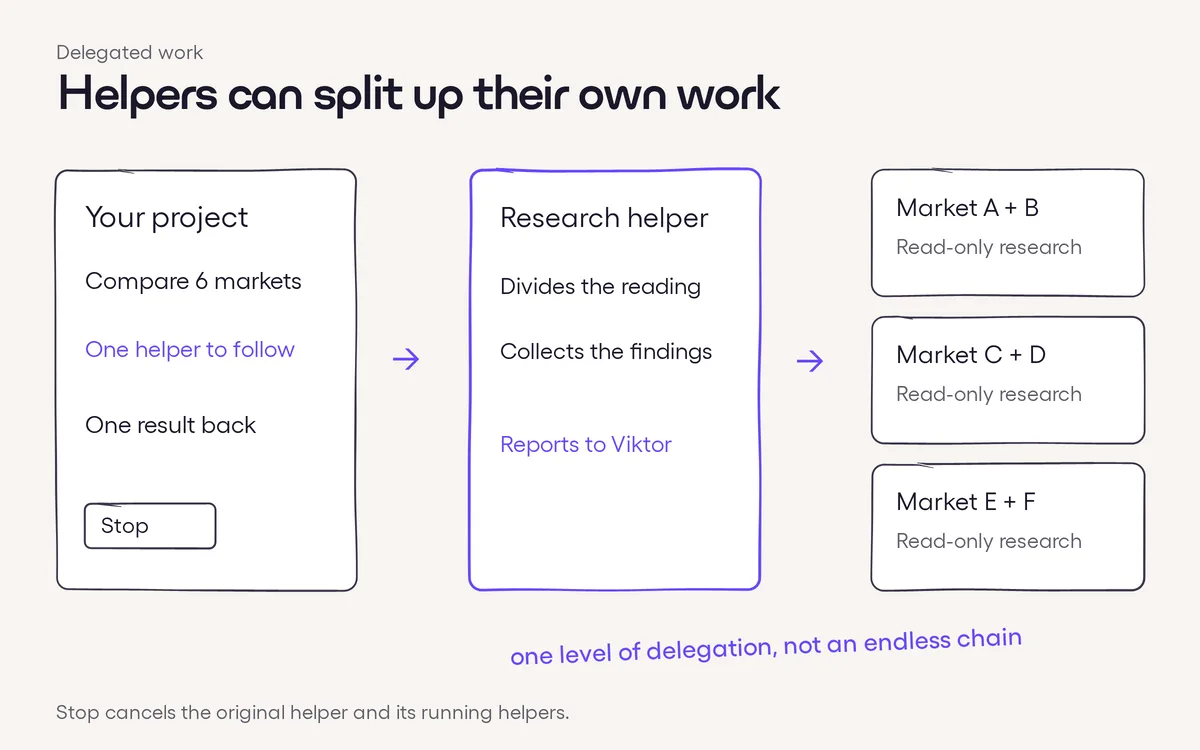
  • Tasks in one row. A parent project's running tasks start folded behind an N tasks row, with the fold remembered per project, on web and desktop.
  • Link to a helper run. Open a project's helper run directly from a link on web and desktop, using the project's existing access rules.
  • Notes on the card. Open a task's notes from its board card without switching to List.
  • Projects in Contents. Linked projects you can access appear under their own names and icons in a Projects section.
  • Projects first. The # menu lists matching projects before Slack channels and highlights the first matching project.
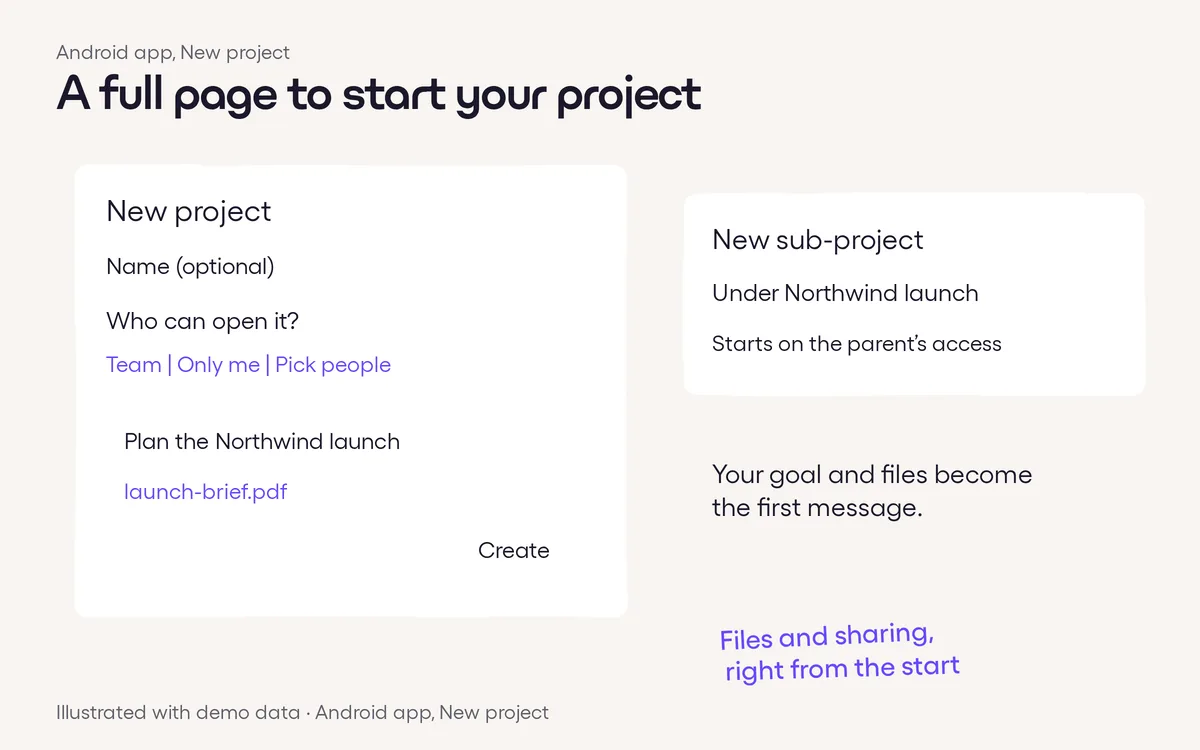
  • Start a project faster. Open New project from the command menu or press Cmd+Ctrl+N on Mac and Ctrl+Alt+N elsewhere, in the web and desktop apps.
  • Copy raw file text. The file menu’s Copy contents action copies a fully loaded text file, including markdown, code, CSV and JSON, rather than its rendered appearance.
  • Headings match your font. Web and desktop headings follow your chosen Appearance font with tighter spacing.
  • Lighter startup. The app downloads less code before opening chats and projects.
  • A familiar chat before linking Slack. Slack members who haven't linked their account see the same chat layout, with Connect Slack in their Viktor conversation.
  • Restricted projects. On web, desktop and Android, a lock marks projects shared with nobody or only selected people.
  • Faster GitHub badges. Pull request link states reuse recent reads more efficiently while still checking your connection's access.
Integrations
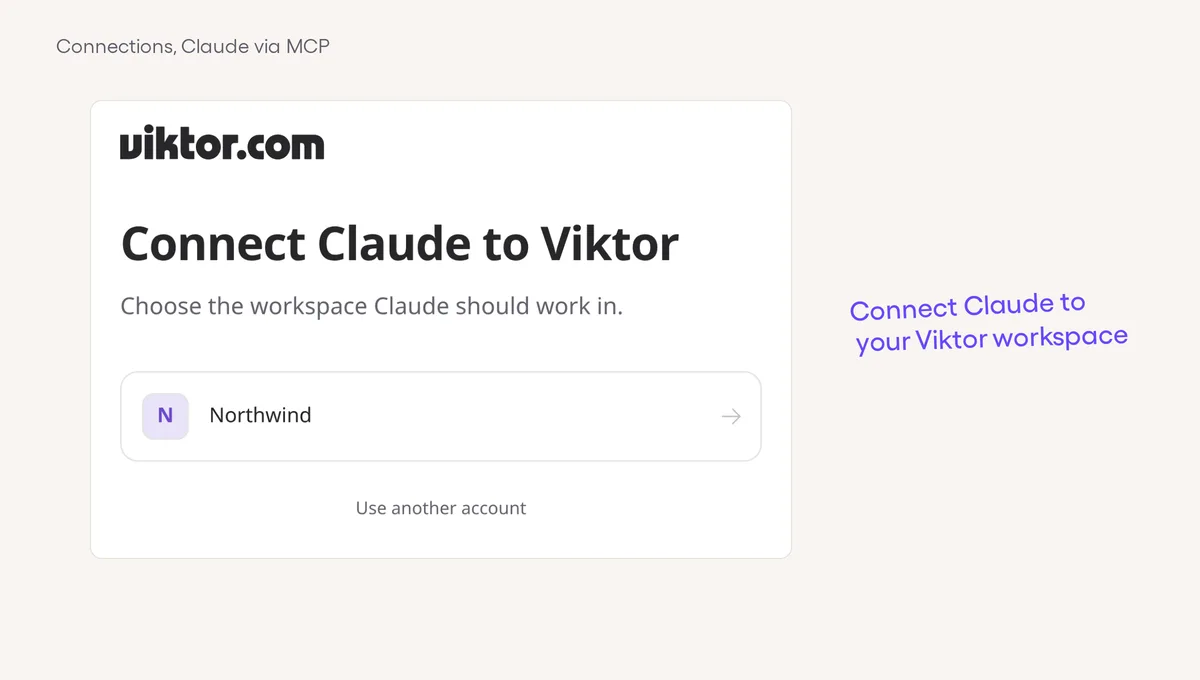
  • Unavailable servers step aside. Failed MCP servers get a cooldown before another catalog check, while reconnecting clears the wait.
  • Jotform versioned paths. Jotform requests can use the vendor’s versioned API paths as well as the existing unversioned paths.
  • Tailscale reads recover. Temporary errors and rate limits can retry automatically on safe reads without repeating writes.
  • Less tool-loading work. Viktor does less repeated work when loading integration catalogs before running a tool.
Mobile
  • Who started the task. Shared project boards in the Android app show starter faces when more than one person has started tasks.
  • Connection complete. In the Android app, a card used to connect or upgrade an integration changes to Connected or Upgraded after you finish.
  • A smoother jump to new replies. The Android app’s jump button expands for the unread count and gives a light haptic when tapped, with reduced motion respected.
  • Tap a file path. In the Android app, file paths in messages open as file chips instead of unhelpful links.
  • A quieter voice shortcut tip. The Android setup tip appears only for active users; hide it once to snooze it for 14 days, or again after it returns to keep it hidden.
Agent
  • A backup route for Claude. Haiku 5.5 and Fable 5.2 can switch providers automatically if the primary Claude API fails.
  • More room for bursts. Viktor can handle larger bursts of structured analysis calls without hitting the per-minute limit.
Admin and billing
  • Direct billing actions. Eligible paid workspace admins can open invoices and company details or change a payment card from Billing settings.
  • Shared task models. See a shared scheduled task’s model beside its usage information. Private task models stay hidden.
  • Faster comparisons and name lookups. Usage does less competing work while loading chart comparisons, and Teams usage pages can look up several group-chat member lists at once.
  • Faster usage tabs. Usage reports load faster in large workspaces without changing what they count.
Slack and Teams
  • Lighter history imports. Teams groups transcript updates by file, cutting repeated work while keeping the same messages and ordering.
  • Quicker ordinary replies. Slack sends that do not need requester attribution no longer wait for its audience checks.
  • Names stay in sync. For Slack sign-in users, your name in Viktor updates when your Slack profile name changes.
Desktop
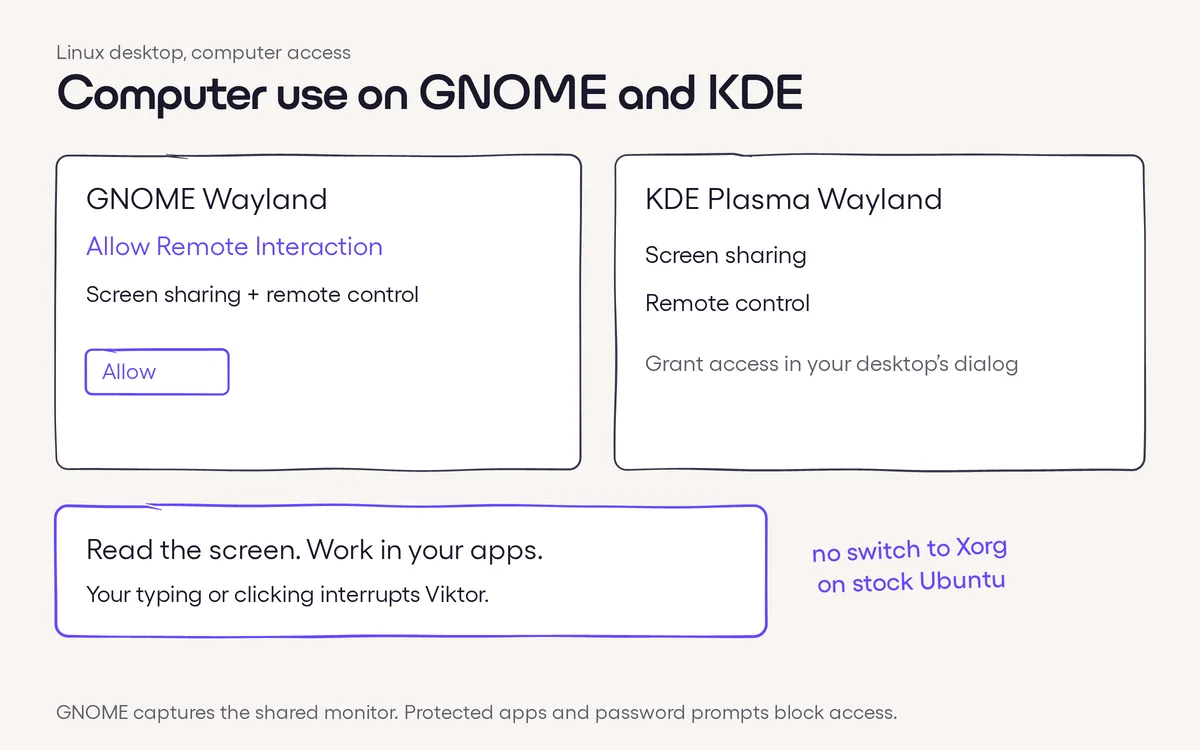
  • Straight to GNOME settings. Open the relevant notification or microphone settings from Viktor, and see when GNOME has blocked notifications.
  • Know if a click worked. Linux computer use reports whether a click changed the target window, helping Viktor decide when to read it again.
  • Phone alerts while away. Needs-you notifications can reach your phone when your Linux computer is locked or idle.
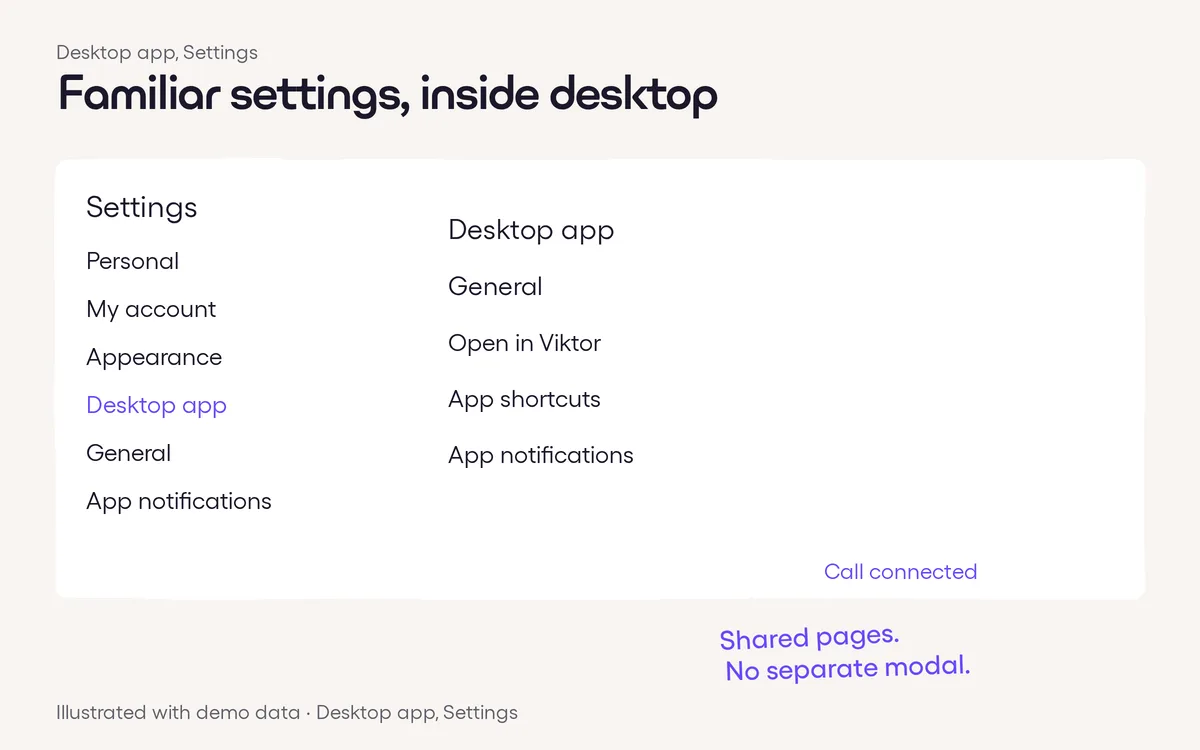
  • Rewards in place. Open Rewards from the sidebar or command palette and stay inside the desktop app.
Voice
  • Fewer mid-call pauses. Voice calls do more preparation before the conversation starts, avoiding some of the multi-second stalls that used to interrupt a call.
Get Started for Free