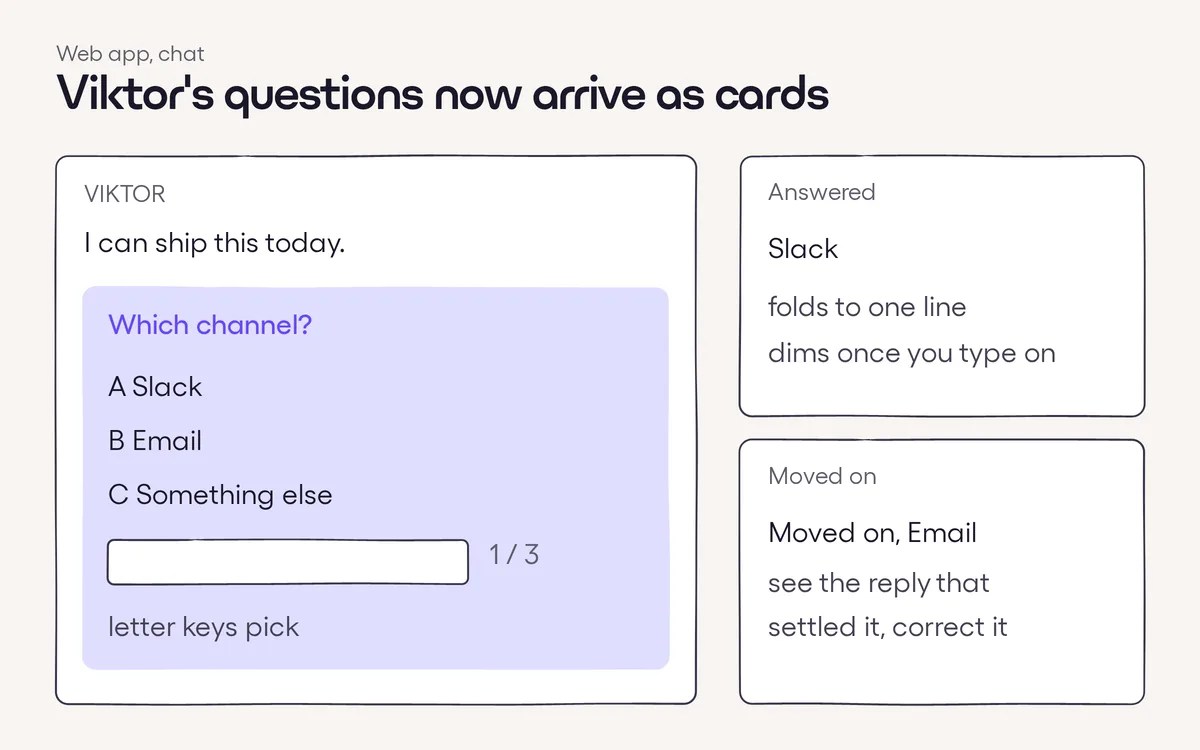
- Approvals look like Viktor talking. An approval is now one of his bubbles, in the same text size as the rest of the chat, with a quiet Approval mark and the buttons inside. Once answered, your pick keeps its check.
- See who pressed. In a shared project, a pressed button now shows the person's face and first name next to its label.