- Skills in the goal box. Type / in a new project's goal box and pick a skill.
- Show in chat. A Needs you task's menu jumps to the message that asked.
- Open your inbox. The email code screen has Open Gmail and Open Outlook buttons.
Web app
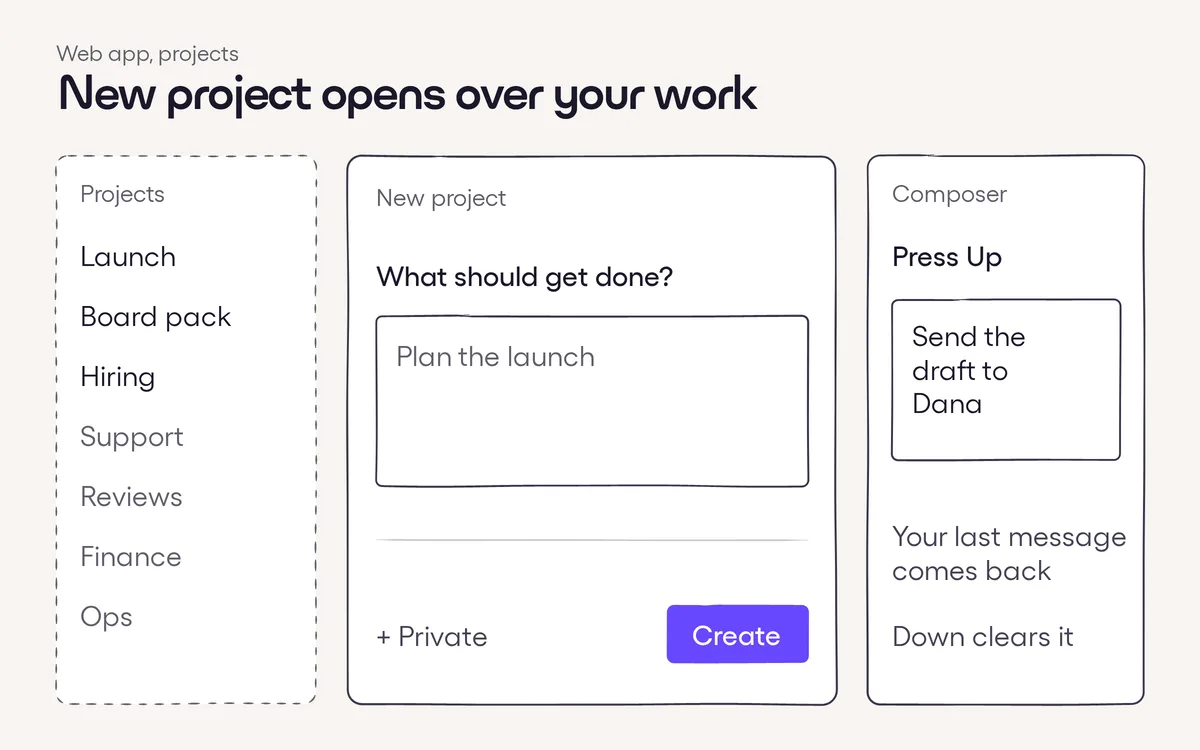
- Skills in the goal box. The / menu in a new project's goal box now offers your skills, so a project can start from one.
- Show in chat. The menu on a Needs you task has a Show in chat option that scrolls to the message that asked.
- Open Gmail or Outlook. Signing in by email code? Buttons on the code screen open your inbox in one click.
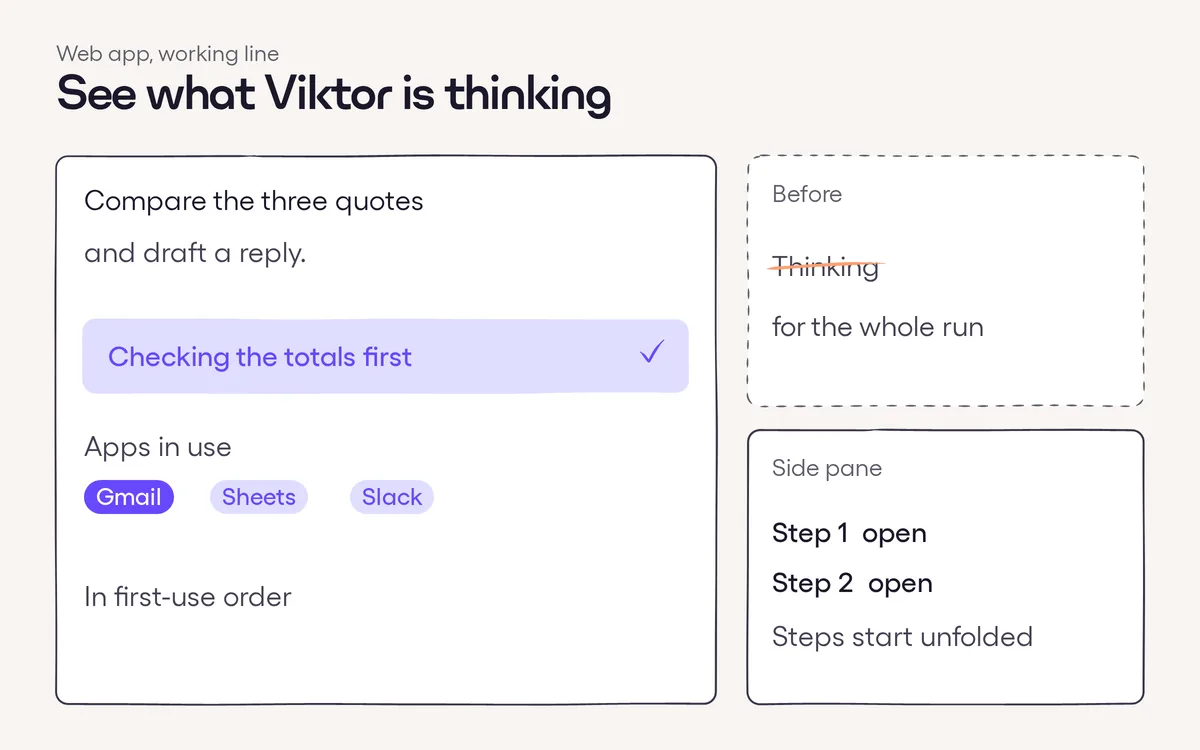
- Steps start unfolded. A run's steps open expanded in the side pane.