
Zenzap and Viktor. Choose how the work gets done.
A team chat app where people and AI agents work together in group chats; Zenzap's agents connect to business tools, take action and run workflows, on mobile and desktop. Compare that with Viktor, an AI employee for shared work in Slack and Microsoft Teams.

Used by 83,000+ teams


Zenzap's home page, read 26 Nov 2026, calls it "A team chat with AI agents that take action and get work done." It leads with a 90-second agent setup, 400+ connectors and operational workflows such as invoice follow-up, onboarding and shift coordination. Its Slack page says the agent "operates from your Zenzap chat, not from inside Slack", and its Microsoft Teams connector page lists sending messages "from Zenzap" through Microsoft Teams. Viktor works in Slack and Microsoft Teams, in the channel where the work is already discussed.
You don't open Viktor. You hand him the work.
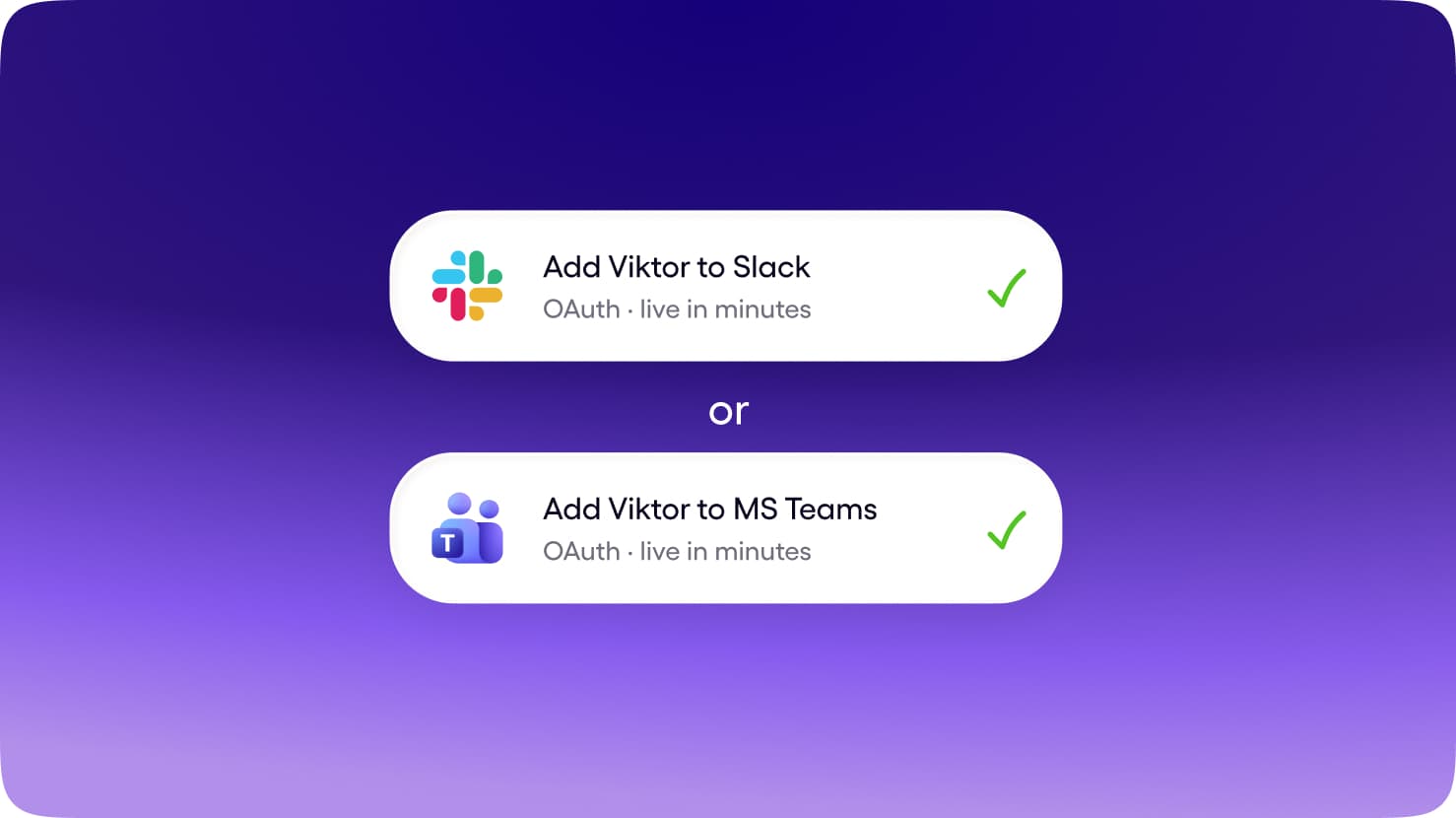
Slack and Microsoft Teams, in the same thread where the work already gets discussed. No new app for the team to adopt, no context living on one person's laptop.
Get Started for FreeAnyone can tag Viktor. He shares context across the workspace, so what one person teaches him helps the whole team.
Get Started for FreeBrief him once. He uses your tools, builds the report, deck, or app, and brings the finished work back to the thread.
Get Started for FreeViktor and Zenzap: how the work happens.
Start with the working environment, the people using it, and the responsibility you want to hand over.

Viktor
AI EmployeeSlack and Microsoft Teams, in the channel where the work is already discussed.
The whole team. Anyone can tag Viktor; context belongs to the workspace.
Reads the request, uses connected tools, produces the deliverable, and reports back in the thread.
Shared workspace context. What one person teaches Viktor can help the team.
9,800+ integrations, browser access, code execution, and published docs and apps.
Zenzap
Work OSZenzap's own team chat, with apps for iOS, Android, Windows, macOS and the web: group chats, DMs, to-dos, calls and calendar. Agents join group chats as participants and can act in Slack and Microsoft Teams through Zenzap's connectors.
Teams who work in group chats: Zenzap's site lists "AI work agents for every user" and "Share any agent in a group chat", and its help center says anyone in a group chat can ask an agent for help.
Each agent belongs to the person who connected it and stays active in a chat only while that owner is in it; agents act on plain-language requests and run workflows, and workflows that change data in connected apps ask for approval.
Each agent keeps memories tied to the chat where they were made, and the owner can review and edit them; in someone else's agent, a group chat's members get that chat's context, not the owner's other chats.
Zenzap's home page lists 400+ connectors, and its help center says apps not on the list can also be connected; plus AI workspace search, call recording with AI transcription, and API access.
Two questions decide the whole category.
See where Zenzap and Viktor fit: where each one works, and how much of the job it takes on.
Viktor vs Zenzap
Scroll horizontally to explore all the content. You can also use the left and right arrow keys when this region is focused.
| ViktorAI Employee | Zenzap | |
|---|---|---|
| Surface | Slack and Microsoft Teams, in the channel where the work is already discussed. | Zenzap's own team chat, with apps for iOS, Android, Windows, macOS and the web: group chats, DMs, to-dos, calls and calendar. Agents join group chats as participants and can act in Slack and Microsoft Teams through Zenzap's connectors. |
| Works for | The whole team. Anyone can tag Viktor; context belongs to the workspace. | Teams who work in group chats: Zenzap's site lists "AI work agents for every user" and "Share any agent in a group chat", and its help center says anyone in a group chat can ask an agent for help. |
| Who owns the job | Reads the request, uses connected tools, produces the deliverable, and reports back in the thread. | Each agent belongs to the person who connected it and stays active in a chat only while that owner is in it; agents act on plain-language requests and run workflows, and workflows that change data in connected apps ask for approval. |
| Memory | Shared workspace context. What one person teaches Viktor can help the team. | Each agent keeps memories tied to the chat where they were made, and the owner can review and edit them; in someone else's agent, a group chat's members get that chat's context, not the owner's other chats. |
| Tools | 9,800+ integrations, browser access, code execution, and published docs and apps. | Zenzap's home page lists 400+ connectors, and its help center says apps not on the list can also be connected; plus AI workspace search, call recording with AI transcription, and API access. |
| Admin and security | SOC 2 Type 1, with Type 2 in progress. | Admins control who adds agents, what agents can do and which chats they see, with approvals; Enterprise adds SAML, SCIM, SSO, key management and audit logs. Zenzap says it holds SOC 2 Type II, ISO 27001, GDPR and HIPAA certifications. |
| Price shape | Shared workspace credits from $100/month. | Check Zenzap's current plans for pricing, included usage, and availability. |
| Best for | Ongoing team work across your connected tools. | You want a team chat app where your team and AI agents work together in group chats, on mobile and desktop. |
Product information:
- Zenzap ↗, checked
- Zenzap Slack integration ↗, checked
- Zenzap Microsoft Teams connector ↗, checked
- Zenzap help center, group chats ↗, checked
- Zenzap help center, getting started ↗, checked
- Zenzap help center, add an agent to a chat ↗, checked
- Zenzap help center, who can add agents ↗, checked
- Zenzap help center, workflows ↗, checked
- Zenzap help center, memory ↗, checked
- Zenzap pricing ↗, checked
Check the provider for current plans and availability.

One employee for your team's work.
1Team-native by default
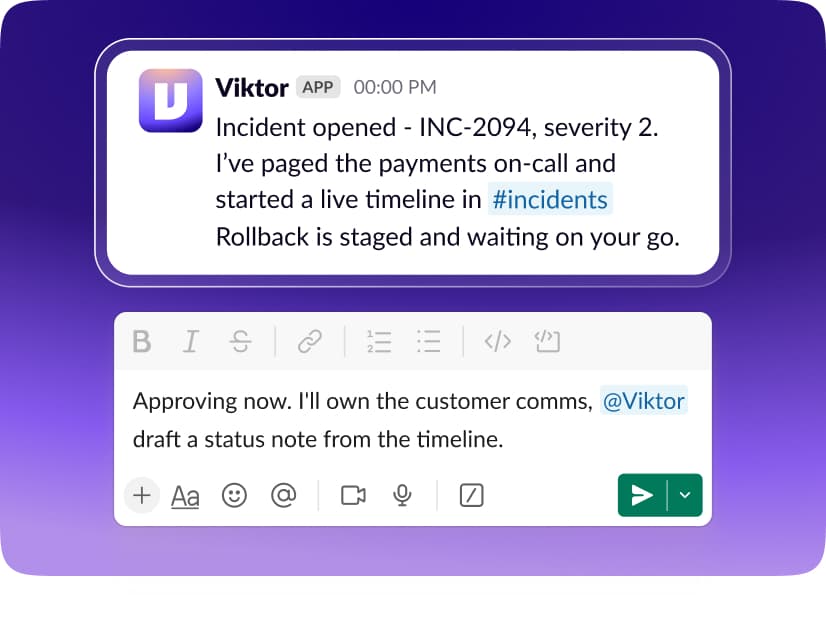
Brief Viktor in Slack or Microsoft Teams. The request, the work, and the result stay connected to the conversation your team can follow.

2Breadth of the whole stack
Connect 9,800+ tools, use a real browser, and run code. Viktor can bring information together and deliver reports, documents, and apps.
1 teammate
One pool
10 teammates
One pool
3A price that fits a team
Viktor is priced per workspace, starting at $100/month.
When to choose Viktor vs Zenzap


You want to delegate work in Slack or Microsoft Teams.
Your team needs shared context.
Your work spans several business tools and needs a finished deliverable.
You prefer a managed employee with a shared workspace credit pool.

You want a team chat app where your team and AI agents work together in group chats, on mobile and desktop.
A team chat app where people and AI agents work together in group chats; Zenzap's agents connect to business tools, take action and run workflows, on mobile and desktop.
More from Agent-native messaging and Slack replacements
Buzz by Block
Work OS
A collaboration workspace where humans and agents share rooms, repositories, and one signed event log.
Sila
Work OS
Agent-native messaging platform for team-agent, agent-agent, and cross-company collaboration.
Ando
Work OS
A business messenger rebuilt so teams can work with Ando's hosted agents, or bring their own, as coworkers in conversations.
Slashwork
Work OS
A feed-first work communication platform built around groups, chats and channels, with desktop, web and mobile apps.
FAQ
A team chat app where people and AI agents work together in group chats; Zenzap's agents connect to business tools, take action and run workflows, on mobile and desktop.
Zenzap's own team chat, with apps for iOS, Android, Windows, macOS and the web: group chats, DMs, to-dos, calls and calendar. Agents join group chats as participants and can act in Slack and Microsoft Teams through Zenzap's connectors. Each agent belongs to the person who connected it and stays active in a chat only while that owner is in it; agents act on plain-language requests and run workflows, and workflows that change data in connected apps ask for approval. Viktor takes requests in Slack and Microsoft Teams and works across the team's connected tools.
Zenzap's help center, read 26 Nov 2026, says you open Agents, name the agent and choose the tools to connect, then add it to a group chat, where anyone in the chat can ask it for help. Workflows that change data in connected apps ask for approval before making changes.
You want a team chat app where your team and AI agents work together in group chats, on mobile and desktop. A team chat app where people and AI agents work together in group chats; Zenzap's agents connect to business tools, take action and run workflows, on mobile and desktop.
Zenzap belongs to Agent-native messaging and Slack replacements in this catalog. Its tool type is Work OS. The family groups related products; the tool type describes what this product does.
Start free. Pay only when you're ready.
Every feature. Every integration. Up to $100 in credits on the house. No credit card, no sales call, no catch. When you need more, it starts $100/month.
Up to $100 in free credits
Every feature, every integration. When you need more, it starts $100/month.
- 9,800+ integrations
- Slack and Teams
- Reports, dashboards, apps
- Code and PR reviews
- SOC 2 compliant