
Michael and Viktor. Choose how the work gets done.
Michael's home page, read 27 Nov 2026, says "Michael is an AI coworker who lives in your Slack. He has his own cloud computer where he writes and runs code to finish tasks." Compare that with Viktor, an AI employee for shared work in Slack and Microsoft Teams.

Used by 83,000+ teams


Michael calls itself "an AI coworker who lives in your Slack" with "his own cloud computer", and its demo page, read 27 Nov 2026, says "Native in Slack, Teams, WhatsApp, and more." Viktor works in Slack and Microsoft Teams.
You don't open Viktor. You hand him the work.
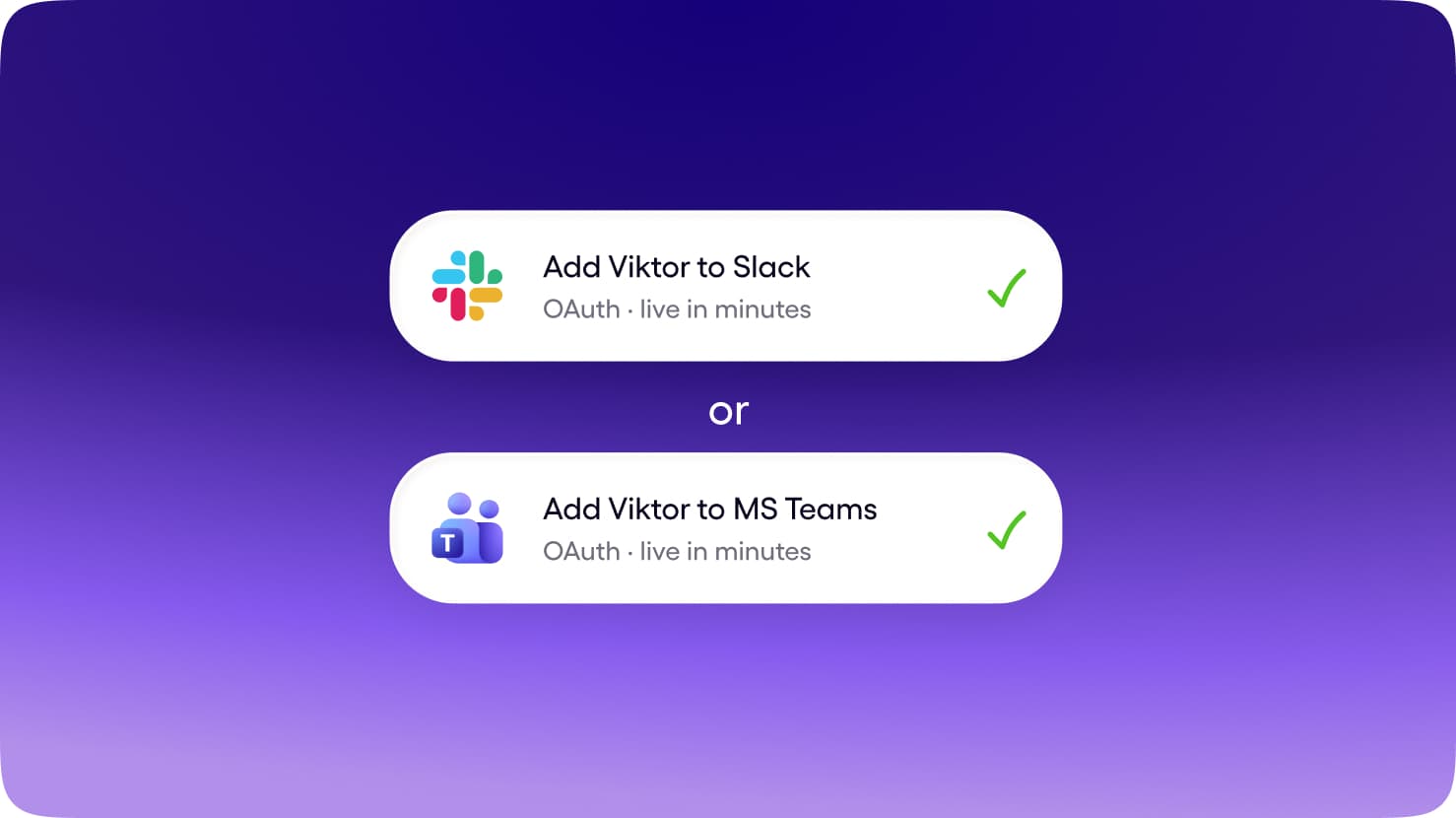
Slack and Microsoft Teams, in the same thread where the work already gets discussed. No new app for the team to adopt, no context living on one person's laptop.
Get Started for FreeAnyone can tag Viktor. He shares context across the workspace, so what one person teaches him helps the whole team.
Get Started for FreeBrief him once. He uses your tools, builds the report, deck, or app, and brings the finished work back to the thread.
Get Started for FreeViktor and Michael: how the work happens.
Start with the working environment, the people using it, and the responsibility you want to hand over.

Viktor
AI EmployeeSlack and Microsoft Teams, in the channel where the work is already discussed.
The whole team. Anyone can tag Viktor; context belongs to the workspace.
Reads the request, uses connected tools, produces the deliverable, and reports back in the thread.
Shared workspace context. What one person teaches Viktor can help the team.
9,800+ integrations, browser access, code execution, and published docs and apps.
Michael
In-channelMichael's home page, read 27 Nov 2026, says "Michael lives on the web, Slack, WhatsApp, and hundreds of other channels you already use."
Michael's page comparing it with Claude, read 27 Nov 2026, says "You @ him like anyone else on the team."
Michael's page comparing it with Claude, read 27 Nov 2026, says "He connects to your stack, owns the task from ask to artifact, and stops to confirm before doing anything he cannot undo."
Michael's home page, read 27 Nov 2026, says "He learns your tools, your taste, your feedback."
Michael's home page, read 27 Nov 2026, says "Connect the tools your team already uses. Michael takes the work into Slack, email, docs, dashboards, and the systems that are harder to navigate."
Two questions decide the whole category.
See where Michael and Viktor fit: where each one works, and how much of the job it takes on.
Viktor vs Michael
Scroll horizontally to explore all the content. You can also use the left and right arrow keys when this region is focused.
| ViktorAI Employee | Michael | |
|---|---|---|
| Surface | Slack and Microsoft Teams, in the channel where the work is already discussed. | Michael's home page, read 27 Nov 2026, says "Michael lives on the web, Slack, WhatsApp, and hundreds of other channels you already use." |
| Works for | The whole team. Anyone can tag Viktor; context belongs to the workspace. | Michael's page comparing it with Claude, read 27 Nov 2026, says "You @ him like anyone else on the team." |
| Who owns the job | Reads the request, uses connected tools, produces the deliverable, and reports back in the thread. | Michael's page comparing it with Claude, read 27 Nov 2026, says "He connects to your stack, owns the task from ask to artifact, and stops to confirm before doing anything he cannot undo." |
| Memory | Shared workspace context. What one person teaches Viktor can help the team. | Michael's home page, read 27 Nov 2026, says "He learns your tools, your taste, your feedback." |
| Tools | 9,800+ integrations, browser access, code execution, and published docs and apps. | Michael's home page, read 27 Nov 2026, says "Connect the tools your team already uses. Michael takes the work into Slack, email, docs, dashboards, and the systems that are harder to navigate." |
| Price shape | Shared workspace credits from $100/month. | Check Michael's current plans for pricing, included usage, and availability. |
| Best for | Ongoing team work across your connected tools. | You want to walk through a workflow once and have Michael save the routine, remember the details, and run it on his own next time. |
Product information:
- Michael ↗, checked
- Michael vs Claude ↗, checked
- Michael: book a demo ↗, checked
Check the provider for current plans and availability.

One employee for your team's work.
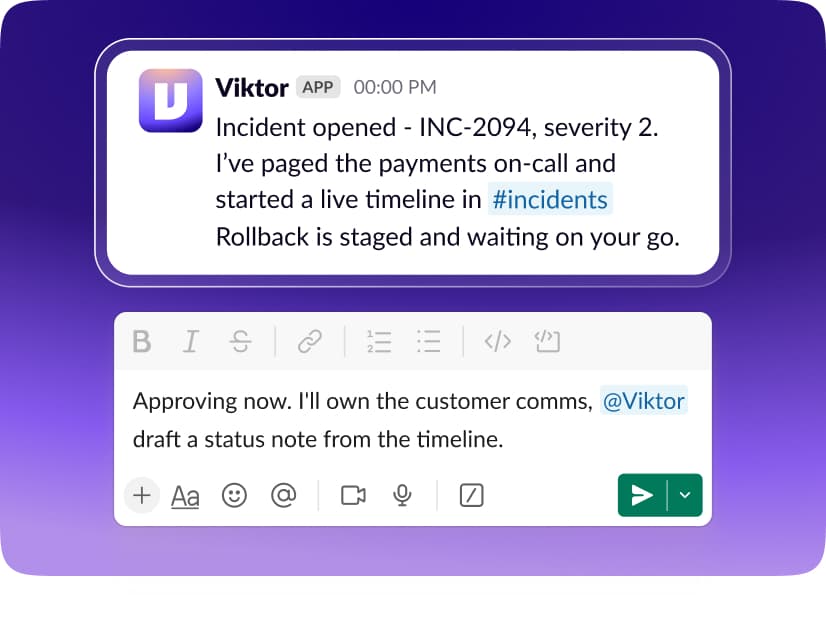
1Team-native by default
Brief Viktor in Slack or Microsoft Teams. The request, the work, and the result stay connected to the conversation your team can follow.

2Breadth of the whole stack
Connect 9,800+ tools, use a real browser, and run code. Viktor can bring information together and deliver reports, documents, and apps.
1 teammate
One pool
10 teammates
One pool
3A price that fits a team
Viktor is priced per workspace, starting at $100/month.
When to choose Viktor vs Michael


Your team needs shared context.
Your work spans several business tools and needs a finished deliverable.
You prefer a managed employee with a shared workspace credit pool.

You want to walk through a workflow once and have Michael save the routine, remember the details, and run it on his own next time.
Michael's home page, read 27 Nov 2026, says "Michael is an AI coworker who lives in your Slack. He has his own cloud computer where he writes and runs code to finish tasks."
More from Slack-native workhorses

Dust
In-channel
A multiplayer platform for building and running company agents, in Slack, Microsoft Teams and the web.
Glean
In-channel
Enterprise search and assistant with agents, grounded on your company's documents.
ClearFeed
In-channel
An omnichannel helpdesk for Slack-first teams supporting customers and employees, with custom AI agents, ticketing, SLA alerts and human handoff.

Lindy Teammate
In-channel
Sold as an “AI employee for your whole team”, in Slack and Lindy chat, billed per active user, with internal app building and phone calls.
FAQ
Michael's home page, read 27 Nov 2026, says "Michael is an AI coworker who lives in your Slack. He has his own cloud computer where he writes and runs code to finish tasks."
Michael's home page, read 27 Nov 2026, says "Michael lives on the web, Slack, WhatsApp, and hundreds of other channels you already use." Michael's page comparing it with Claude, read 27 Nov 2026, says "He connects to your stack, owns the task from ask to artifact, and stops to confirm before doing anything he cannot undo." Viktor takes requests in Slack and Microsoft Teams and works across the team's connected tools.
Michael's home page, read 27 Nov 2026, says "You only pay per subscription for all your users, with usage-based billing as needed."
Michael's page comparing it with Claude, read 27 Nov 2026, says he "stops to confirm before doing anything he cannot undo".
Start free. Pay only when you're ready.
Every feature. Every integration. Up to $100 in credits on the house. No credit card, no sales call, no catch. When you need more, it starts $100/month.
Up to $100 in free credits
Every feature, every integration. When you need more, it starts $100/month.
- 9,800+ integrations
- Slack and Teams
- Reports, dashboards, apps
- Code and PR reviews
- SOC 2 compliant