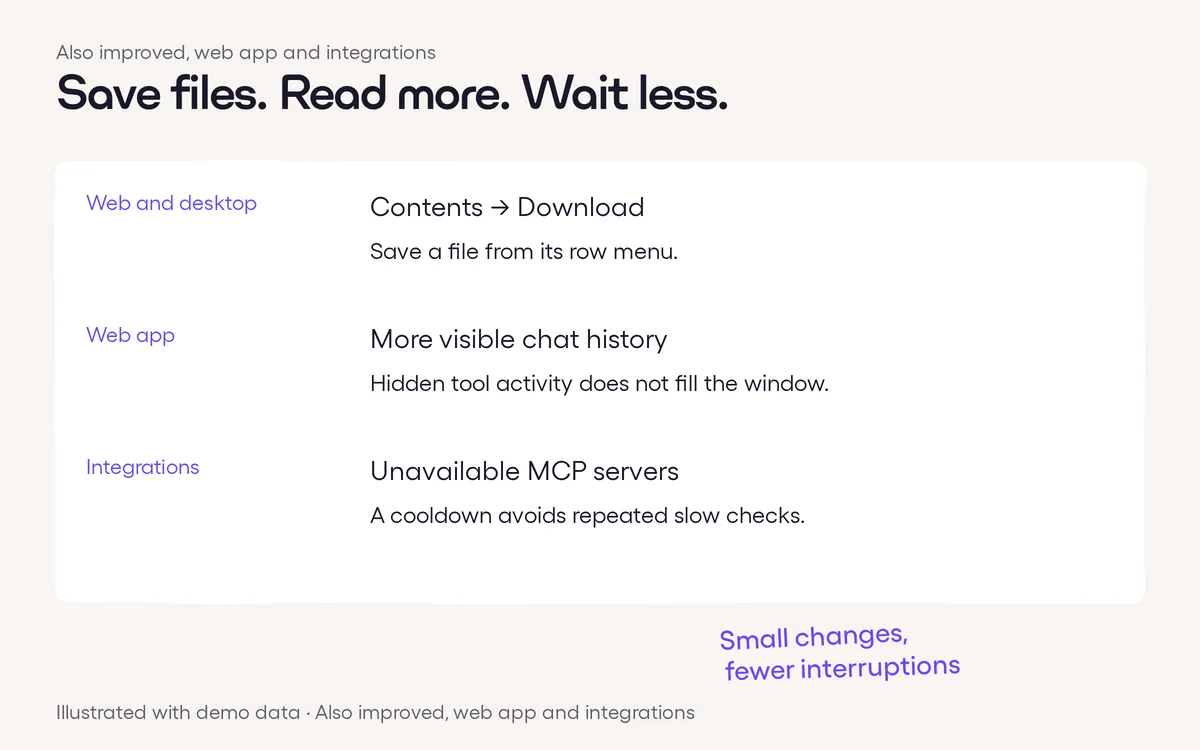
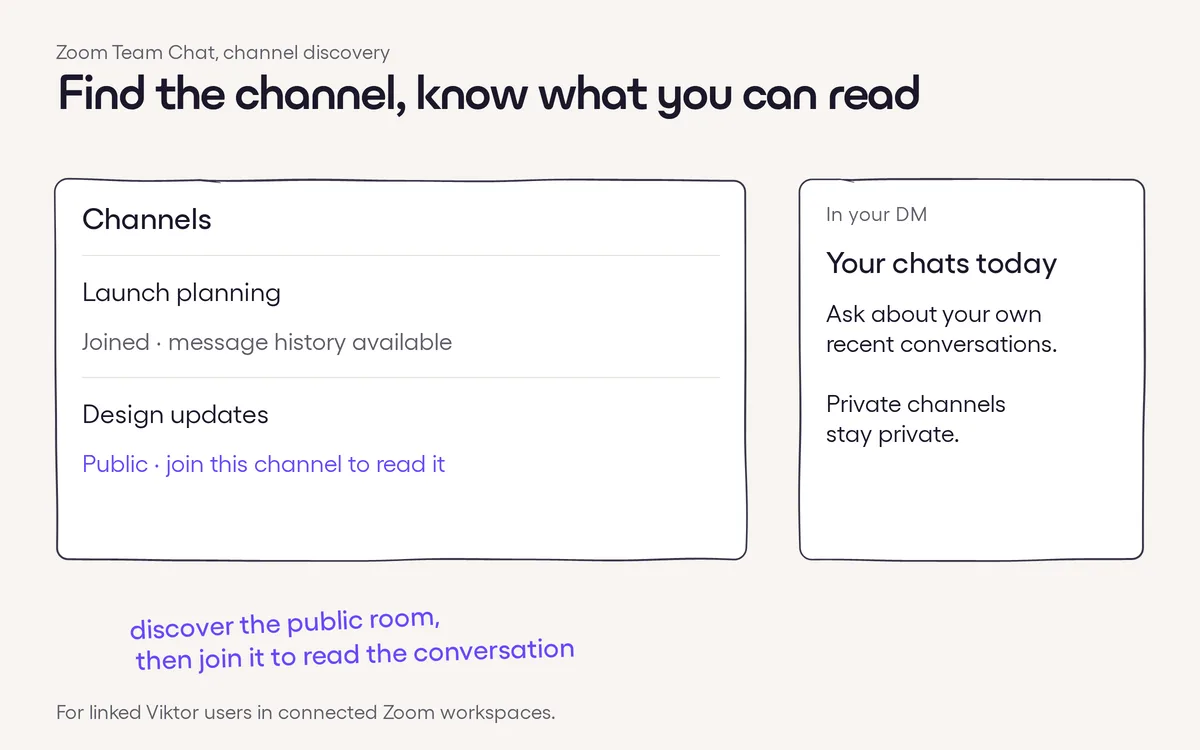
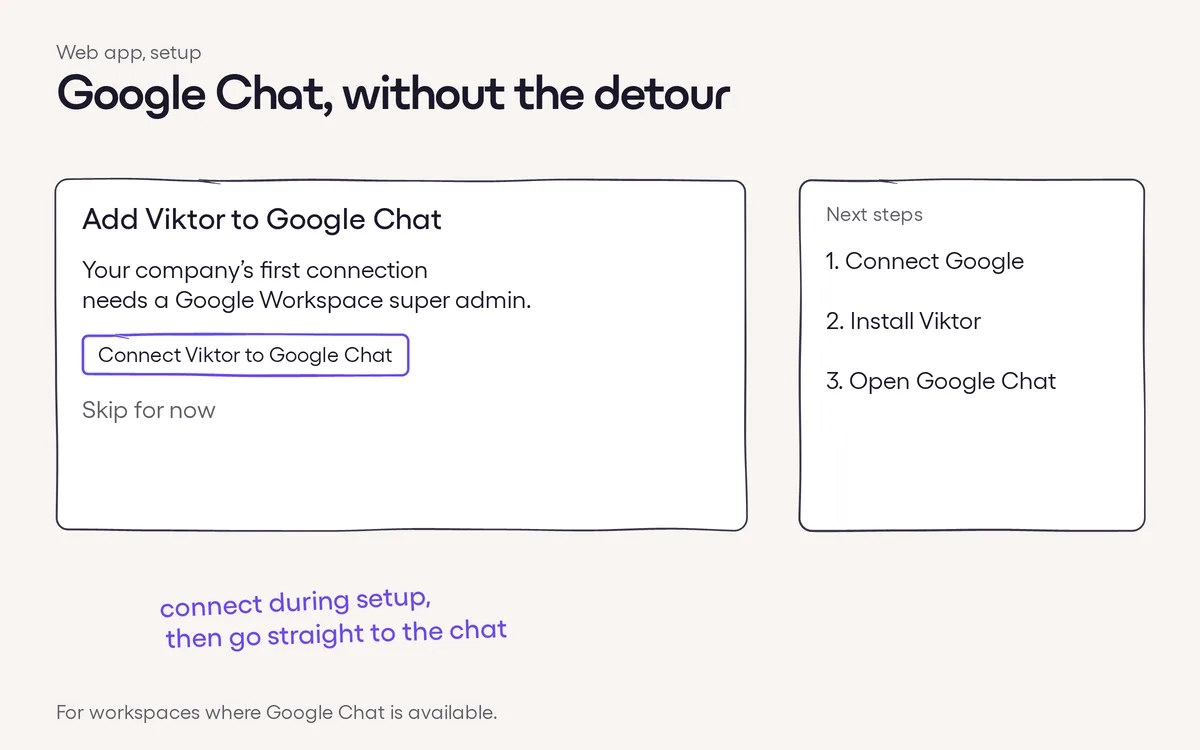
Click to zoomStart in Gorgias. Choose Connect App in your Gorgias account’s App Store to begin connecting Viktor.The right account, then workspace. You sign in to the named Gorgias helpdesk first, then sign in to Viktor and choose the workspace to connect.←Previous · #291Find your way around generated documentsNext · #293→Follow computer work in a live previewMore in Integrations#435 · Nov 14Contents downloads, fuller chat history and more#432 · Nov 13Find more of your Zoom Team Chat context#419 · Nov 13Connect Google Chat right from setup