
Several ways to bring AI into Slack. Viktor is one AI employee.
Slack AI, Slackbot, Slack Code, and Agentforce in Slack solve different problems. Search and recaps, personal help, coding, and business actions should be compared separately.

Used by 72,000+ teams


You don't open Viktor. You hand him the work.
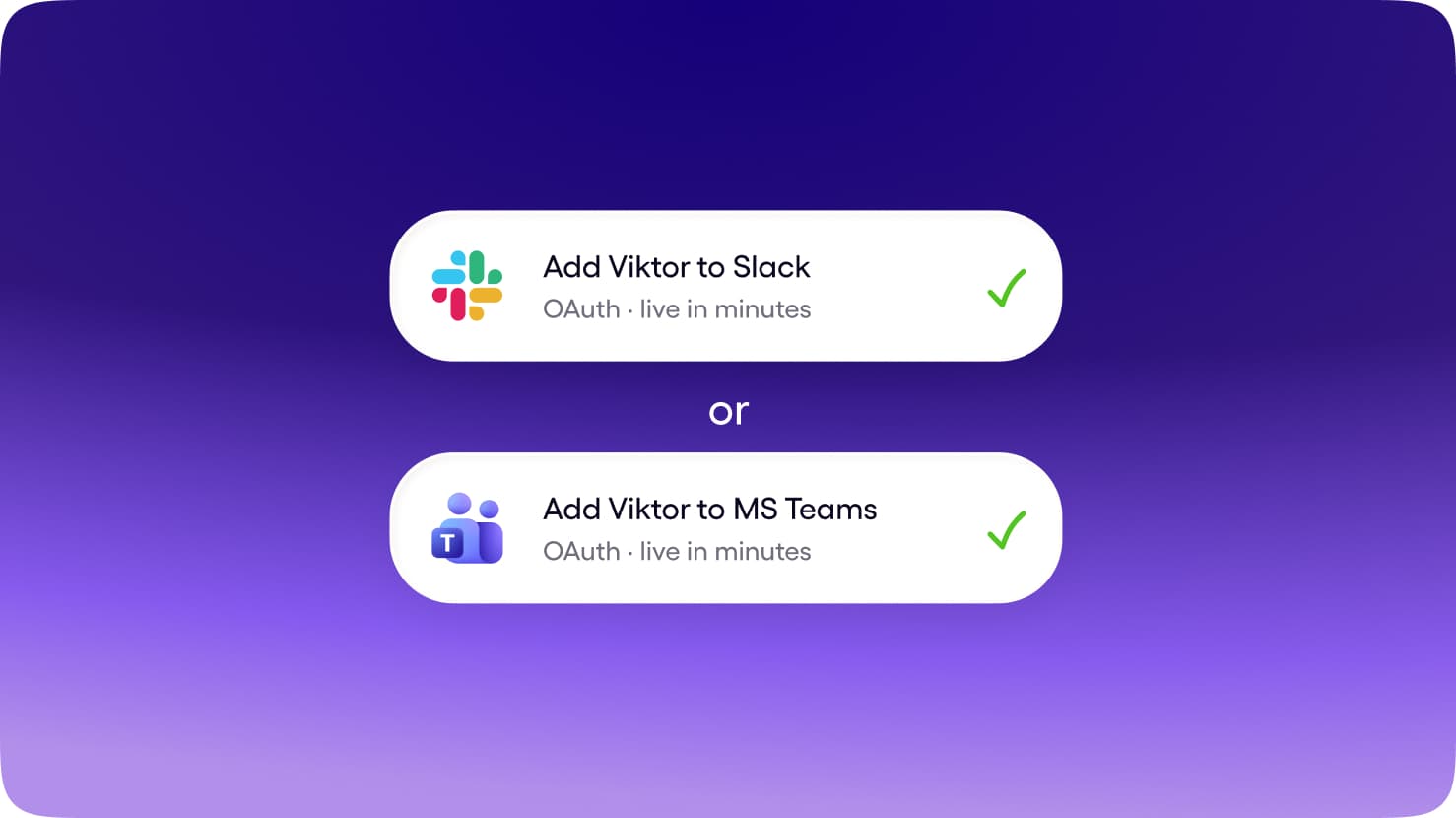
Slack and Microsoft Teams, in the same thread where the work already gets discussed. No new app for the team to adopt, no context living on one person's laptop.
Get Started for FreeAnyone can tag Viktor. He shares context across the workspace, so what one person teaches him helps the whole team.
Get Started for FreeBrief him once. He uses your tools, builds the report, deck, or app, and brings the finished work back to the thread.
Get Started for FreeTwo questions decide the whole category.
Where does the work happen, and how much of the job does the tool own? Explore the 4 products in this group alongside Viktor.
Scroll horizontally to explore the map. Tap a product to read its comparison.


Slack AI
In-channel
Slack's built-in search, thread recaps, and channel summaries.
Slackbot
In-channel
Slack's personal AI agent that understands your conversations, files, and projects inside Slack.
Slack Code
Coding
Slack's code channels: mention a coding agent and it gets a dedicated room with diffs, previews, and approvals.
Agentforce in Slack
In-channel
Salesforce's agent platform in Slack, aimed at CRM-grounded sales and service workflows.
Viktor vs Slack / Salesforce
Scroll horizontally to explore all the content. You can also use the left and right arrow keys when this region is focused.
| ViktorAI Employee | Slack / Salesforce | |
|---|---|---|
| Surface | Slack and Microsoft Teams, in the channel where the work is already discussed. | Slack search, messages, channels, and connected Salesforce experiences. |
| Works for | The whole team. Anyone can tag Viktor; context belongs to the workspace. | Slack users, developers, and Salesforce teams. Requirements differ by offering. |
| Who owns the job | Reads the request, uses connected tools, produces the deliverable, and reports back in the thread. | Search and summarization in some products; delegated actions and specialist workflows in others. |
| Memory | Shared workspace context. What one person teaches Viktor can help the team. | Slack workspace knowledge and, where connected, Salesforce data and configured business context. |
| Tools | 9,800+ integrations, browser access, code execution, and published pages and apps. | Slack features, coding partners, and Agentforce connections. A Slack integration does not imply the same tool access across all four products. |
| Price shape | Shared workspace credits from $100/month, without a subscription for each teammate. | Check Slack / Salesforce's current plans for pricing, included usage, and availability. |
| Best for | Ongoing team work across your connected tools. | Your immediate need is search or recaps inside Slack. |

One employee for your team's work.
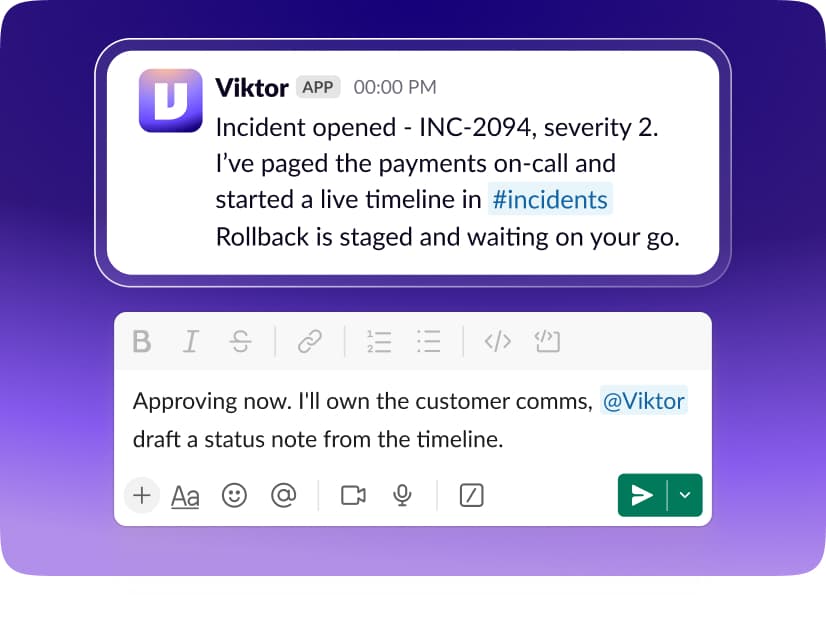
1Team-native by default
Brief Viktor in Slack or Microsoft Teams. The request, the work, and the result stay connected to the conversation your team can follow.
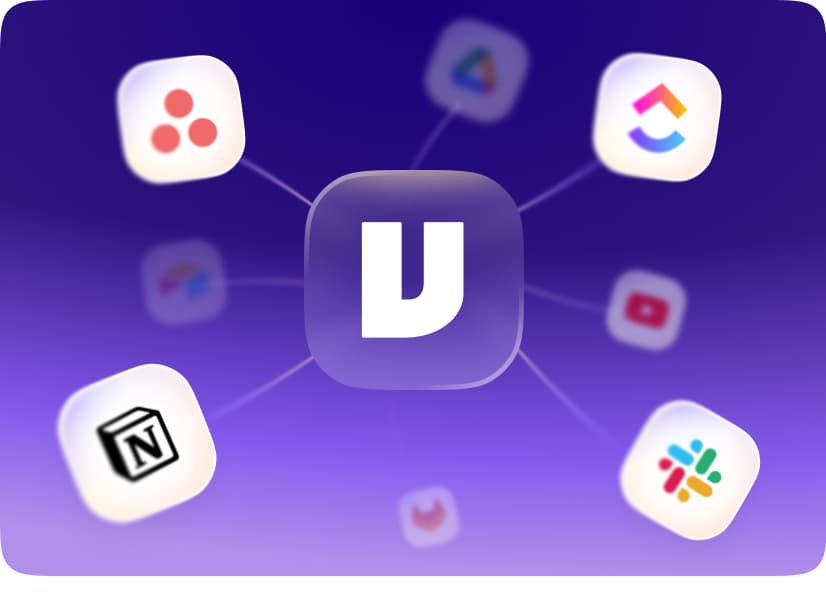
2Breadth of the whole stack
Connect 9,800+ tools, use a real browser, and run code. Viktor can bring information together and deliver reports, documents, and apps.
1 teammate
One pool
10 teammates
One pool
3A price that fits a team
Your workspace shares one credit pool, starting at $100/month. Add teammates without adding a per-person subscription.
When to choose Viktor vs Slack / Salesforce


You want to delegate work in Slack or Microsoft Teams.
Your team needs shared context rather than isolated individual conversations.
Your work spans several business tools and needs a finished deliverable.
You prefer a managed employee with a shared workspace credit pool.

Your immediate need is search or recaps inside Slack.
You want a coding workflow coordinated through Slack channels.
Your company already runs Salesforce and wants Agentforce in that environment.
FAQ
This group includes Slack AI, Slackbot, Slack Code, Agentforce in Slack. Each product has its own comparison, with its working environment, context, and connected tools.
Your immediate need is search or recaps inside Slack. You want a coding workflow coordinated through Slack channels. Your company already runs Salesforce and wants Agentforce in that environment. Choose Viktor when you want a managed AI employee working across your tools in Slack or Microsoft Teams.
No. Search and summarization in some products; delegated actions and specialist workflows in others. Open an individual comparison for the product you are considering.
Yes. Start with free credits, connect the tools you want Viktor to use, and give him a task in Slack or Microsoft Teams. No credit card is required to start.
Start free. Pay only when you're ready.
Every feature. Every integration. $100 in credits on the house. No credit card, no sales call, no catch. When you need more, it starts $100/month.
Up to $100 in free credits
Every feature, every integration. When you need more, it starts $100/month.
- 9,800+ integrations
- Slack and Teams
- Reports, dashboards, apps
- Code and PR reviews
- SOC 2 compliant