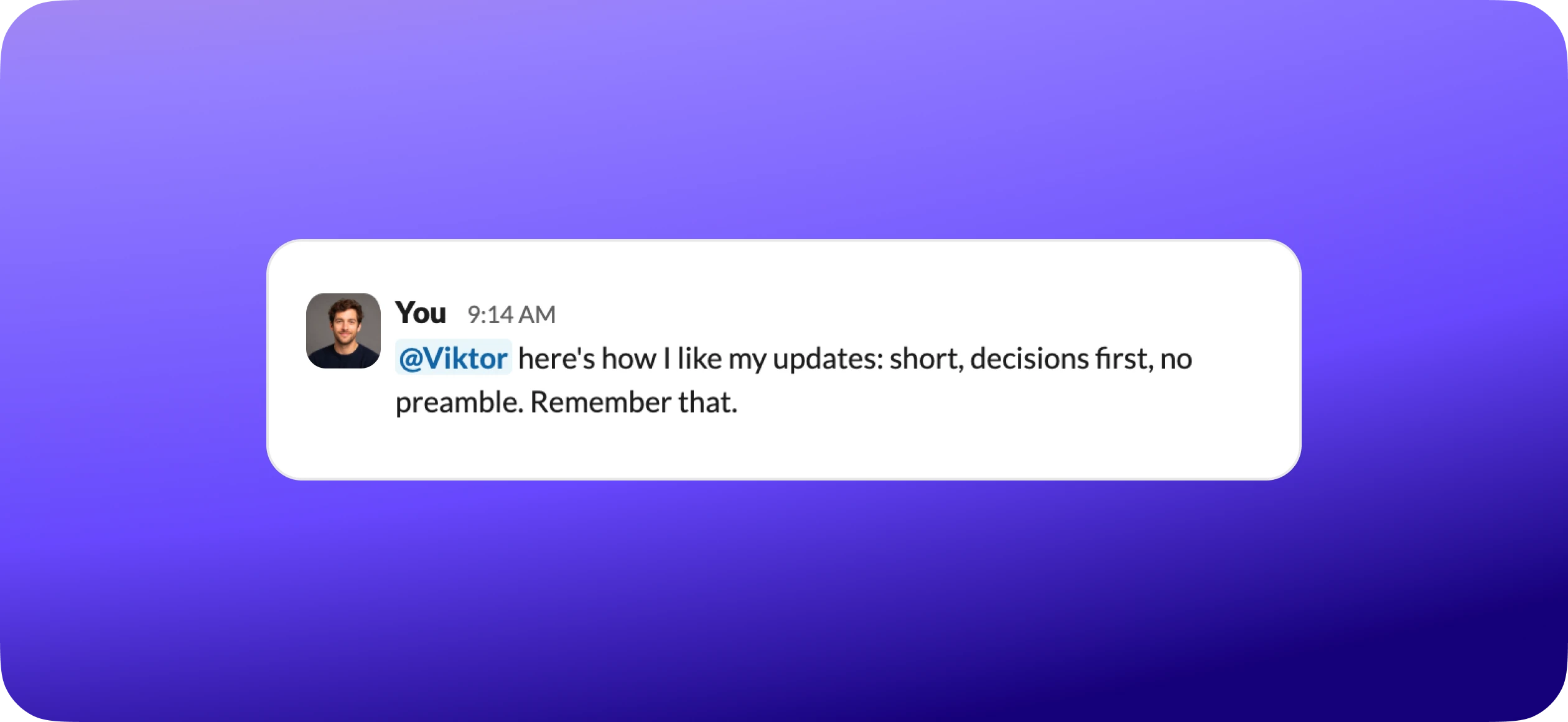
Most AI forgets everything the moment you close the chat. Viktor does not.
When you tell him something that matters, he saves it and reads it before every reply, the way a good employee learns your preferences in the first month and stops making you repeat yourself.
By the end you should know how to
- Understand what skills are and how they work as memory
- Tell the three kinds apart: personal, team, and workflow
- Teach Viktor your preferences and rules in plain conversation
- Set boundaries Viktor follows automatically
- Install pre-built skills from the marketplace
- Know what is worth teaching
- Understand how skills make crons and integrations smarter

 Get started for free
What are skills?
Skills are Viktor's long-term memory. Think of him carrying a notebook everywhere he goes. Every preference, rule, correction, and process you share gets written in, and applied going forward.
Without skills
- "Remember I'm in Eastern time."
- "Don't use dashes in my writing."
- "Always CC my assistant."
Every single time.
With skills
You told him once. He saved them. Now he applies them automatically.
Never repeat yourself again.
How Viktor remembers
Every time you message him, Viktor reads the skills that matter before he replies. It happens automatically, in the background.
He reads your profile plus any task skills relevant to what you asked.
The learning loop. Skills stack over time. The longer Viktor works with you, the less you have to explain.
Week 1
He knows your name and timezone. Good, but still generic.
Month 1
He knows your writing style and preferences. Drafts match your voice...
Month 3
He knows your workflows and team dynamics. Handles complex tasks with little instruction...
Month 6+
He anticipates what you need. Proactive suggestions, catches mistakes before they ship...
The 10x moment
The value is never any single skill. It is the accumulation. Most people say Viktor goes from helpful to essential around month two, when enough skills have stacked up that he just gets it without explanation. Every correction and preference you add now is what gets you there. Your own version of that moment is already on its way.
Your personal profile
Your personal profile is the one skill Viktor reads on every single interaction. It is how he knows you, not just the task in front of him. Here is what goes in.

Identity. Name, email, role, timezone.
Communication style. Direct vs detailed, technical vs plain.
Writing voice. Tone, banned phrases, formatting.
Boundaries and rules. The things you always or never want.
Quality checks. Verification steps before he confirms.
Learned patterns. Corrections and process preferences.
Here is a real example of what Viktor learned about one user, just by working with them.
Every rule above was learned from a real conversation. The user said it once. No setup wizard, no settings page.
Teaching Viktor in conversation
There is no form to fill out. You teach Viktor the same way you would teach a new hire: you just talk to him. Tell him how you want things done, and he writes it down.
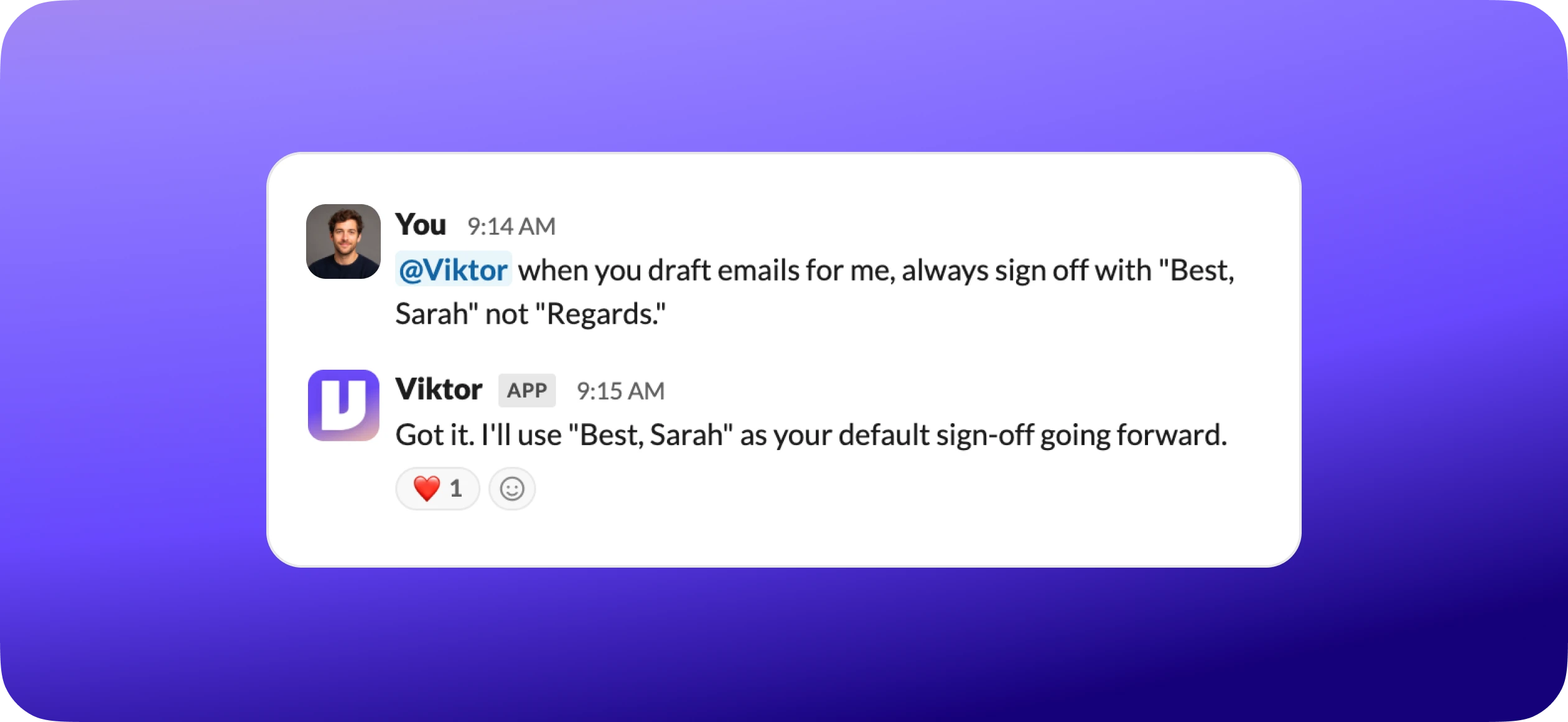
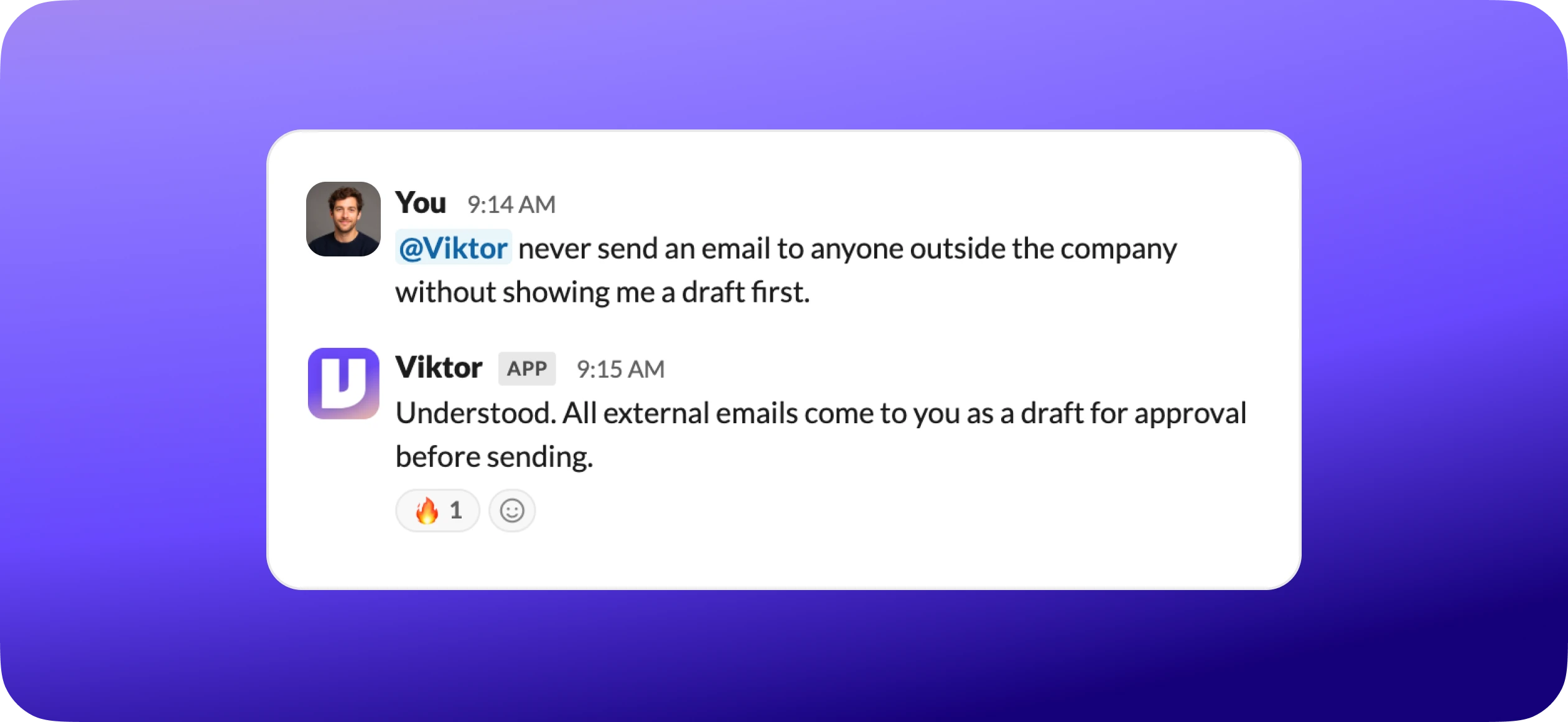
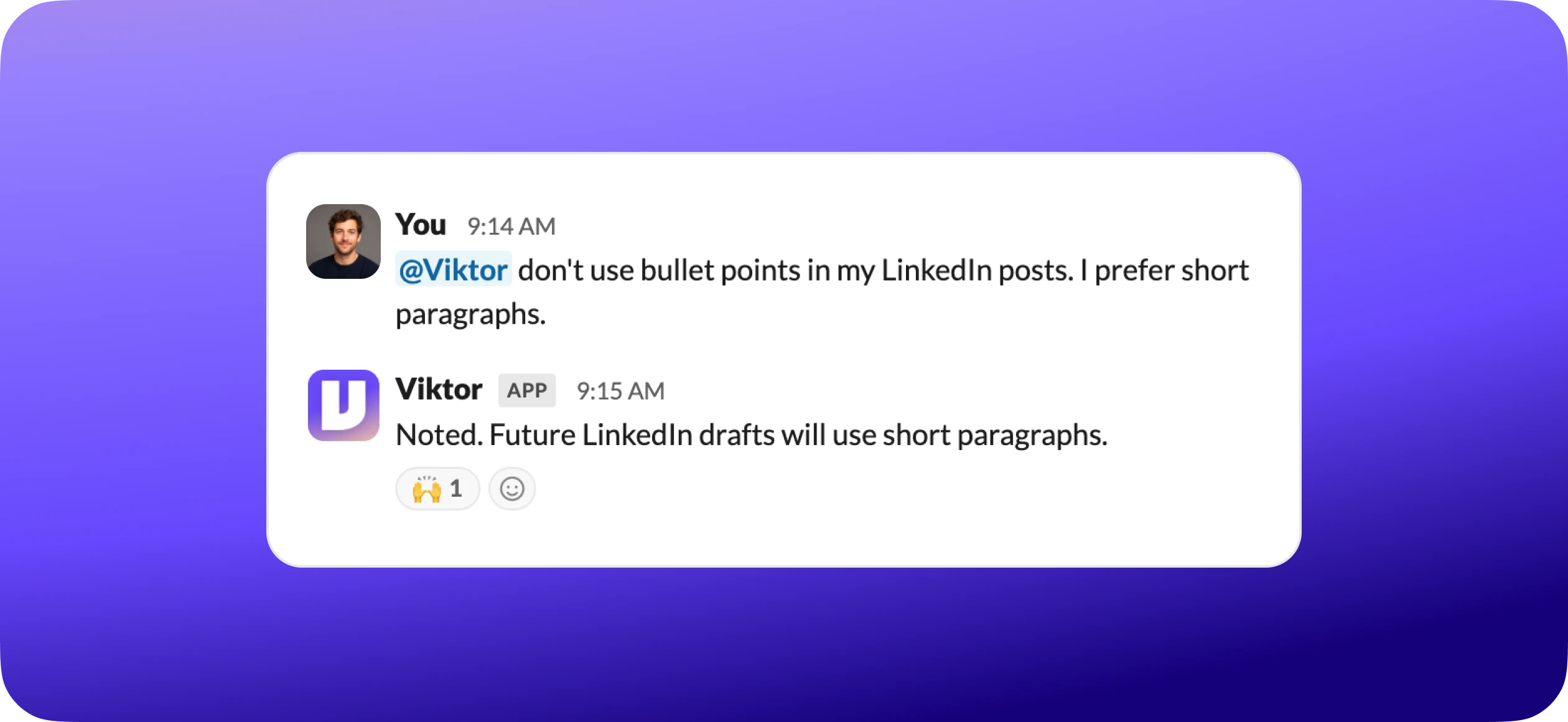
Certain phrases tell Viktor you want him to remember something, not just act on it once.
Corrections are the highest-leverage thing you can teach. Point out a mistake and Viktor does not just fix the task in front of him. He updates the skill behind it, so the same mistake never recurs. One correction today saves you every correction after.
Team & company knowledge
Not everything is personal. Some of what Viktor needs to know belongs to the whole team: who does what, how the company sounds, what the rules are. Those live in shared skills, so everyone benefits at once.
The company skill holds the org-level facts.
The team skill holds the people and how work routes between them.
Teaching a shared skill looks exactly like teaching a personal one. You just tell him.
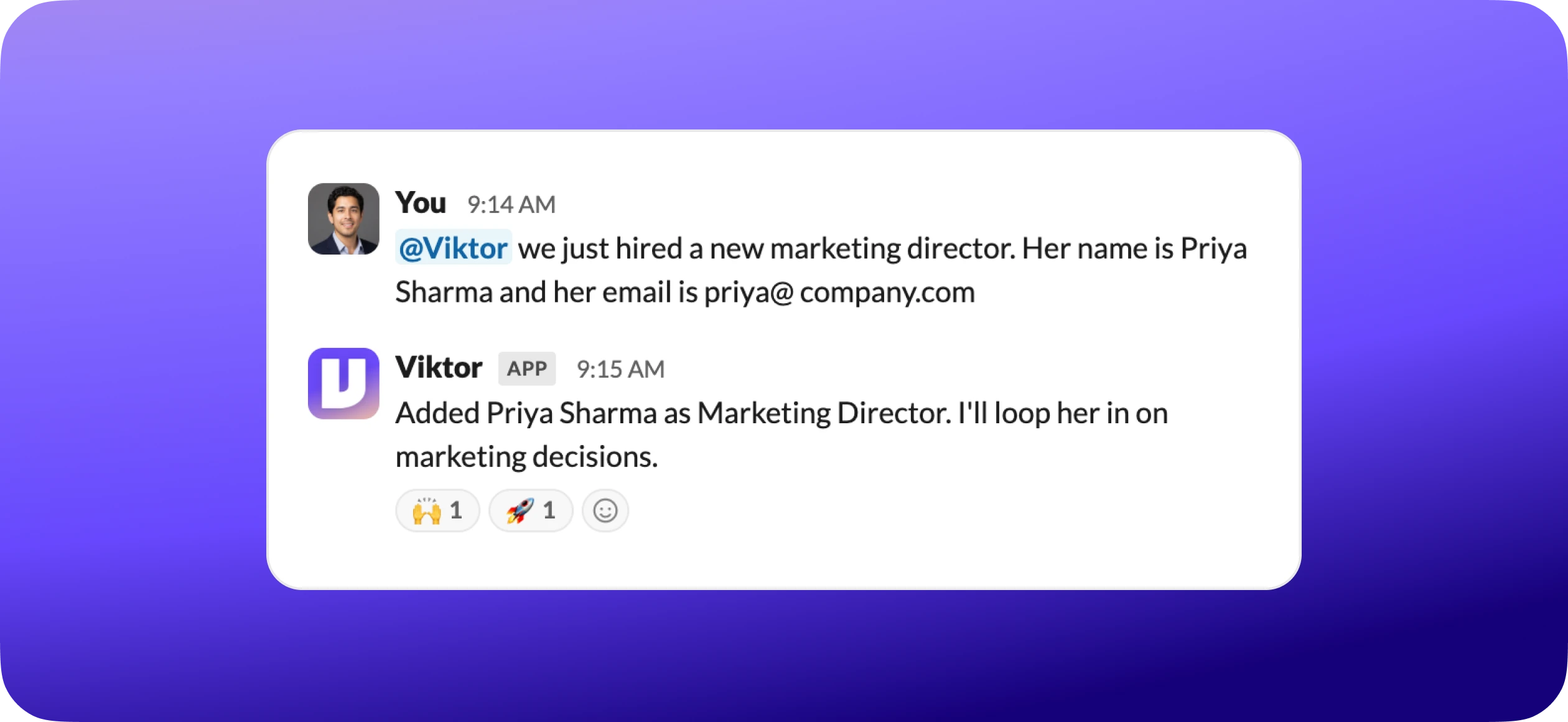
Good for shared skills
- New hires and role changes
- Updated brand guidelines
- New policies
- Product updates
- Key dates
Keep personal
- Your writing preferences
- Your schedule
- Your approval workflows
- Your email formatting
- Private notes
One update, everyone benefits. Update a shared skill and every teammate's next interaction reflects it.
Workflow skills
Workflow skills are repeatable processes Viktor executes consistently, the same way every time. The rule of thumb is simple: if a process happens more than once, make it a skill.
Email campaign workflow. Constant Contact HTML rules, image sizing, subject formatting, list selection, send timing.
Website deployment checklist. DNS via Cloudflare, build and deploy via Vercel, custom domain, post-deploy verification.
Social media posting rules. Platform-specific hashtag counts, framing, companion web posts, credit tagging.
PDF report generation. Brand fonts, palette, layout specs, rendering rules, quality verification.
There are two ways a workflow skill gets created.
You describe it
Tell Viktor your process in plain English, and he builds the skill.
Viktor learns by doing
The first time he performs a task you give feedback, and he saves what worked.
Some workflow skills bundle automation scripts that run automatically. You never see them. You just get the finished result.
What can you teach?
Almost anything you would explain to a new hire. Here are twelve common ones, sorted by where they live.
Personal
Writing style
Banned words and phrases
Email conventions
Approval workflows
Scheduling rules
Reporting format
Team
Brand standards
Team directory
Naming conventions
Workflow
Quality gates
Process checklists
Platform rules
Start small
You don't need to teach everything at once. Most skills build up naturally. Just correct Viktor when he's wrong and tell him when he's right.
The skills marketplace
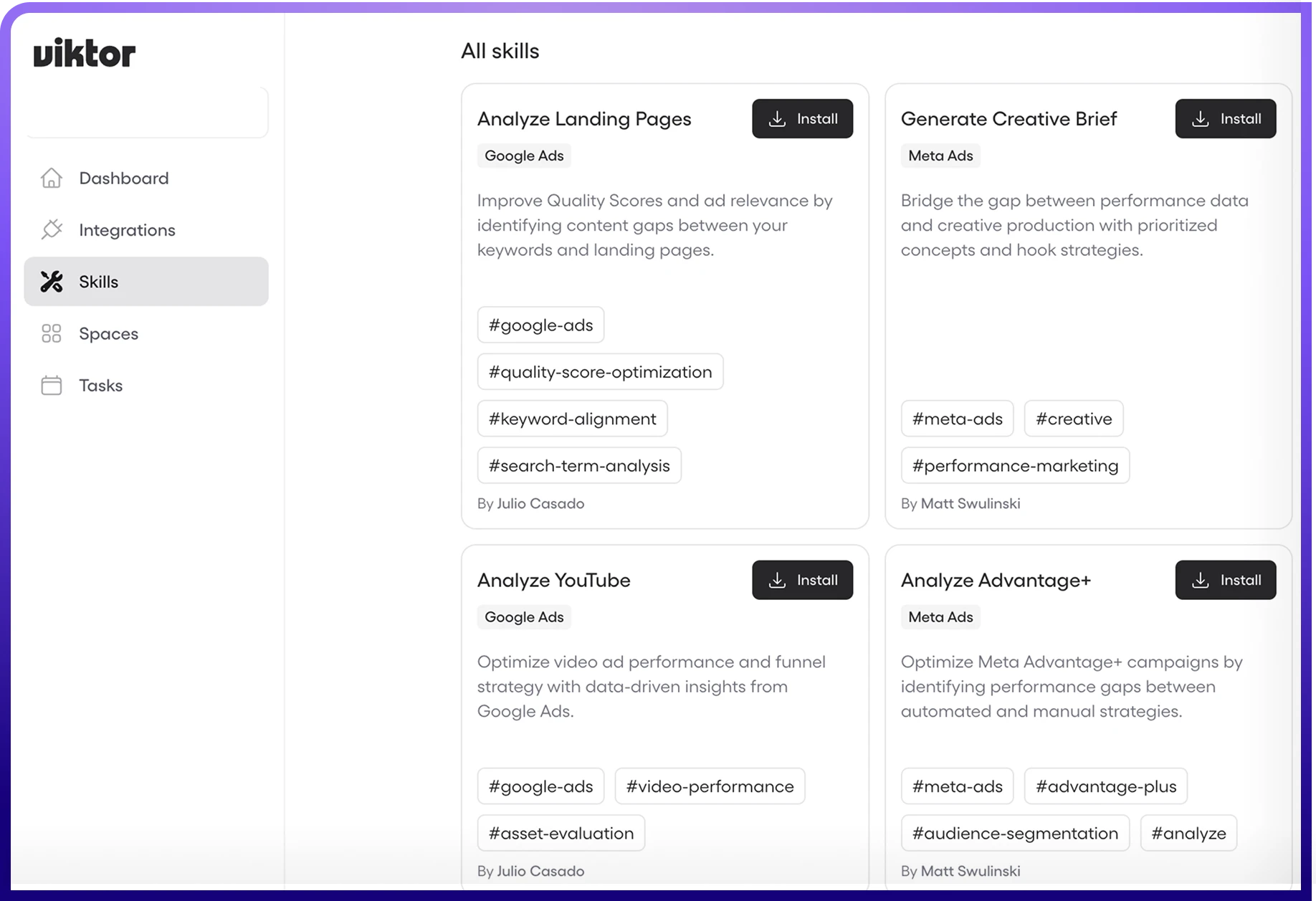
You don't have to teach everything from scratch. The marketplace has pre-built skills at app.viktor.com/skills, professionally built and one click to install.
Managing what you have installed is straightforward.
Marketplace skills are professionally built capabilities. Your custom skills are the preferences Viktor learns from you. A marketplace skill gives the capability. Your personal skills tell him how you want it applied.
Skills + other features
Skills are not a feature off to the side. They make everything else Viktor does smarter, because he reads them no matter how the work was triggered.
Skills + Crons. A daily digest cron reads your reporting-format skill. A weekly LinkedIn draft reads your writing-style skill and sounds like you.
Skills + Integrations. Your email-conventions skill tells Viktor your sign-off, CC, and subject format when drafting through Gmail.
Skills + Viktor Spaces (his built-in web app builder at app.viktor.com/viktor-spaces). Your brand-standards skill keeps every site on-brand. Your deployment-checklist skill orders DNS, SSL, and domain verification correctly.
No skills
"Draft a LinkedIn post" gives you something generic you spend 10 minutes fixing.
With skills
The same request uses your voice, the right number of hashtags (your rule), short paragraphs. Ready to post.
Skills are the connective tissue. Time you invest teaching Viktor pays off across every task, cron, and integration.
Common questions
Can I see what Viktor learned about me?
Yes. Just ask "What do you know about me?" and he'll tell you.
Can I delete something he learned?
Yes. Say "Forget that I prefer bullet points" and it's gone.
Do my preferences affect teammates?
No. Personal skills are private to you.
Are my personal skills mine?
Yes. Your personal skills are yours. When Viktor replies to you, he reads your own profile. Your preferences are not folded into the shared team or company skills unless you choose to share them.
What if I give conflicting instructions?
He uses the most recent one. If it's unclear, he asks.
Do marketplace skills override my preferences?
No. Your preferences always win.
Can I teach something for one project only?
Yes. Say "For this project only, use formal language."
How many skills can I have?
No hard limit.
Troubleshooting
Quick debug
Message "What skills are you using right now?" and Viktor lists every skill he read for the current conversation.
Start teaching Viktor today
Tell him one thing about how you work. "I prefer concise updates" or "Always use my company email." That single sentence starts your profile. Within a week you'll notice the difference.