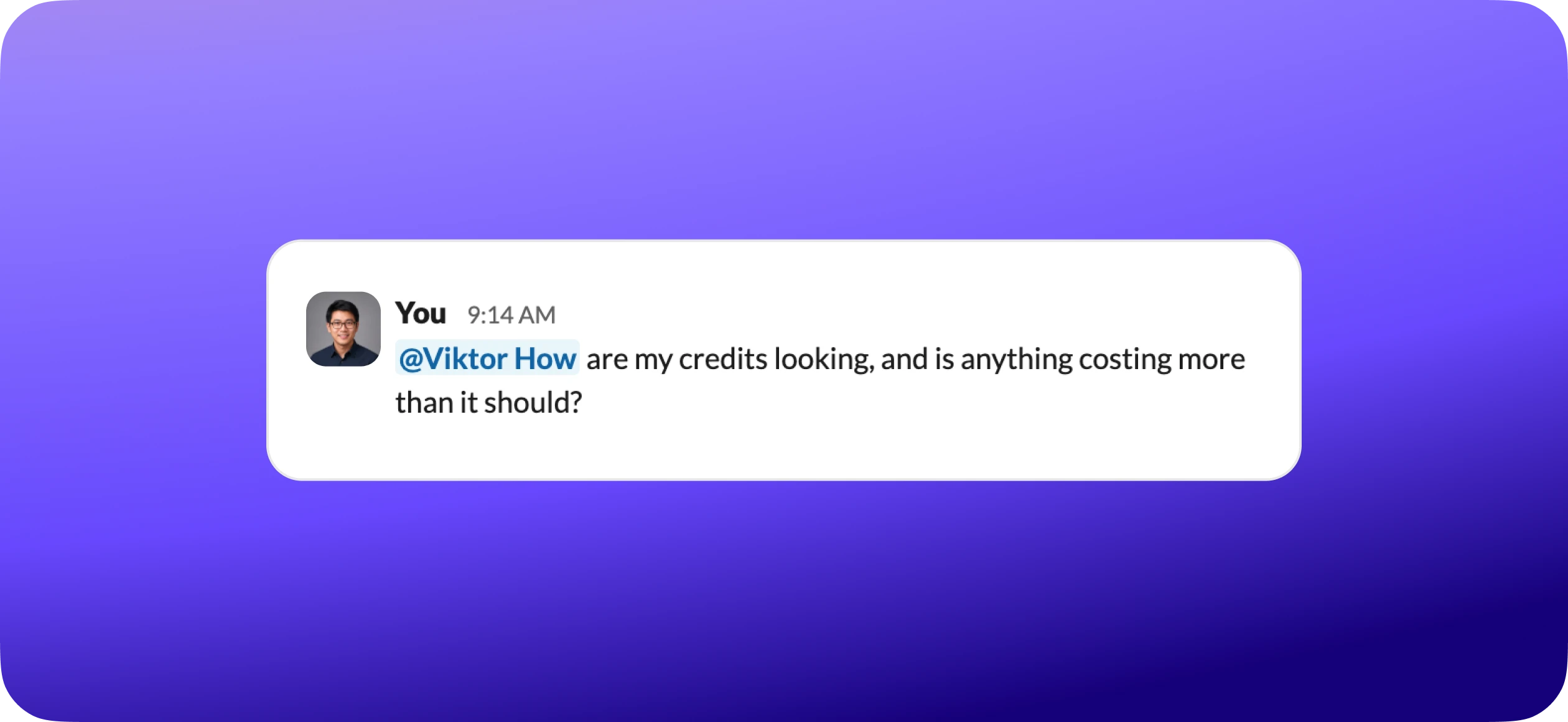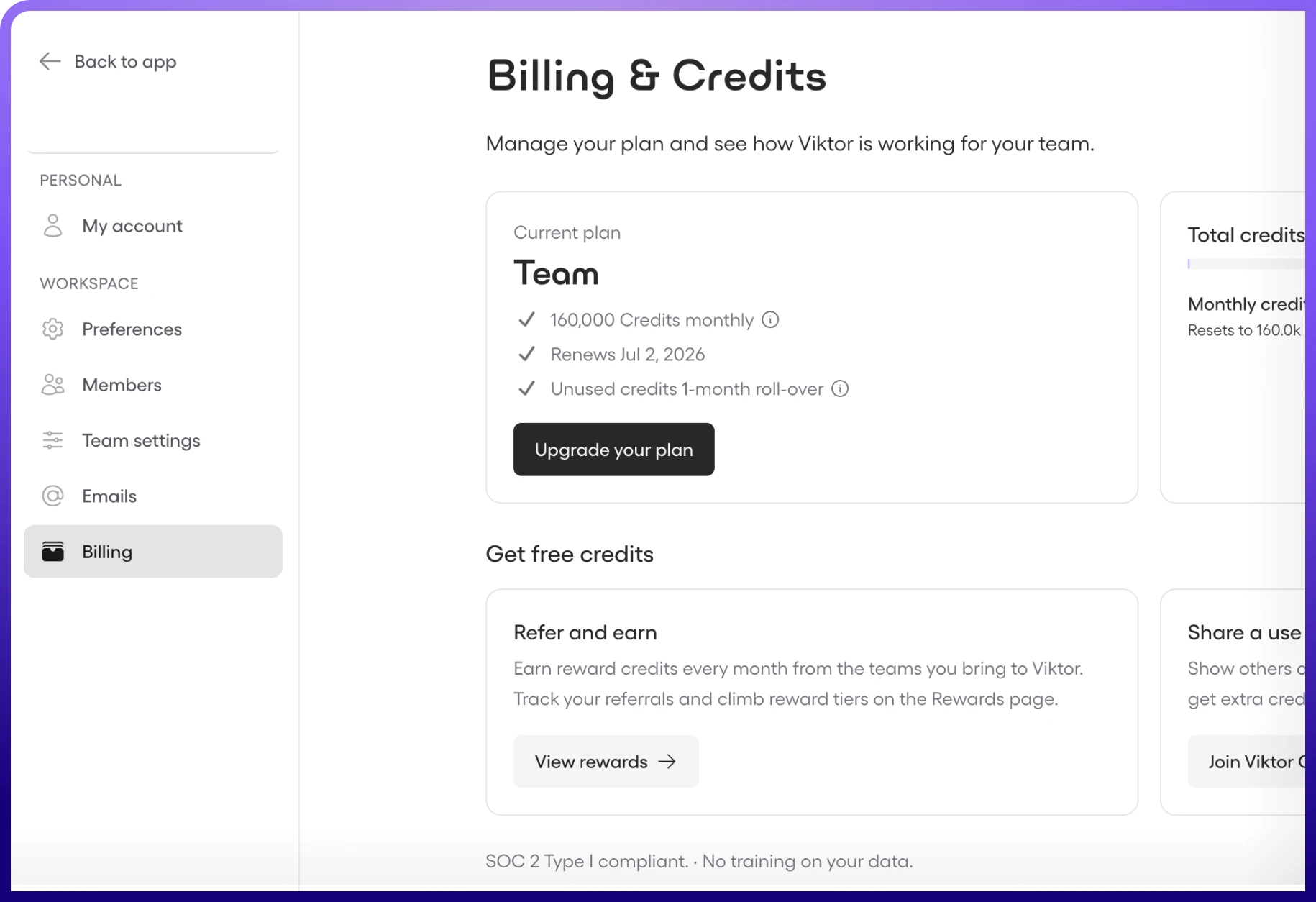
Cost is the question most people are too polite to ask in week one. Answering it plainly is the whole point of this guide.
Viktor runs on credits. A quick question is barely a dent. Building a website uses more. More thinking, more credits. Most people stop thinking about it within a week.
By the end you should know how to
- Understand what a credit is and how tasks consume them
- Know how billing works: rollover, reward, top-up, and consumption order
- Pick the right plan for your usage
- See where your credits go
- Read your usage dashboard
- Apply ten ways to spend less without losing quality
- Earn free credits

 Get started for free
What is a credit?
A credit is just a unit of AI work, like minutes on a phone plan. More thinking equals more credits. Small tasks use a few. Big tasks use more.
Simple version
The rate is $2.50 per 1,000 credits on all self-serve plans. A quick question is a tiny amount. Building a whole website is much more, but still a fraction of what hiring the work out would cost. Most people never think about credits at all.
Small tasks
A few credits.
Quick questions, simple lookups, reading a file, checking your calendar.
Medium tasks
A bit more
Drafting emails, searching your inbox, creating a document, posting to social.
Large tasks
The most
Building websites, generating reports, complex research, multi-step automations.
Why do some cost more?
Credits reflect how much processing a task takes. A one-line answer is fast. A full report means Viktor is reading, writing, generating, checking his work, and iterating. More thinking, more credits. Even the largest tasks are a fraction of what hiring the work out would cost.
How billing works
Your credits move through a simple monthly cycle.
Billing day
Credits added.
Viktor works
Credits used.
Track usage
Dashboard shows daily spend.
Next cycle
Unused credits roll over once.
There are three types of credits, and they behave a little differently.
When you spend, Viktor draws them down in this order:
- 1Rollover (last month's unused)
- 2Current billing (this month's plan)
- 3Top-up (one-time purchases)
- 4Reward (never expire, used last)
Your reward credits are your safety net
They only get used after everything else. Trial and referral credits stick around indefinitely.
Top-ups cost more per credit than your plan
Top-up credits are billed at a higher per-credit rate than your monthly plan rate of $2.50 per 1,000. So if you find yourself buying top-ups most months, upgrading your plan is cheaper per credit than topping up. Recurring top-ups cost more per credit than plan credits, so they are a signal to upgrade.
Choosing the right plan
One flat rate keeps it simple: $2.50 per 1,000 credits on every self-serve plan. The plans are just different sizes at that same rate. You pick the size that fits your workload, not a different price per credit.
These are sizes to think in, not product names or in-product badges. They all run at the same flat $2.50 per 1,000 rate, and you can change size anytime at app.viktor.com/settings/subscription.
Starting size
A good place to start. Solo user, light usage.
Daily driver
A solo user running daily workflows and a few scheduled tasks.
Power user
A small team or power user, with room for automations.
Growing team
A growing team running more of its work through Viktor.
Full scale
Full-scale operations, heavy automation and builds.
You might need to upgrade if:
No commitment
Change your plan anytime at app.viktor.com/settings/subscription. Upgrades take effect immediately. Downgrades take effect at your next billing date.
Where your credits go
Five categories cover almost everything Viktor does. Knowing which is which makes your usage easy to read.
For most teams the ranking is consistent, even if the exact split varies. From biggest to smallest:
Scheduled tasks
1
Conversations
2
Integrations
3
Building
4
Browsing
5
The biggest surprise for new users
Scheduled tasks are the quiet budget driver. They run whether you are watching or not, so a handful of frequent crons add up even on a day you never open Viktor. If you only optimize one thing, optimize your crons. The Automating Recurring Work guide covers how.
Reading your usage dashboard
Where
Your full usage view lives at app.viktor.com/usage.
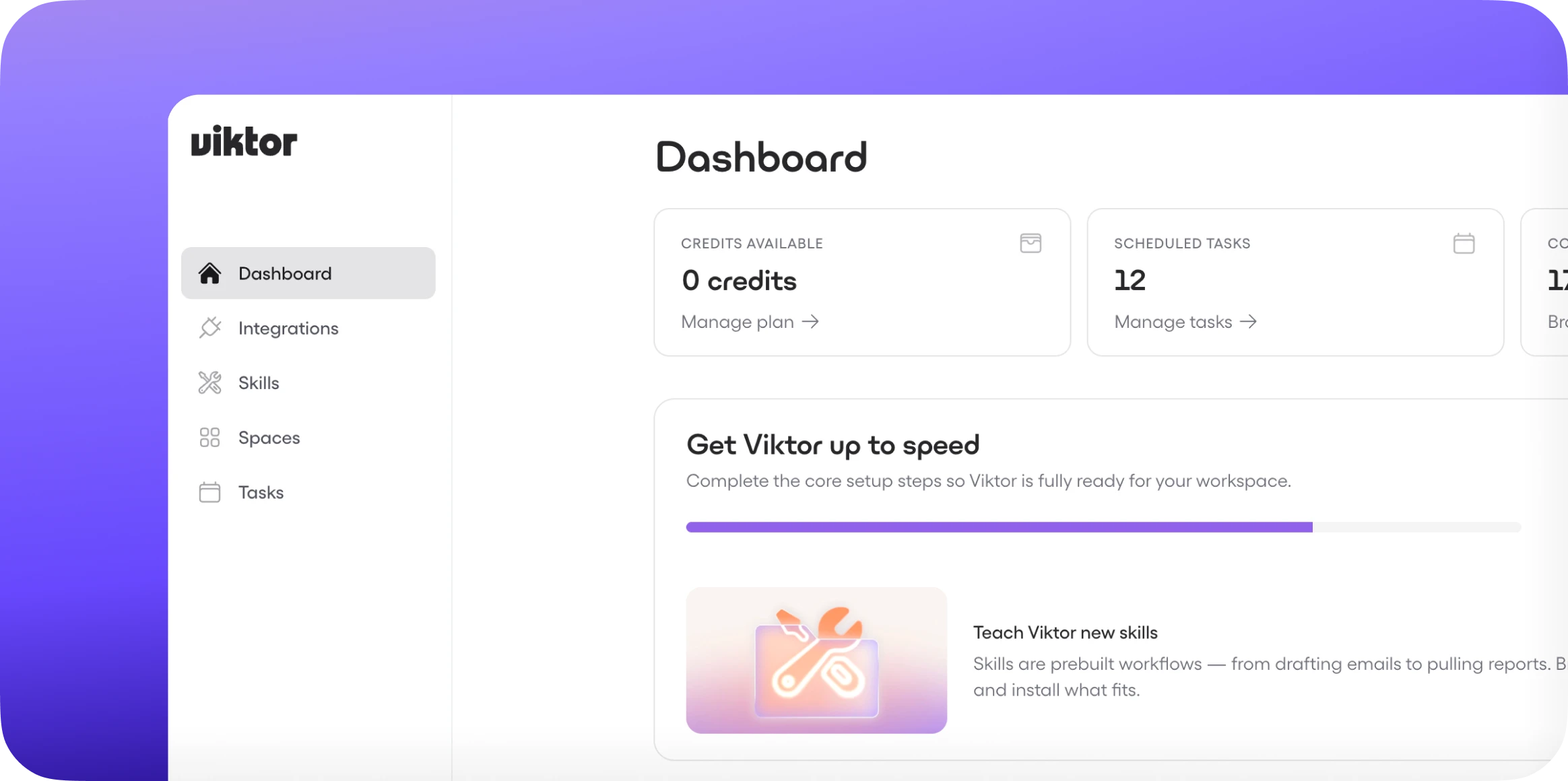
The dashboard shows your numbers with no cost interpretation, by design. It tells you the what. This guide is the so-what: the interpretation layer the dashboard leaves out. Here is what to look at:
- 1Credit balance. Billing plus reward, in real time.
- 2Daily spend chart. Look for spikes. A tall bar usually means a large build or a new cron.
- 3Burn rate forecast. Projects whether you will run out before your next billing date.
- 4Top consumers. To find what is eating your budget, ask Viktor "what's using my credits?" and he ranks them for you in plain English.
Here is how to read what you see:
Pro tip: ask Viktor directly
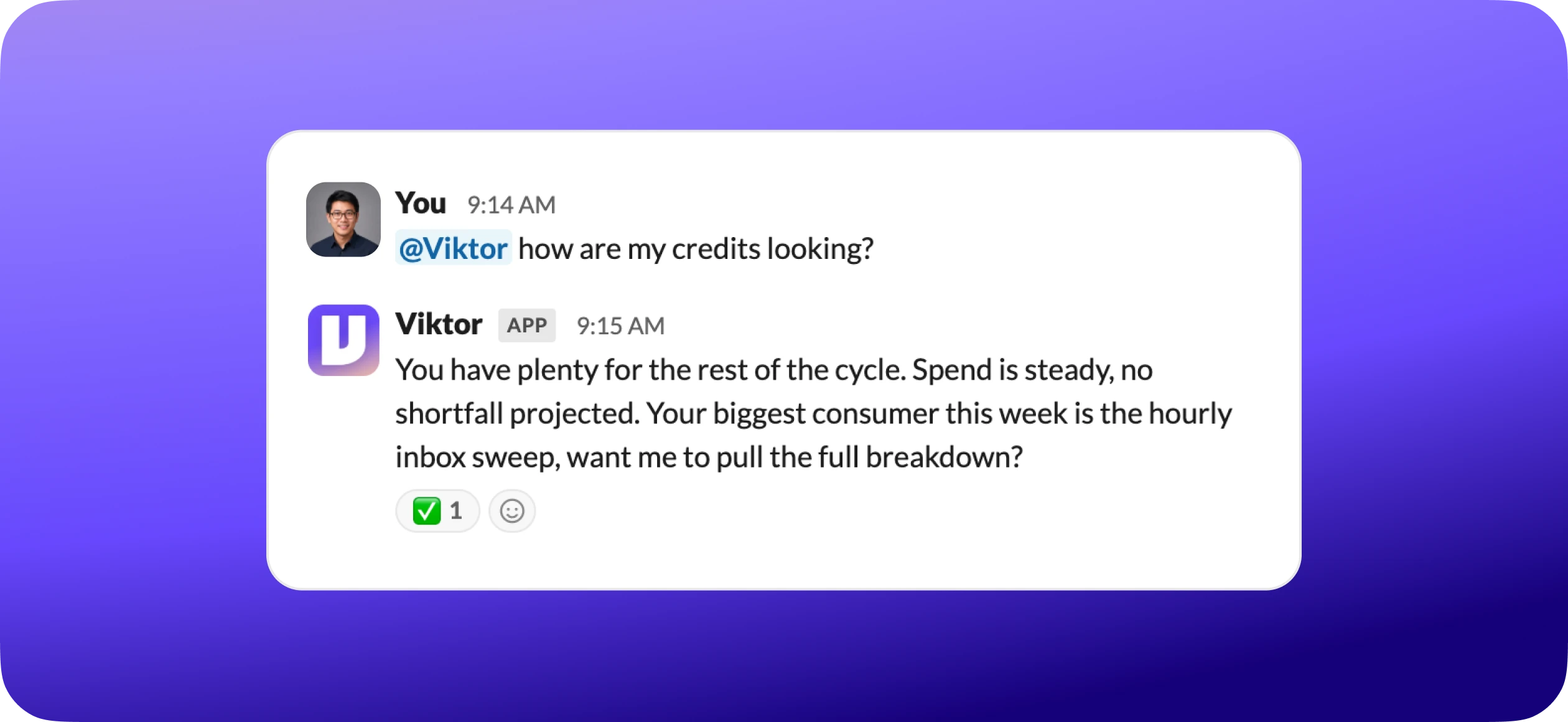
You do not have to open the dashboard at all. Ask Viktor in Slack or Teams and he pulls your balance, burn rate, and top consumers in plain English right where you work.
10 ways to get more from your credits
- 1Start new threads for new topics. Long threads re-read everything.
- 2Audit your crons monthly. Remove what you no longer use.
- 3Reduce cron frequency. Going from hourly to daily can cut a cron's cost dramatically.
- 4Use "Ask First" for expensive tools. Browsing, image generation, big builds.
- 5Be specific in your requests. A precise brief costs less than a vague one.
- 6Let Viktor use efficient models. Routine tasks do not need the most powerful AI.
- 7Batch similar requests. One thread, not five.
- 8Skip images unless you need them. Image generation is credit-intensive.
- 9Reconnect expired integrations promptly. Failed retries still cost credits.
- 10Check your burn rate weekly. A quick "How are my credits?" saves end-of-month surprises.
Start with the biggest wins
The biggest wins are usually #1 (shorter threads), #2 and #3 (cron optimization), and #5 (specific requests). Start there.
Earning free credits
Four ways to add credits to your account without changing your plan.

Connect your tools. New workspaces earn bonus reward credits for each of the first tools they connect. It is one of the fastest ways to build up your balance.
Referral program. Share your link at app.viktor.com/integrations#referral. Both you and the new user get bonus credits when they activate.
Creator program. Post about Viktor, then tag us: on LinkedIn tag vikor.com, on X tag @viktor_com, and on Instagram @meet.viktor. Wait 7 days, then submit the post URL plus an impressions or views screenshot at viktor.com/creators#submit. You can take the reward as credits, which are worth more than the cash option, or as cash. Paid out within 5 business days.
Starter credits. Every new account starts with free reward credits to explore, no card required. They land in your permanent reward pool and never expire.
These never expire
Reward credits earned any of these ways never expire, and they are only used after billing credits and top-ups.
Enterprise & volume pricing
For higher-volume teams, there is a better-value path.
More credits per dollar
Better value than self-serve at the same spend.
Usage-based overages
Keep working and pay for extra credits. No hard cutoff.
Priority support
Faster responses, optional paid Customer Success Manager.
Interested?
Enterprise plans are handled by the Viktor team. Ask Viktor in chat to connect you, or reach out from app.viktor.com.
Common questions
What happens when I run out?
Viktor warns you when you are low. At zero he pauses until your next cycle or a top-up. Your reward credits are used before you fully run out.
Do unused credits roll over?
Yes. Billing credits roll over one period and then expire. Reward credits never expire.
Can I see exactly what used my credits?
Yes, at app.viktor.com/usage, or just ask Viktor "What's using my credits?"
Why did my credits drop overnight?
Almost always a cron. Check app.viktor.com/settings/tasks.
Can team members have different limits?
Credits are shared across the workspace, not per person. Admins control access and which integrations each member can use.
How do I set a budget cap?
Your plan tier is your cap. Viktor stops at zero unless you are on Enterprise overages. You can also ask Viktor to alert you below a threshold.
Can I change my plan mid-month?
Yes. Upgrades are immediate, downgrades take effect next cycle.
Is there a free plan?
Every new account starts with free reward credits to explore, no card required, and they never expire.
Troubleshooting
Need help?
Message Viktor in your chat ("My credits seem off") and he pulls your usage data and explains what happened. For billing-specific issues, email support@viktor.com.
Ready to check your credits?
The fastest way to understand your usage is to ask. In Slack or Teams, tell Viktor: "How are my credits looking?" He pulls your balance, burn rate, and top consumers in seconds.
Not sure where to begin? This is the best possible opening message: