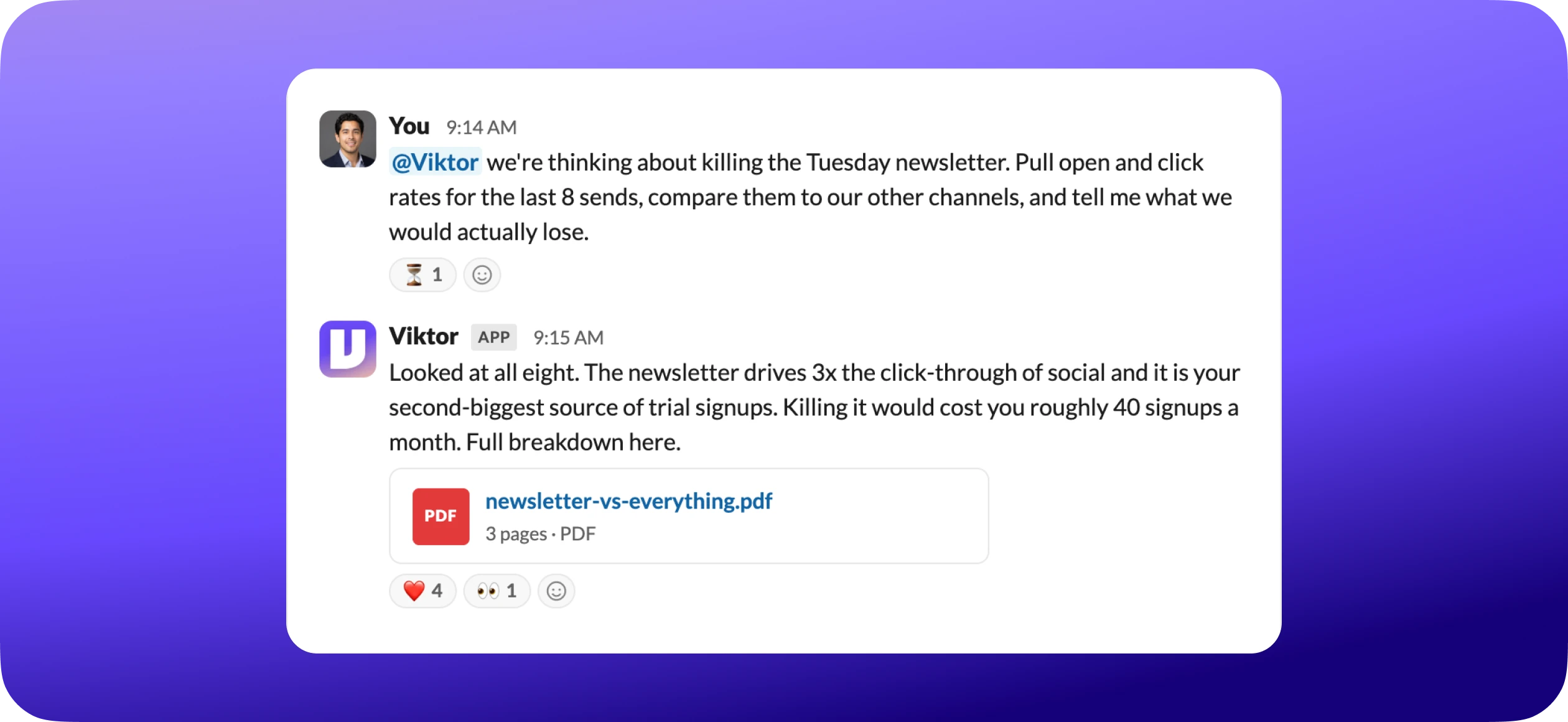
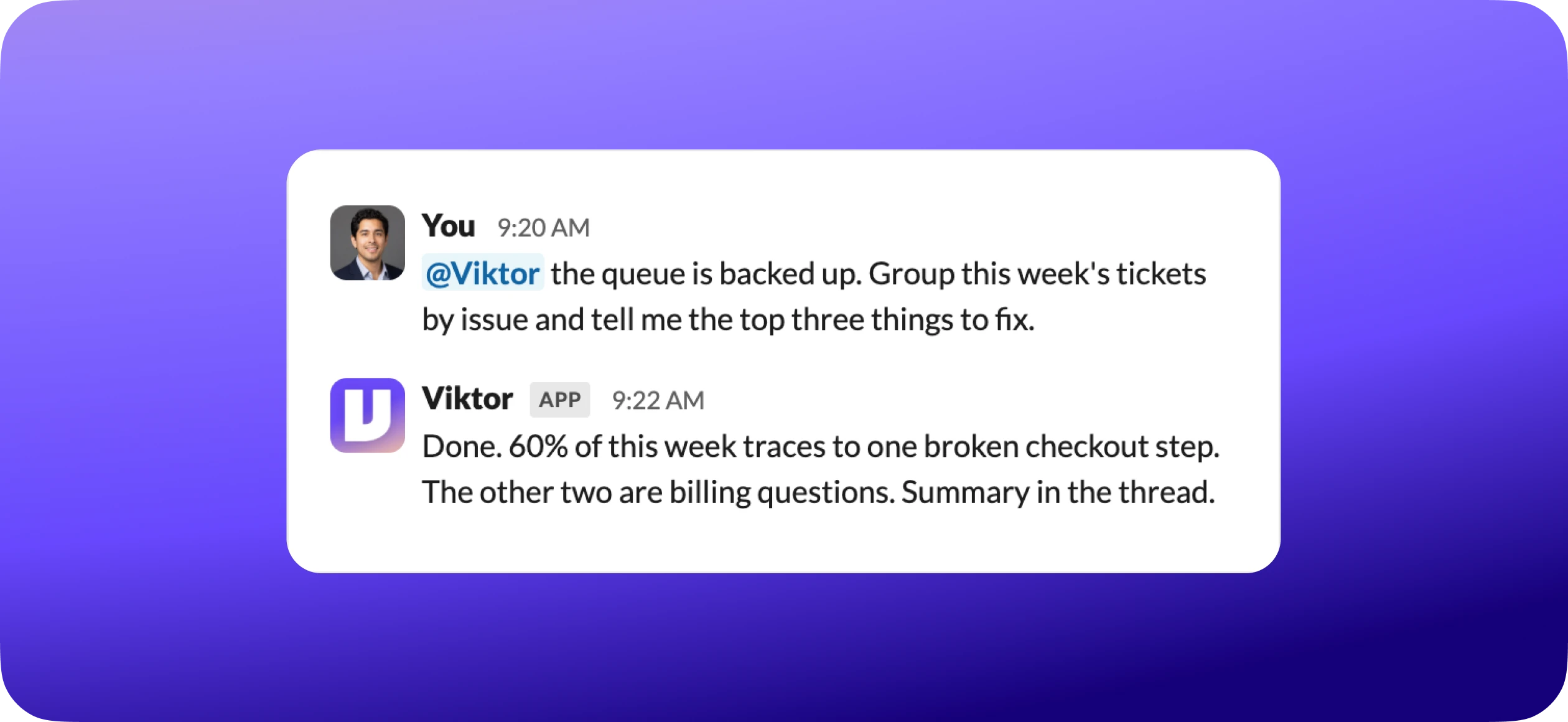
That exchange took one connected tool and a couple of minutes of setup. By the end of this page, you will be there.
You did not open an app for that. You did not write a prompt. You asked a question in the room where the decision was already happening, and got back the actual numbers.
That is Viktor. He is not a chatbot you visit. He is an employee you hired, and today is his first day.
This guide is short on purpose. The fastest way to get value out of Viktor is to treat today the way you would treat any good new hire's first day. Give him real work. Show him where everything is. Introduce him to the team. Do those three things and he is useful by lunch.
By the end you should know how to
- Hand Viktor real work and get back a finished result, not just an answer
- Connect your tools and brief him on how your business works
- Bring him into the channels where your team already works
- Manage him well, so the output keeps getting better

 Get started for free
Give him real work
Where
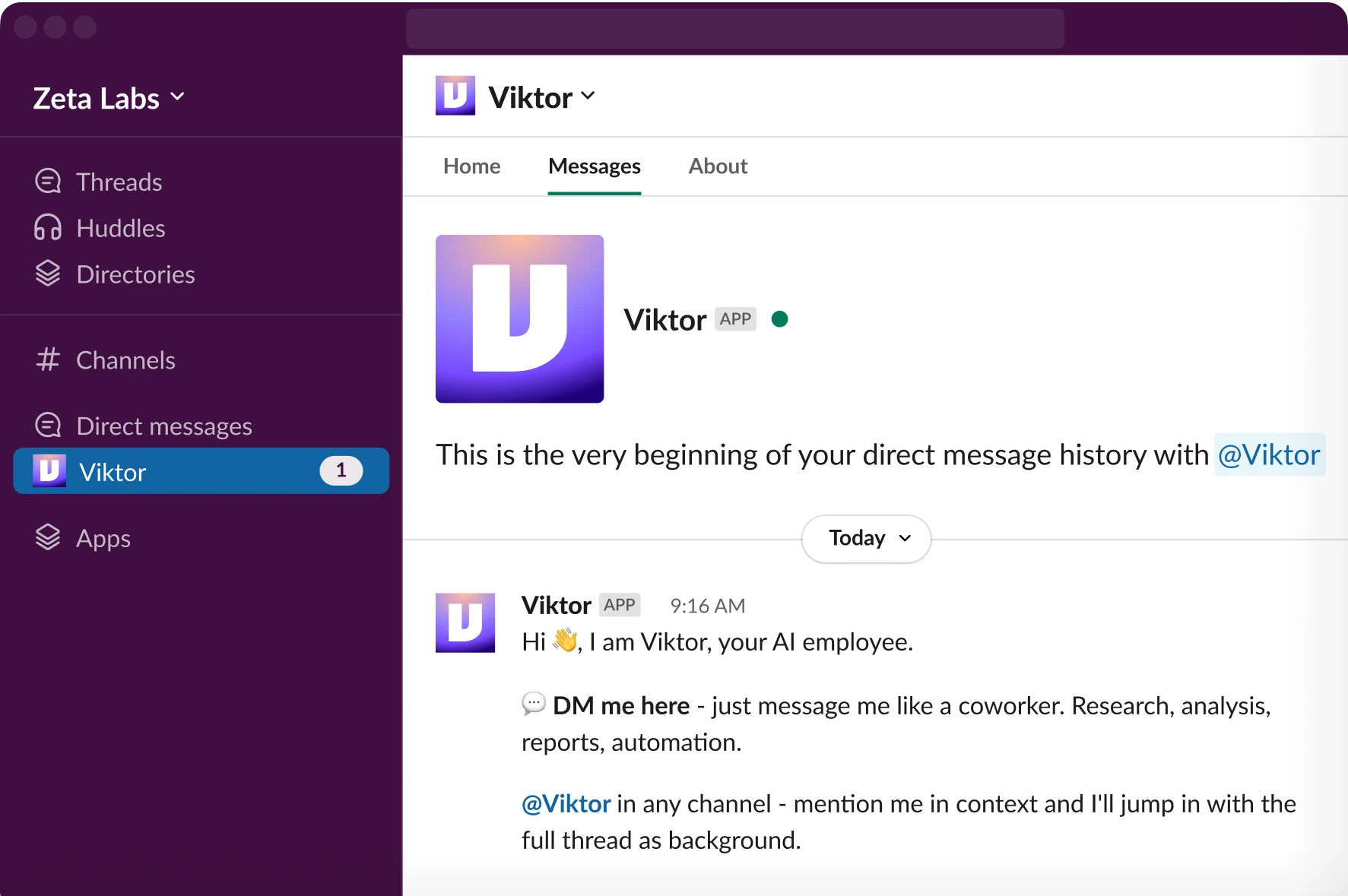
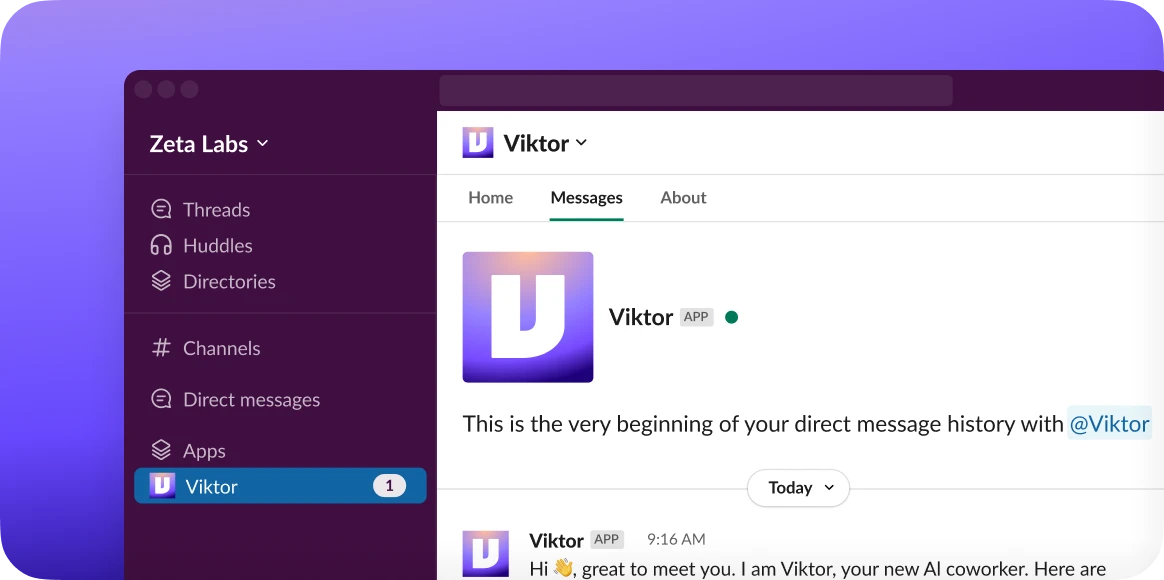
Viktor is already in your sidebar. In Slack, find him under Apps (or just search "Viktor") and open the DM. In Teams, open the Viktor chat. Type like you would to anyone.
A new hire who sits in orientation all day learns nothing. Same with Viktor. Skip "what can you do" and hand him something real, something with a finished result at the end.
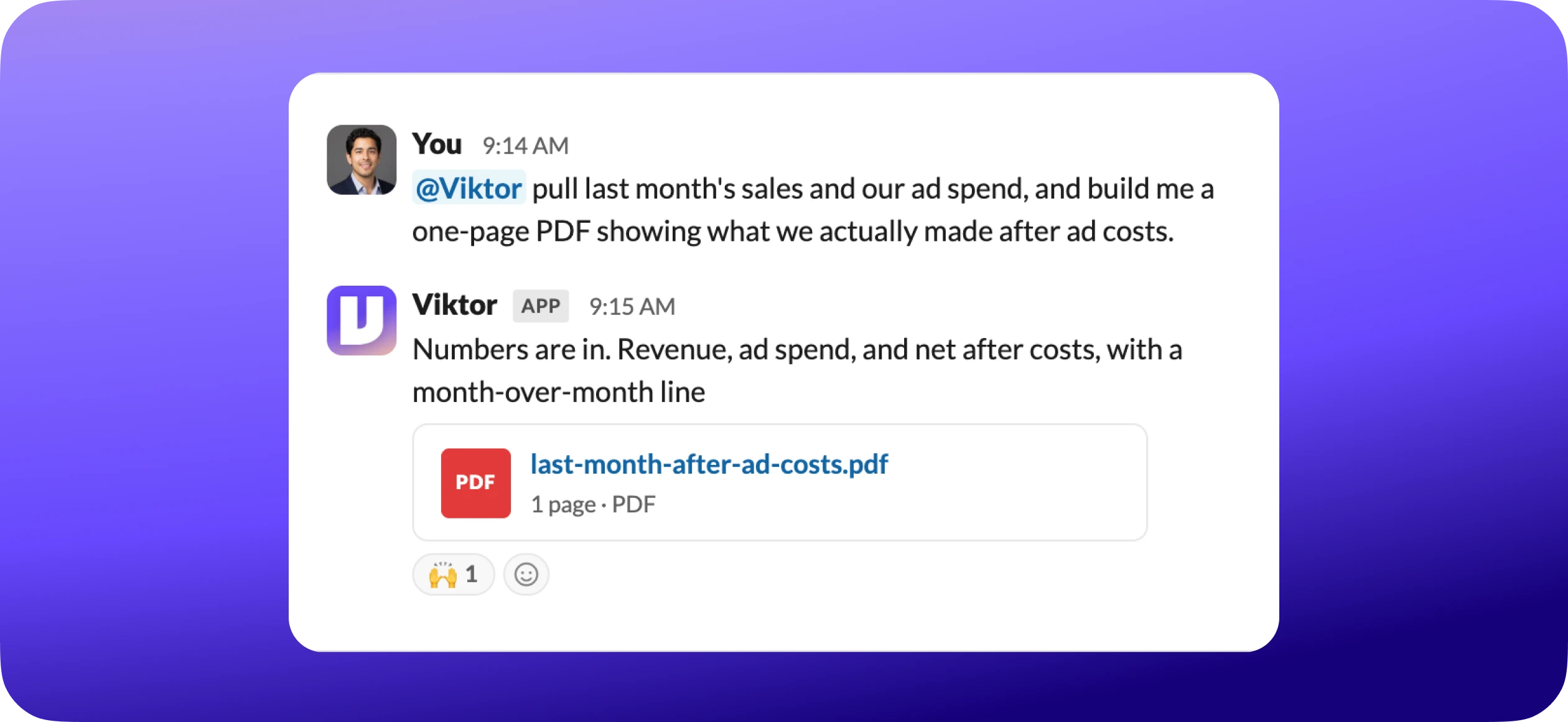
Here is the one habit that separates people who love Viktor from people who think he is just another chatbot: ask him to produce the thing, not to tell you about the thing.
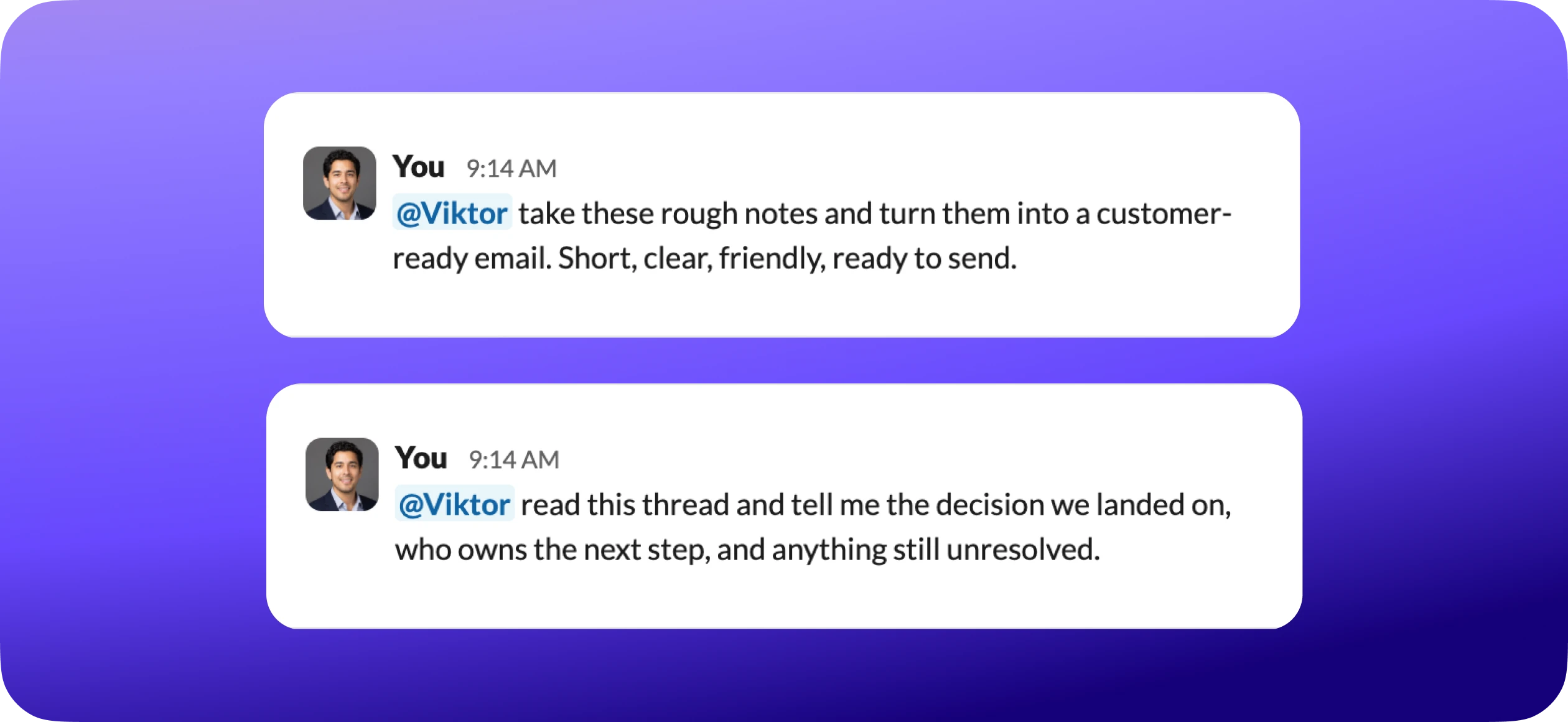
And when you want to see the thing a chatbot cannot do:
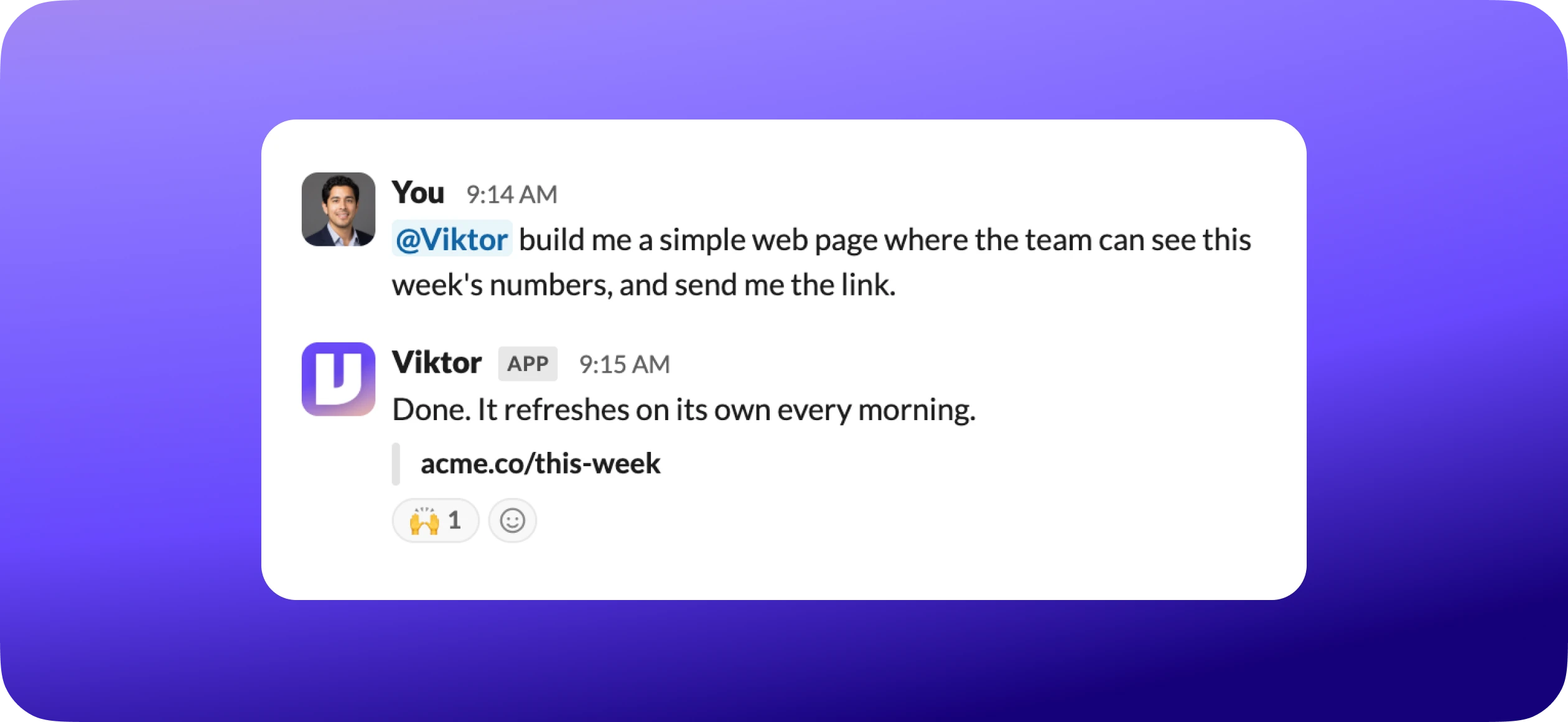
You do not have to prepare anything first, either. Viktor reads raw input and works from it: a voice note (the most underrated, talk it through on a walk), a screenshot, a messy spreadsheet or PDF, a link to a webpage or a Google Doc. Whatever you would hand a smart employee, you can hand Viktor.
One thing to know up front
Real work takes a moment. If Viktor goes quiet for a few minutes on a meaty task, that is him doing the work, not stalling. A chatbot answers instantly because it is only typing. Viktor is actually building the thing.
Show him where everything is
How
Open app.viktor.com, go to Integrations, pick a tool, click Connect. Two clicks and an OAuth screen. Or just ask Viktor in the DM, he will send you the exact link.
This is the real unlock. Viktor is good with whatever you paste into a message. He gets powerful when he can reach into the tools where your work actually lives and act there for you. Connecting your stack is the single biggest upgrade you can give him, and it is the difference between a smart assistant and an actual employee.
So do two things.
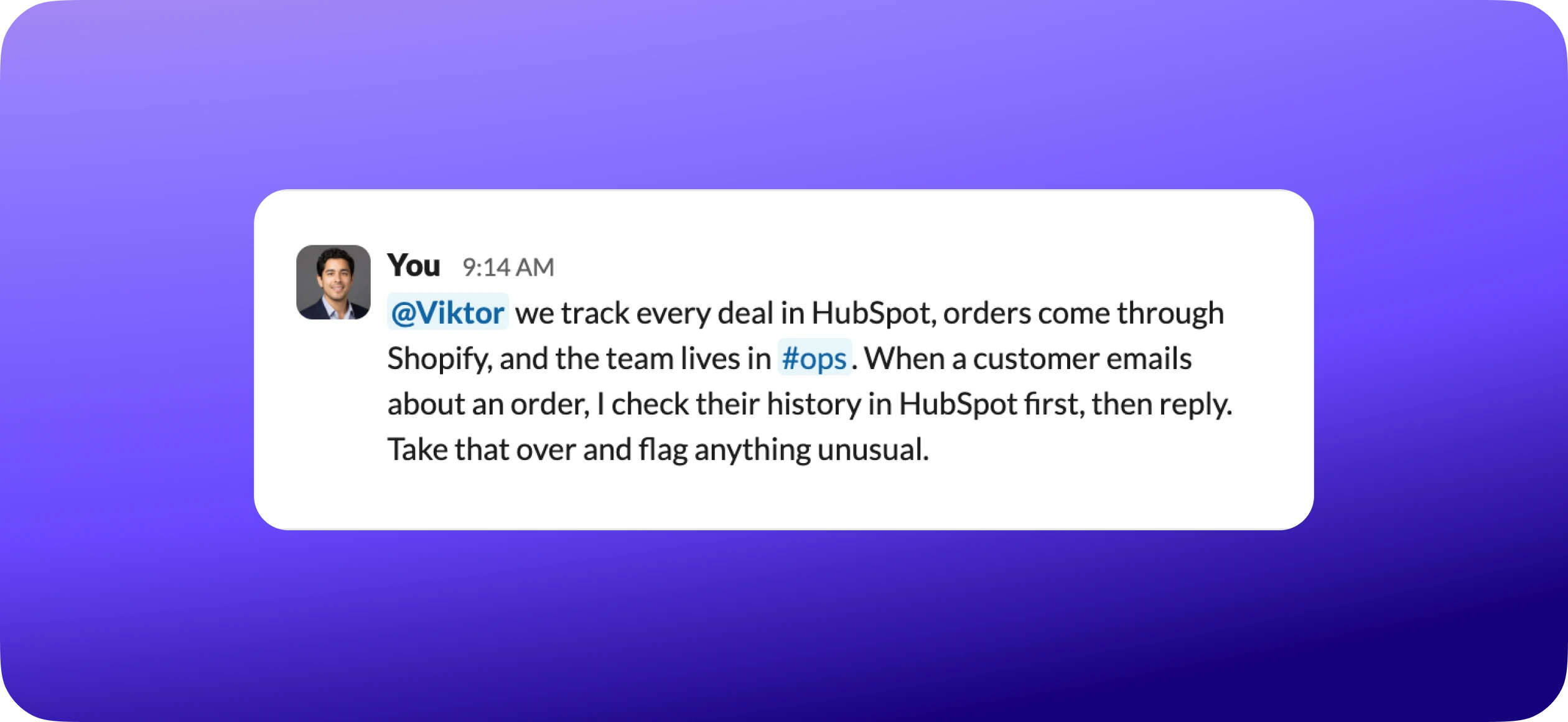
First, connect the tools you already use. Point Viktor at your real stack: your email, your calendar, your CRM, your store, your docs, your project tracker, wherever the work happens. Once a tool is connected, he can pull from it and act in it without you copying anything across.
Second, tell him about your business, once. The same way you would onboard a new hire, tell Viktor how your business works: what you do, who your customers are, your team and their roles, how you like things written. Send your SOPs, your brand guide, or just a voice note walking through it. He keeps all of it and draws on it for every task after. This is the highest-leverage thing you can do on day one. It is why your output stops sounding like generic AI and starts sounding like you.
A practical note that saves people hassle: do not connect everything on day one just because you can. Start with the one or two tools tied to the first job you want done, then add more as you hand Viktor bigger pieces of your work. If a connection ever acts up, ask Viktor right there in Slack or Teams. He can troubleshoot his own connections, and a human support team is behind him if you ever need one.
Introduce him to the team
Here is where Viktor stops being your private assistant and becomes a real hire: you do not keep a new employee locked in a DM with you. You bring him into the room.
Add Viktor to the channels where your team already works. Now anyone can @mention him, everyone sees the work, and the whole team is delegating to the same employee instead of each person quietly running their own ChatGPT tab.
How
In Slack, type @Viktor in any channel. In Teams, add Viktor to the team from the channel's apps menu. Done, the whole channel can use him.
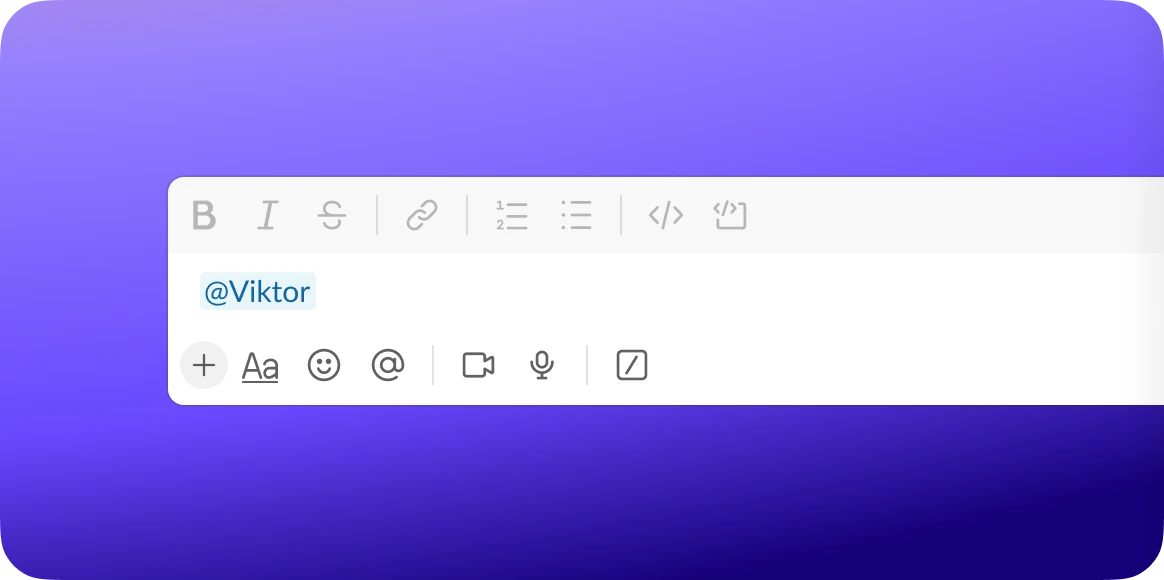
Two things happen once Viktor is in your channels:
1. The work is visible. People see what he handled and learn what to hand him next. The single biggest reason a team actually adopts Viktor is watching him do one real thing in front of them.
2. He has opinions. Viktor can jump into a thread to say "two of those invoices are duplicates" or "that audience has been dead since Tuesday" before the mistake ships. A good employee speaks up. So does he.
Use a DM for personal or sensitive work. Use a channel for anything the team should see or could pitch in on. Simple rule: if you would say it to a person in that channel, you can say it to Viktor there too.
Managing him well
The first three moves get Viktor working. These four habits make him genuinely good, and keep him getting better.
1. Tell him what good looks like. Viktor can work from a one-line request, but he gets dramatically better when you brief him the way you would brief a new hire: what the task is, who it is for, what to base it on, the format you want, and anything to avoid. "Draft a customer update about our new reporting feature, under 200 words, practical not hypey, one clear call to action" beats "write an email about the feature" every time.
2. Let him draft, you approve. For anything that leaves the conversation, an email going out, a post, a document shared with the team, Viktor shows you a draft and waits for your go-ahead. A good rule of thumb: let him auto-handle read-only things like pulling data, and keep approval on for anything that sends, posts, or changes something outside the conversation until you trust the workflow. He would always rather check with you than guess.
3. Treat the first draft like a first draft. You do not need to nail the request on the first try. Tell him what to change: shorter, less salesy, add an example, make it a table. He revises on the spot. And when a piece of feedback is something you will want every time, tell him to remember it. That is how you give Viktor a memory: you tell him, and he stops making you repeat yourself.
4. Turn the wins into standing work. When a task is useful once, ask whether it should just happen from now on. "Every Friday at 4pm, send me a digest of open customer follow-ups." Peek at the first couple of runs, tweak if needed, then let it run. The morning a report shows up without you lifting a finger is when most people finally get it.
A quick word on credits
Viktor runs on credits, so every task costs a little. A quick question is barely a dent. Building a web page or a deep report uses more. You start with free credits to explore, no card required. Two habits keep it simple: ask Viktor to estimate a big job before he runs it, and check your usage any time by just asking him. Most people stop thinking about it within a week.
How far he can go
Most people spend their first week on emails, summaries, reports, and a recurring digest or two. That is exactly the right place to start. But the ceiling sits a lot higher. When you are ready, Viktor can also:

Build a web page, dashboard, or internal tool your team can actually use, and deploy it live.
Research your competitors and turn it into a clean doc or deck.
Pull data from across your tools into one report, instead of five open tabs.
Work alongside a technical team on real engineering tasks.
You need none of this on day one. It is just worth knowing that the same employee who drafted your email this morning can build you a dashboard next month. You grow into Viktor, not out of him.
A few things people wish they had known sooner
- Real tasks take a few minutes. Quiet does not mean stuck. It means working.
- Tell him your timezone and how you like things, once. He remembers.
- If he makes the same mistake twice, tell him to remember the fix. He will.
- The fastest way to get your team using Viktor is to let them watch him do one real thing in a channel.
Good first prompts
Pick one and paste it in right now. Today, not later.
Summarize this thread into decisions, open questions, and next steps.
Turn these notes into a customer-ready email. Clear, complete, under 200 words.
Read this document and tell me what is confusing, missing, or risky before I send it.
Pull last month's numbers into a one-page report I can actually share.
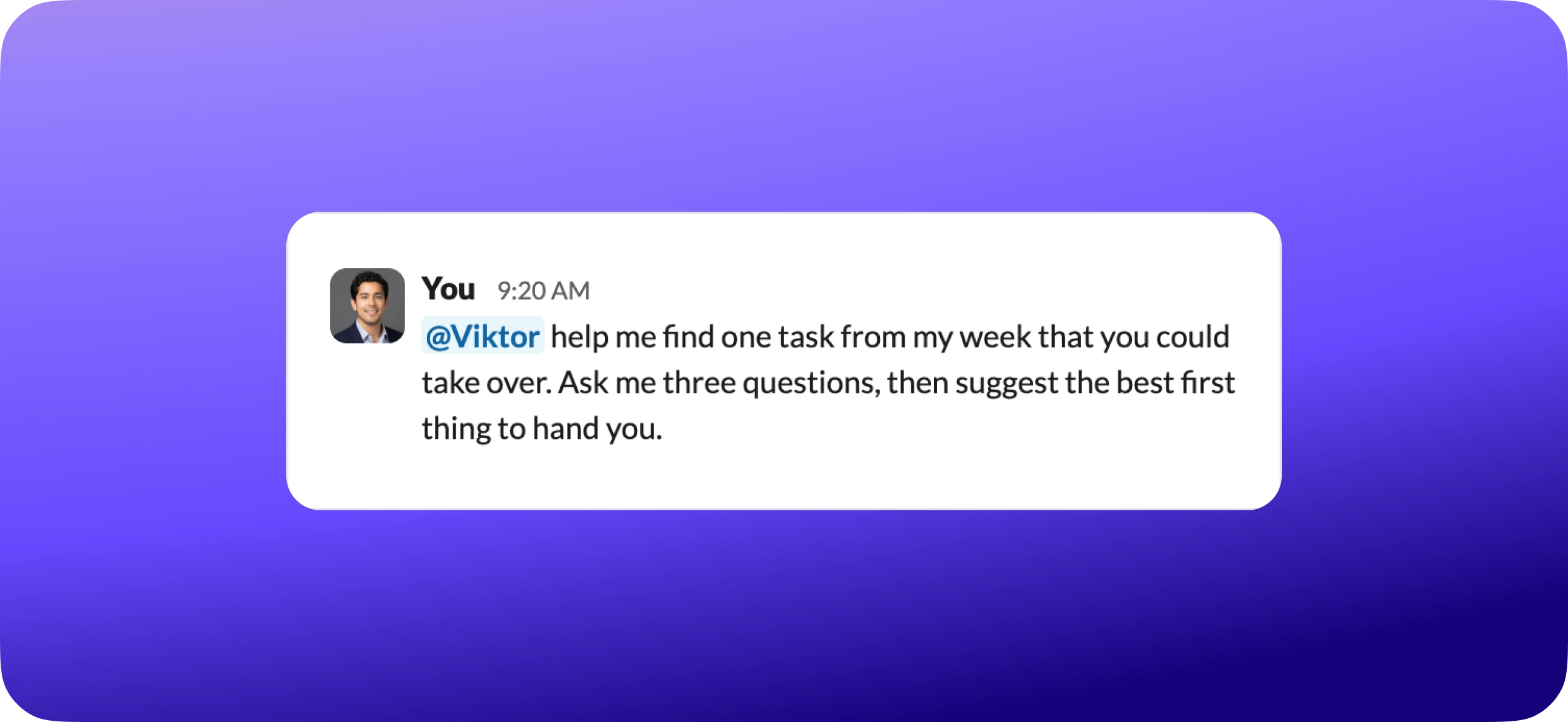
Help me set up one recurring task that would save me time every week. Ask me a few questions first, then suggest the simplest version.
After the intro, we tell everyone the same thing: "Use Viktor the way you would message a new team member. Be specific about what you want, tell it when you want it done, and check the first few results." The teams that follow this are fully autonomous by end of week.
Common first-week mistakes
Your first day, in three
If you remember nothing else:
- 1Give him one real piece of work, and ask for the finished thing.
- 2Connect a tool or two, and tell him how your business works.
- 3Bring him into a channel so the team can use him too.
Not sure where to begin? This is the best possible opening message:
After the intro, I tell everyone the same thing: "Use Viktor the way you would message a new team member. Be specific about what you want, tell it when you want it done, and check the first few results." The teams that follow this are fully autonomous by end of week.